

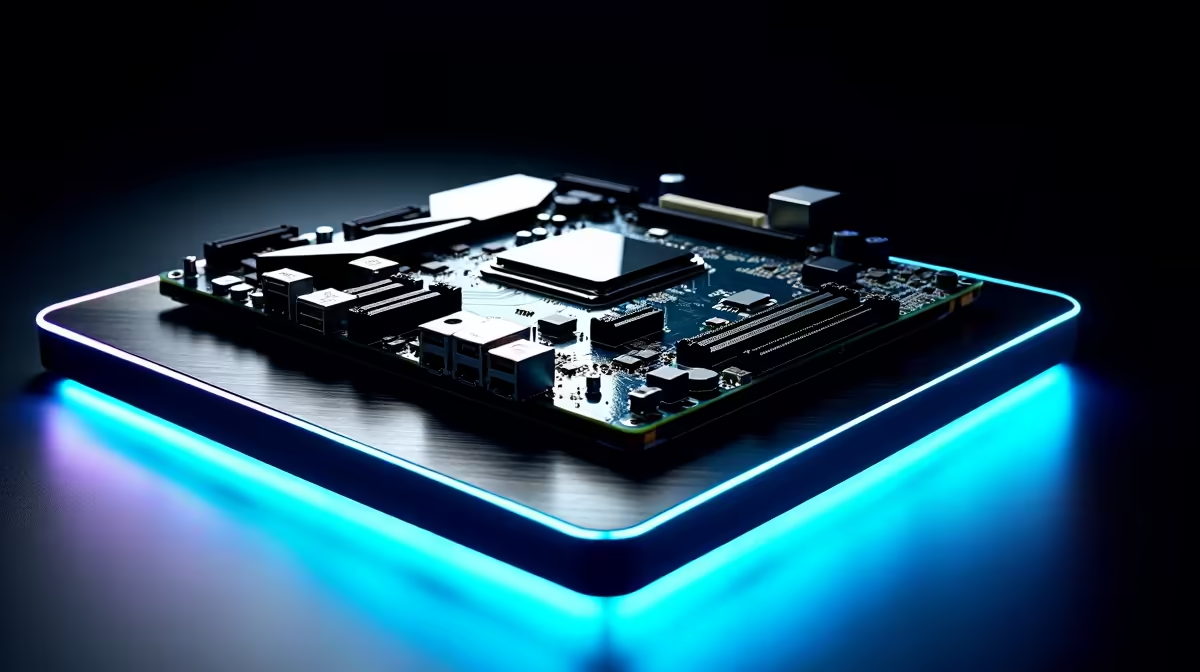
South African creators know the struggle. You just finished a massive 4K video render, but uploading it to an overseas client takes hours. With local fibre speeds finally catching up, your bottleneck might actually be your PC. Choosing a creator motherboard for South African fibre speeds, NAS setups and remote collaboration is crucial. Let us explore how the right foundation transforms your entire creative workflow.
Building the Ultimate Creator Foundation 🔧
When you work with massive raw files, standard networking just will not cut it. You need a board that handles sustained heavy workloads without thermal throttling. Whether you are editing multi-cam footage or compiling complex code, investing in high-performance motherboards ensures your components communicate without delay. A premium board provides better VRM cooling... which is essential during those marathon rendering sessions.
Team Blue or Team Red for Your Studio?
Your CPU choice dictates your entire platform. Intel processors often excel in Adobe Premiere thanks to their Quick Sync technology. If that matches your daily workflow, exploring ASUS Intel motherboards gives you access to Thunderbolt 4 support. This allows for blazing-fast transfers to external drives.
However, AMD Ryzen chips offer incredible multi-core performance... perfect for intensive 3D rendering in Blender. Pairing a top-tier Ryzen CPU with robust ASUS AMD boards provides the vital PCIe Gen 5 lanes you need for next-generation NVMe storage. Faster storage means faster project loading times.
Mastering NAS Setups and Remote Collaboration 🚀
Working remotely means your local network must be absolutely flawless. Providers like Vumatel and Openserve now offer lightning-fast gigabit lines across South Africa. To truly maximise this, your motherboard needs a dedicated 2.5GbE or 10GbE LAN port.
This high-speed connection makes syncing files to your Network Attached Storage feel instant. It also ensures smooth, lag-free remote collaboration with clients in Johannesburg, Cape Town, or London.
Not everyone can run cables through their home. If you rely on wireless connectivity, look for a motherboard featuring WiFi 6E. This newer standard uses the 6GHz band to cut through wireless congestion. It delivers stable, high-bandwidth connections... essential for uploading large assets to cloud storage or joining crucial video calls without dropping out.
If you prefer a pre-built solution rather than building from scratch, check out our custom creator and gaming PC deals to find a rig already optimised for heavy lifting.
Networking Pro Tip ⚡
When setting up your home studio, wire your NAS directly to your router using a high-quality Cat6 cable. Then connect your PC to the router via the motherboard's 2.5GbE port. This guarantees maximum transfer speeds and zero wireless packet loss when moving massive video files.
Fuelling Your Workflow with Enough RAM ✨
A premium motherboard is completely useless without enough memory to back it up. Video editing, 3D animation, and heavy multitasking eat RAM for breakfast. You want a motherboard with four reinforced DIMM slots to support massive future upgrades.
Populating those slots with high-capacity memory kits ensures your timeline stays buttery smooth... even with multiple heavy browser tabs open. A few extra ZAR spent on a premium motherboard today saves you hours of frustrating rendering and upload times tomorrow.
Ready to Build Your Dream Studio? The right hardware transforms a sluggish workflow into a creative powerhouse. Explore our massive range of motherboard specials and find the perfect foundation to conquer your next big project.











