

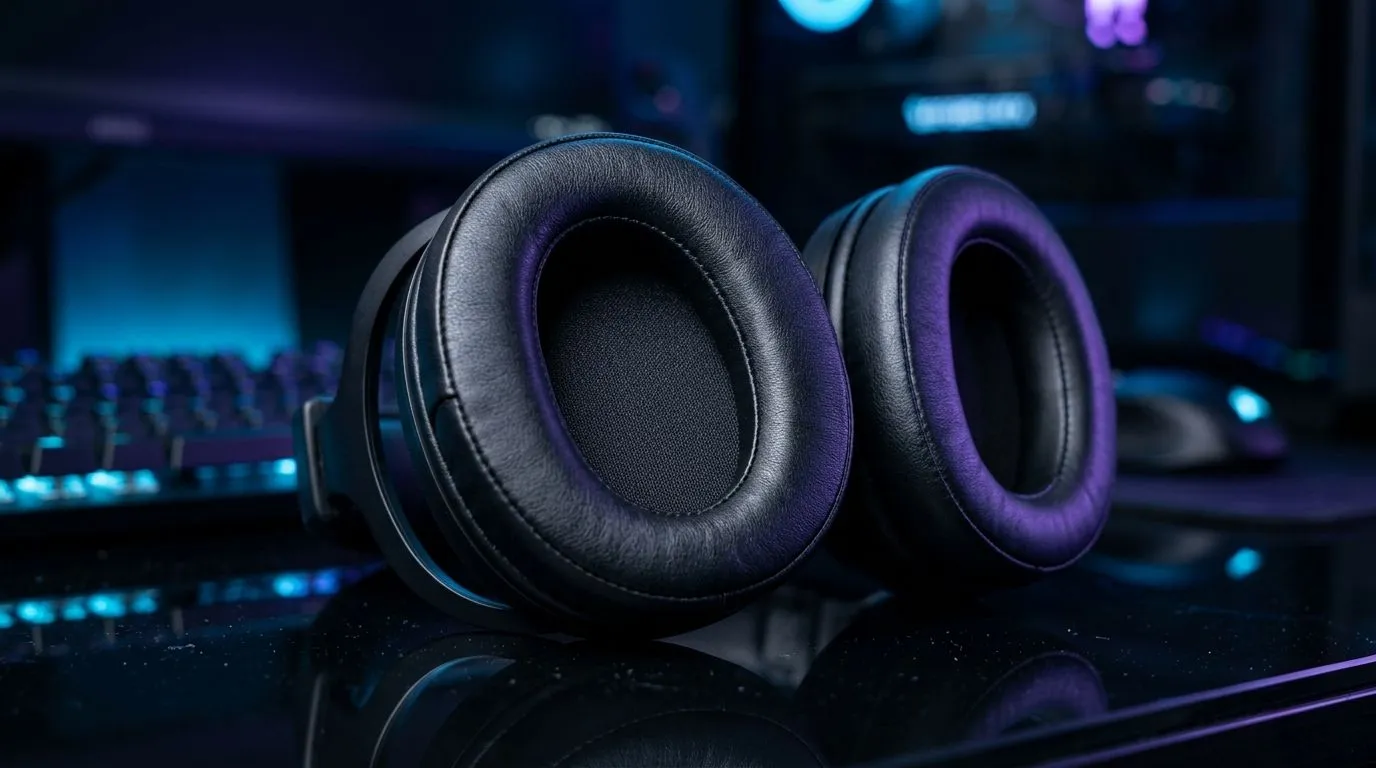
How to Clean Ear Cushions for a Gaming Headset (Without Ruining the Comfort)
If your headset feels “less plush” than it used to, it’s often not the drivers… it’s the ear cushions. In South Africa, long sessions mean sweat, skin oils, dust, and game-night snacks all find their way into the pads. 🔧 The good news? Learning how to clean ear cushions for a gaming headset is simple, safe, and usually takes less than 20 minutes. Do it right and you’ll bring back comfort, reduce odours, and keep your audio experience crisp.
Why ear cushion hygiene matters for gamers
Ear cushions sit between your skin and the headset housing for hours. Over time, oils and moisture can:
- Leave a sticky residue that pulls in more dust
- Create a musty smell
- Reduce comfort, which makes you adjust your headset constantly mid-match
- Wear pads faster, especially on thicker leatherette or fabric covers ✨
You don’t need harsh chemicals. In most cases, gentle cleaning extends pad life without damaging the outer material.
Step-by-step: How to clean ear cushions for a gaming headset
First, check if your cushions detach. If they do, cleaning gets easier. If they don’t, we’ll still do this safely.
What you’ll need
- Microfibre cloths
- Mild soap (dish soap or a gentle hand soap)
- Distilled or clean water
- Cotton buds (for seams)
- A dry towel and a fan or cool airflow
Avoid bleach, alcohol, and strong solvents unless the headset’s manual explicitly allows it.
The cleaning process (detachable or not)
- Power off and unplug the headset.
- Remove loose dust with a dry microfibre cloth.
- Lightly dampen a cloth with soapy water (not dripping).
- Wipe the cushions using small circles. Don’t soak the inside.
- Work edges and seams with cotton buds.
- Rinse carefully using a second cloth lightly dampened with clean water (only where needed).
- Dry completely. Leave to air-dry with airflow until fully dry.
Care Tip for Faster Drying ✨
“After cleaning, place the cushions in a shaded, well-ventilated area and point a fan at them for 30–60 minutes. Never use a hair dryer or heater. Heat can warp foam and crack leatherette over time.”
Deep-cleaning different cushion materials (quick guide)
Different materials need different touch:
Leatherette / faux leather
- Wipe with a barely damp cloth first.
- Don’t let water pool at the edges.
- Finish with a dry microfibre cloth.
Fabric cushions
- They can usually handle slightly more moisture than leatherette, but still avoid soaking.
- Use a gentle soap mix and wipe thoroughly.
- If your pads are removable, drying time matters more.
Foam and inner layers
If your headset design allows access, keep moisture away from electronics and internal driver areas. If in doubt, stick to the outer surfaces only.
What to buy when cushions are beyond saving (and where to start)
If your pads are cracked, flattened, or permanently smelly, replacement is the cleanest fix. When you’re choosing a headset or replacement parts, consider comfort and pad material in the first place. If you’re browsing Evetech for your next upgrade, you might like:
- The Razer Barracuda X Chroma Wireless Headset (Phantom White) for comfort-focused wireless sessions: Razer Barracuda X Chroma Wireless Headset Phantom White
- A wider look at Razer options: Razer Headphones & Headsets range
- More general headset choices: Headphone Headsets
And once you’ve got your setup dialled in, repeat this cleaning routine every 2–4 weeks depending on how often you sweat during ranked.
Ready to Find Your Perfect Match? The Mac vs Windows debate is complex, but for maximum power, choice, and value in South Africa, Windows is hard to beat. Explore our massive range of laptop specials and find the perfect machine to conquer your world.











