

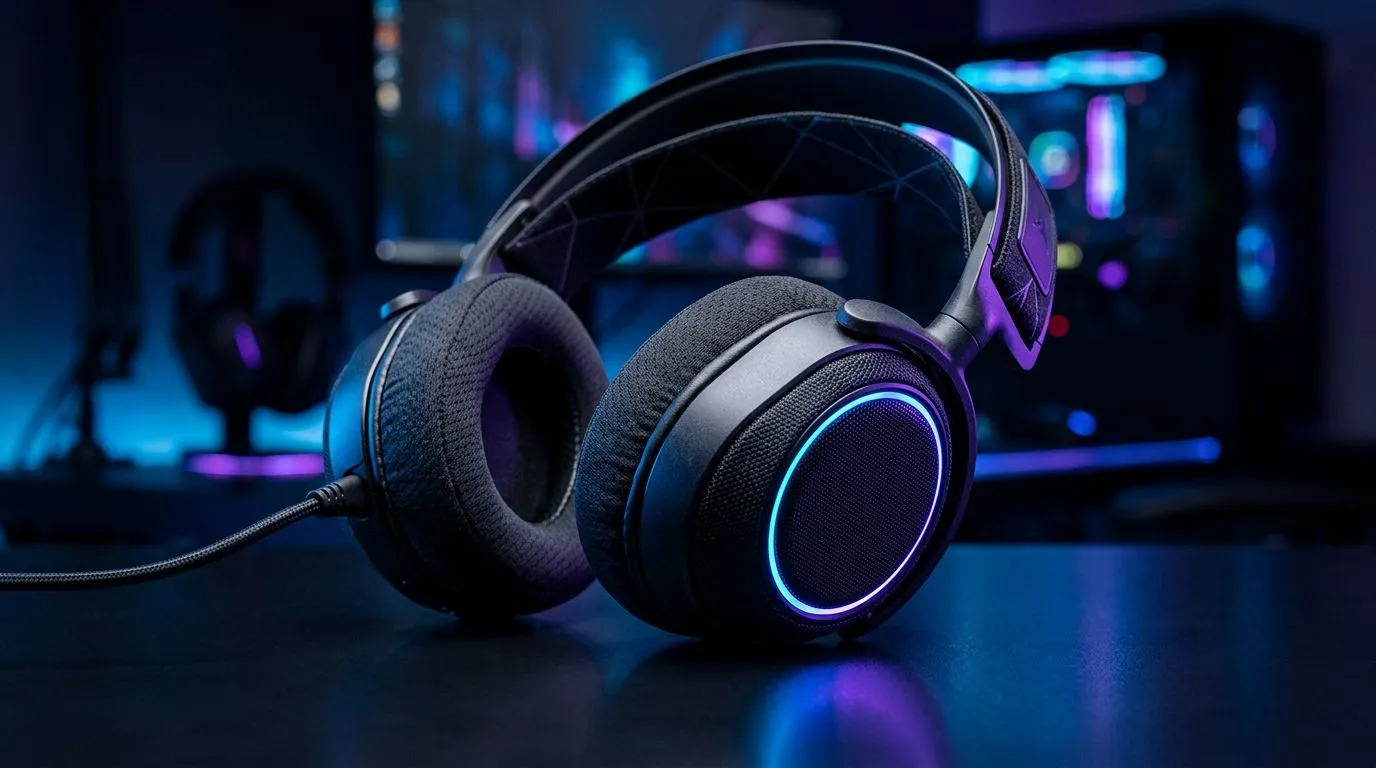
Clean Fabric Gaming Headset Cushions: why clean them first 🔧
If you game hard in Cape Town or Joburg, sweaty sessions and long play nights mean your fabric cushions collect oils, dust, and smell faster than you think. Clean Fabric Gaming Headset Cushions matter for hygiene, sound clarity, and comfort. A quick, careful clean keeps foam resilient and fabric breathable without risking drivers or electronics—so you keep the feel and fit you paid for.
Discover a popular model like the Razer Barracuda X Chroma if you’re thinking about replacements or modular pads—Evetech lists the headset and its features here for reference and specs. https://www.evetech.co.za/razer-barracuda-x-chroma-wireless-headset-phantom-white/best-deal/24367
Clean Fabric Gaming Headset Cushions: safe cleaning methods ✨
Start with small tests. Remove removable cushions if possible. Vacuum with a brush attachment on low power to lift dust. For surface stains, dampen a lint-free cloth in mild soap and water, then blot. Never saturate fabric or let liquid touch seams leading to drivers. For deeper cleans, use an enzyme-free upholstery cleaner, applied sparingly.
Small story: I once revived a beloved fabric headset by hand-cleaning two cushions, leaving one for a week to compare. The cleaned side stayed softer and cooler at the ear during long sessions. That felt like getting new cushions without buying replacements.
Cleaning Pro Tip ⚡
Use a soft toothbrush to work detergent into textured fabric, then blot with a damp cloth. Air-dry fully on a towel; avoid direct sun which can fade colour. Replace cushions if the foam feels gummy or the driver seal is compromised.
Clean Fabric Gaming Headset Cushions: when to replace vs repair
If your cushions are torn, smell persists after cleaning, or the foam has collapsed, replacement is the safer choice. Shop compatibility carefully—many gaming headsets have model-specific cushion sizes. For a quick browse of compatible Razer headphones and other options, Evetech’s headphones and headsets category helps you confirm sizes and replacements. https://www.evetech.co.za/PC-Components/razer-headphones-headsets-105
Look at build quality. Some premium headsets swap cushions with magnets or simple clips. If your model supports it, swap only the fabric cover and keep the internal foam when still intact.
Clean Fabric Gaming Headset Cushions: quick maintenance routine
Weekly: wipe down fabric with a microfibre cloth. Monthly: gentle vacuum and spot-clean. Quarterly: deep clean cushions off the headset, then air-dry.
For upgrades or buying replacement pads, compare materials. Memory-foam cushions feel plush but trap heat. Breathable fabric keeps sweat down and comfort up. Browse a wide range of pads and compatible options in Evetech’s headset section for sizing and compatibility checks. https://www.evetech.co.za/components/headphone-headsets-100
Final thoughts and practical nudges 🚀
A tidy cleaning habit extends headset life and improves comfort. Start with gentle methods, test, and replace when foam integrity or sound isolation drops. Keep an eye on model compatibility when buying pads. Need a quick replacement or want to explore new, fabric-friendly headsets? Check model pages for fit notes and Evetech listings above.
Ready to Find Your Perfect Match? The Mac vs Windows debate is complex, but for maximum power, choice, and value in South Africa, Windows is hard to beat. Explore our massive range of laptop specials and find the perfect machine to conquer your world.











