

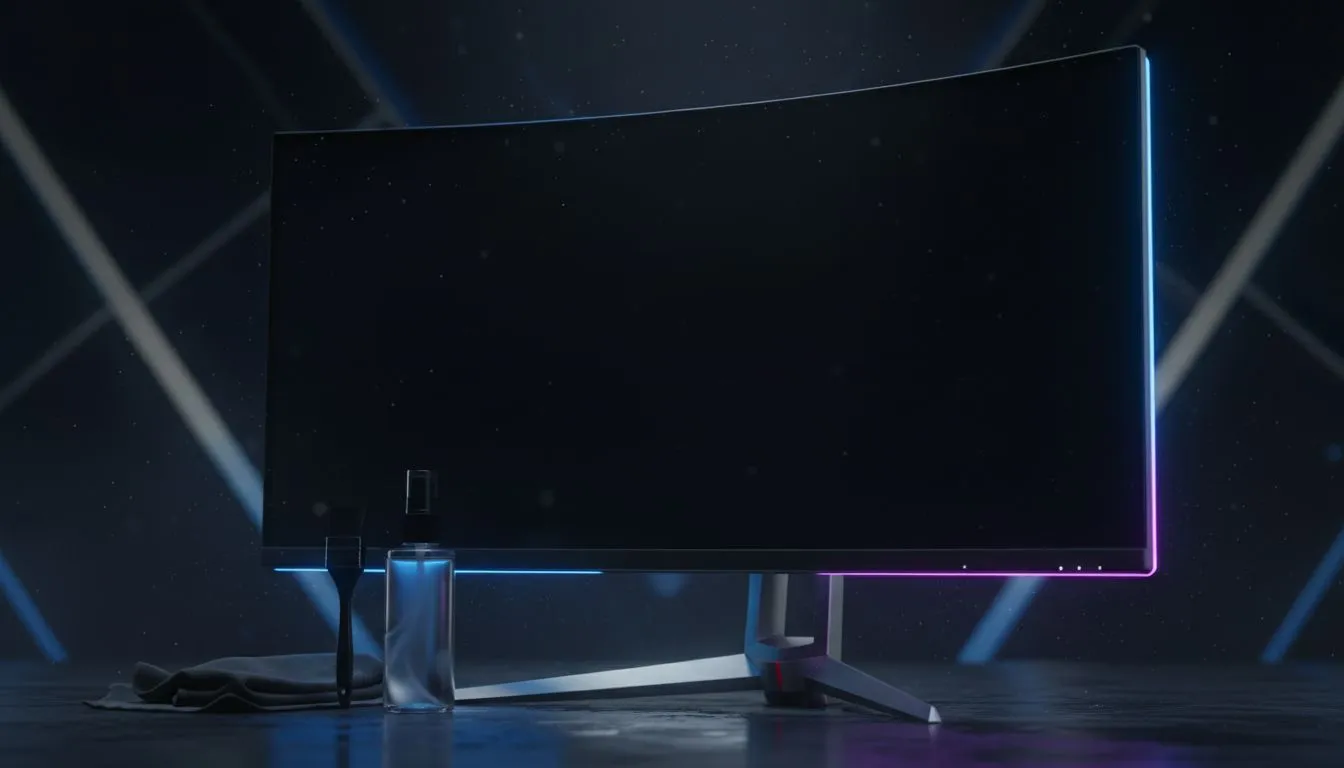
That golden hour light hits your room, and suddenly you see it… a universe of dust on your screen. For South African gamers, especially on the Highveld, keeping a clean gaming monitor feels like a full-time job. A dusty or smudged screen isn’t just an eyesore; it’s a competitive handicap. It can obscure an enemy in the shadows or dull the vibrant worlds you love to explore. This guide will show you how to clean your monitor safely.
Why a Clean Gaming Monitor Is Your Secret Weapon
Think of your monitor as your window into the game world. Smudges, dust, and fingerprints are like grime on that window, distorting your view and hiding crucial details. In a fast-paced shooter, that blurry spot in your peripheral vision could be a rival player, not just a bit of last night's pizza. ✨
Proper monitor cleaning ensures you experience perfect colour accuracy, deep blacks, and the sharp details developers worked so hard to create. It also helps protect the delicate anti-glare and oleophobic coatings on the screen, extending the life of your investment and keeping your gameplay experience pristine.
The Ultimate Guide to Safely Cleaning Your Gaming Monitor
Forget the Windex and paper towels from the kitchen—using them is the fastest way to permanently damage your screen. Here’s the correct way to get that crystal-clear finish without causing scratches or stripping coatings.
Gather Your Toolkit (And What to Avoid)
All you really need are two high-quality microfibre cloths and a small amount of distilled water (it’s free of minerals that can leave residue). For seriously stubborn smudges, a cleaning solution designed specifically for LCD/OLED screens is the only safe option.
Crucially, AVOID:
- Household glass cleaners (like Windex)
- Anything containing alcohol, ammonia, or acetone
- Paper towels, tissues, or rough cloths
- Applying liquid directly to the screen
You can find purpose-built kits alongside other quality monitor accessories that take the guesswork out of the process.
The Step-by-Step Method 🔧
- Power Down Completely: Unplug your monitor from the wall. A black screen makes it much easier to spot dust and streaks.
- Dry Wipe First: Take your first dry microfibre cloth and gently wipe the screen in one direction (e.g., top to bottom) to remove any loose dust.
- Dampen, Don't Drench: Lightly spray a little distilled water onto your second cloth. It should feel slightly damp, never wet.
- Wipe with Gentle Pressure: Using wide, even strokes, wipe the screen. Don’t press hard or try to scrub a single spot. Let the damp cloth do the work.
- Final Polish: Use a dry section of the cloth to gently buff away any remaining moisture or streaks for a perfect finish.
Don't Forget the Frame! 🧼
Dust loves to hide in monitor vents, on the stand, and around the bezel. Use a soft brush or short, controlled bursts from a can of compressed air to clear these areas out. A clean frame prevents that dust from immediately migrating back onto your freshly cleaned screen.
Proactive Maintenance for Dusty SA Homes
The best way to keep your monitor clean is to fight the dust at its source. In many parts of South Africa, this is a constant battle, but a few habits can make a huge difference.
- Control Your Air: An air purifier in your room can trap a surprising amount of dust.
- Strategic Cleaning: Regularly dust your desk, PC case, and peripherals to reduce the amount of dust that can be kicked up onto your screen.
- Location Matters: Avoid placing your setup directly under a ceiling fan or in the path of an open window on a windy day.
This proactive approach is vital for all screens, from the most affordable options in our range of PC monitors to the most immersive curved gaming monitors, where every pixel counts.
When Cleaning Isn't Enough: Time for an Upgrade?
Sometimes, no amount of careful cleaning can fix the problem. If you’re dealing with permanent scratches from a previous cleaning attempt, dead pixels that won't go away, or a screen coating that has worn away, it might be time for an upgrade.
The visual leap from an older panel to one of today's crystal-clear high-resolution 4K and 5K screens is genuinely astounding. Even a modern portable monitor for your on-the-go setup can offer a significant boost in colour and clarity. If your screen looks dull even after a perfect clean, browsing through all our gaming monitors is the best next step. You'll be amazed at the performance and value found in the best PC monitor deals available right now. 🚀
Ready for a Crystal-Clear Upgrade? A clean screen is essential, but nothing beats the immersive clarity of a brand-new display. From lightning-fast refresh rates to stunning 4K detail, a monitor upgrade is one of the best investments for your setup. Explore our massive range of PC monitor deals and find the perfect panel to conquer your world.











