

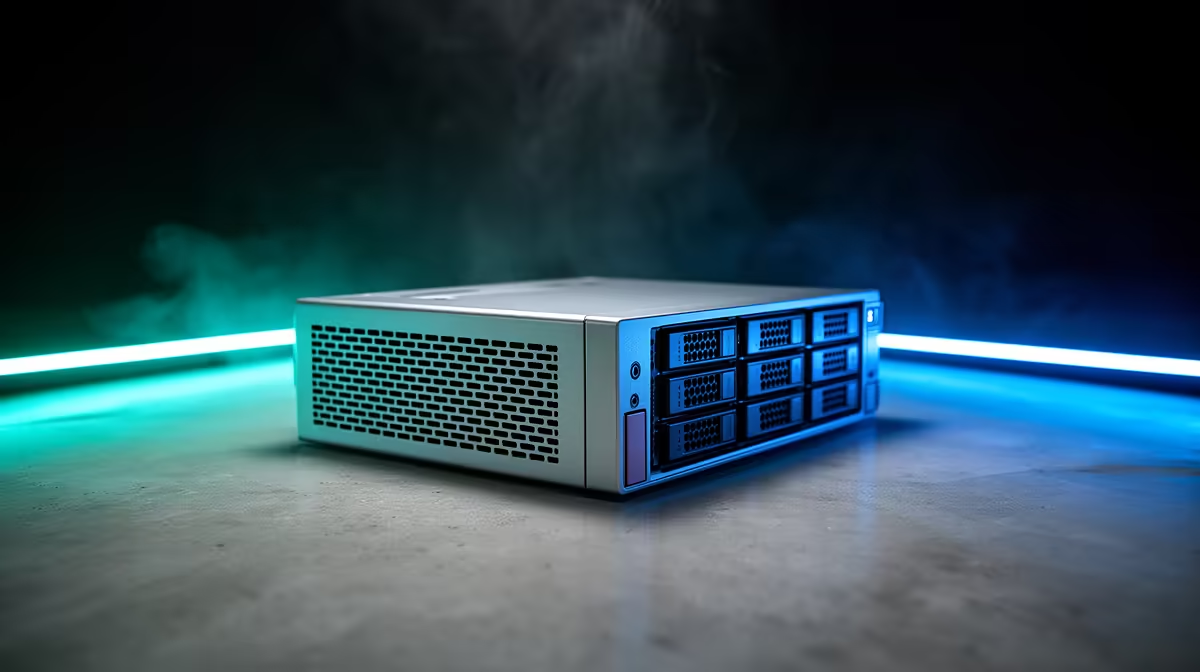
Running out of space for your files and games? Tired of that bulky old desktop humming away and racking up your electricity bill… especially with load shedding? There’s a smarter way. A compact server offers efficient data storage without the massive footprint or power draw. These little powerhouses are perfect for South African homes, giving you total control over your digital life, from media streaming to secure backups. It’s time to think small to win big. 🚀
The Big Power of Small Servers
Let's be honest, space is a premium. Whether you're in a flat in Jozi or a townhouse in Cape Town, a massive tower isn't always practical. This is where the beauty of a compact server shines. They are purpose-built for efficiency, delivering performance in a chassis that can fit in the palm of your hand.
But it's not just about size. These machines are engineered for low power consumption, a massive plus for any South African conscious of their electricity costs. Instead of a 500W beast running 24/7, you get a whisper-quiet solution that sips power, making it the ideal choice for an always-on home media hub, a personal cloud, or a reliable backup system. Exploring the latest Mini PCs reveals just how much performance is packed into these tiny boxes.
Why a Mini PC is Your Secret Weapon for Efficient Data Storage
So, what makes a Mini PC the perfect foundation for your compact server? It comes down to modern, clever engineering.
Inside these small form-factor machines, you'll find processors from Intel and AMD that balance impressive performance with thermal efficiency. This means they can handle tasks like 4K video transcoding for your Plex server or managing multiple file transfers without breaking a sweat or sounding like a jet engine. Paired with fast NVMe SSDs for the operating system and the option for larger 2.5-inch SATA drives for bulk storage, you get a responsive and scalable solution for all your data.
When you look at the key components that make them tick, you see a focus on connectivity and reliability, turning a simple small PC into a robust hub for your digital world.
Pro OS Tip 💡
For a dedicated file server, consider a 'headless' operating system like Ubuntu Server. It uses fewer resources because it doesn't need a graphical user interface, leaving more power for your tasks and saving on electricity.
Your Quick Start Guide to a Compact Home Server 🔧
Ready to build your own hub for efficient data storage? It's easier than you think.
- Choose Your Hardware: Start with a solid base. You don't need a top-of-the-line gaming rig for this. A Mini PC with a modern multi-core CPU, at least 8GB of RAM, and flexible storage options is perfect. There are excellent options from brands like Minisforum that provide a fantastic starting point.
- Install Your Operating System: As mentioned in our tip, a lightweight Linux distribution is a great choice. However, if you're more comfortable with a familiar environment, Windows works perfectly well too. The installation is just like setting up any new PC.
- Configure Your Services: This is where the magic happens. Install software like Plex or Jellyfin to create a personal Netflix-style media library. Set up Samba (on Linux) or File Sharing (on Windows) to create network drives that are accessible from any device in your home. Install backup software to automatically protect your most important files.
Your compact server is now a reality… a quiet, low-power, and incredibly useful addition to your tech setup.
Build Your Efficient Hub Today Stop juggling external drives and cloud subscriptions. Take control with a compact, low-power server that works for you. Explore our range of powerful Mini PCs and build the perfect solution for your home.











