

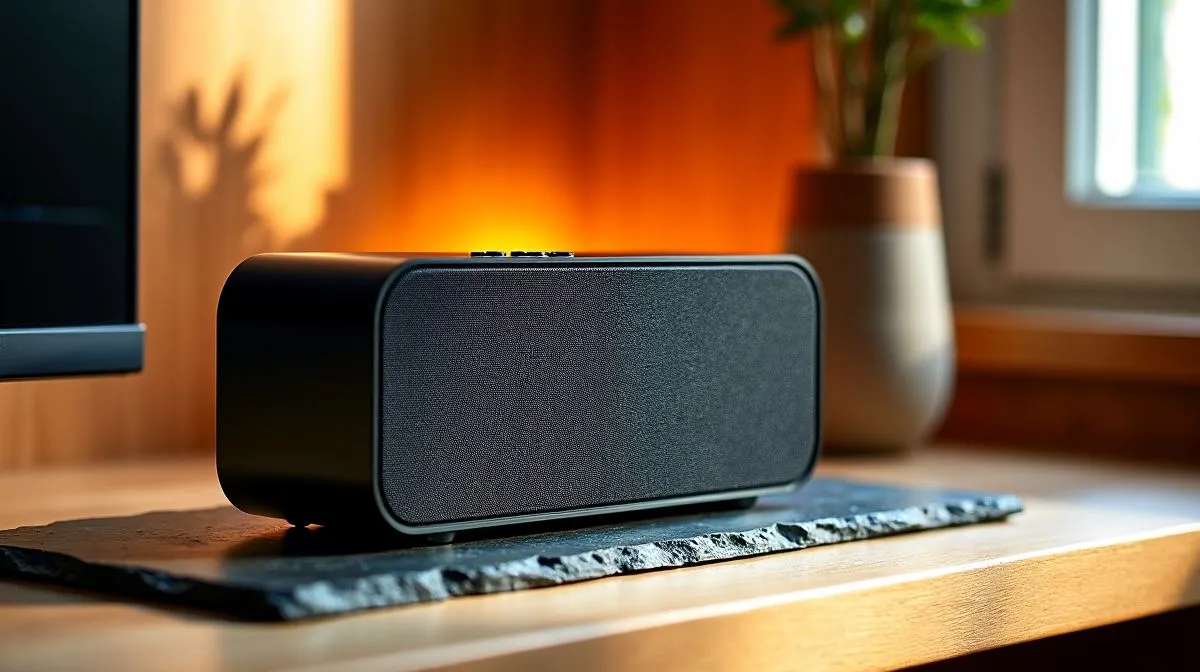
Why front panel controls matter on compact speakers
South African gamers and desktop DJs, listen up: your desk is crowded and your sound should be simple. This Compact Speaker Design Guide: Front Panel Controls Explained gives clear tips on what to expect from front-panel layouts. Want quick volume turns, a mute button for Discord, or easy source switching? Look at Evetech’s compact speakers collection for a fast start 🔧: https://www.evetech.co.za/components/speakers-107.
Compact speaker control types and layout tips
Front-panel controls are not cosmetic. They decide how fast you can react in-game, pause a stream, or mute a friend. Typical controls include volume knobs, source buttons, headphone jacks, and bass boost switches. If you prefer brand-specific features, browse Promate options for small-footprint designs and neat controls: https://www.evetech.co.za/components/speakers-107?brands=Promate.
Common layout advice: place the most-used controls nearest your dominant hand. A large rotary volume is easier to adjust mid-match than tiny buttons. If you run a wired setup for low latency, prioritise speakers with accessible front inputs: https://www.evetech.co.za/components/speakers-107?attributes-connectivity=Wired. For clutter-free desks, consider front-panel Bluetooth pairing indicators and shortcuts: https://www.evetech.co.za/components/speakers-107?attributes-connectivity=Wireless 🎧.
Balance and control: 2.0 vs 2.1 front panel design
Different speaker configurations change what front-panels offer. 2.0 stereo pairs usually meet gamers who want clean mids and highs, with front tweaks for volume and headphone out. See prime 2.0 choices here: https://www.evetech.co.za/components/speakers-107?attributes-configuration=2.0. A 2.1 system adds a subwoofer and sometimes a dedicated bass knob on the front or top. That extra control matters if you game in shared flats, where bass levels need frequent adjustment: https://www.evetech.co.za/components/speakers-107?attributes-configuration=2.1.
Practical setup tips from pros
Place compact speakers so the front panel faces you for quick access. Keep a small sticky note reminding your team’s voice-chat shortcut. Calibrate the sub level in small steps and save settings in your audio app if available. Want a fast tweak? Use a front-panel headphone jack for private listening without unplugging the speakers.
Productivity Pro Tip ⚡
On Windows, use the PowerToys FancyZones utility to create custom snap layouts for your windows. It's a lifesaver for managing multiple apps on an ultrawide monitor, letting you organise your timeline, preview window, and asset folders perfectly for video editing.
Buying checklist and local context
When buying in South Africa, check warranty, local support, and whether front-panel controls have tactile feedback. Price matters; a solid compact speaker set can start from around R600 and scale up depending on features. Look for clear labelling of controls and accessible ports... that’s what you’ll use daily.
Make choices that match your routine. If you stream often, a visible mute and a quick-access volume are priceless. If your desk is tight, front-panel headphone jacks and Bluetooth pairing help reduce cable swaps.
Ready to Find Your Perfect Match? The Mac vs Windows debate is complex, but for maximum power, choice, and value in South Africa, Windows is hard to beat. Explore our massive range of laptop specials and find the perfect machine to conquer your world.











