

Quick Answer
Setting up 10G Ethernet requires a 10GbE NIC in your PC or server, a compatible 10GbE switch, and Cat6A or Cat7 cabling. The process takes 30-60 minutes for a basic two-device connection and delivers up to 10 times the bandwidth of standard Gigabit Ethernet for local file transfers and NAS access.
10G Ethernet adoption has accelerated in South Africa in 2026 as NAS devices, gaming PCs with large game libraries, and home media servers have made gigabit speeds a genuine bottleneck for local network transfers. If you are moving large files between machines, accessing a NAS full of 4K video, or running a home lab, upgrading to 10GbE is one of the most impactful network improvements you can make.
What You Need: Hardware Requirements
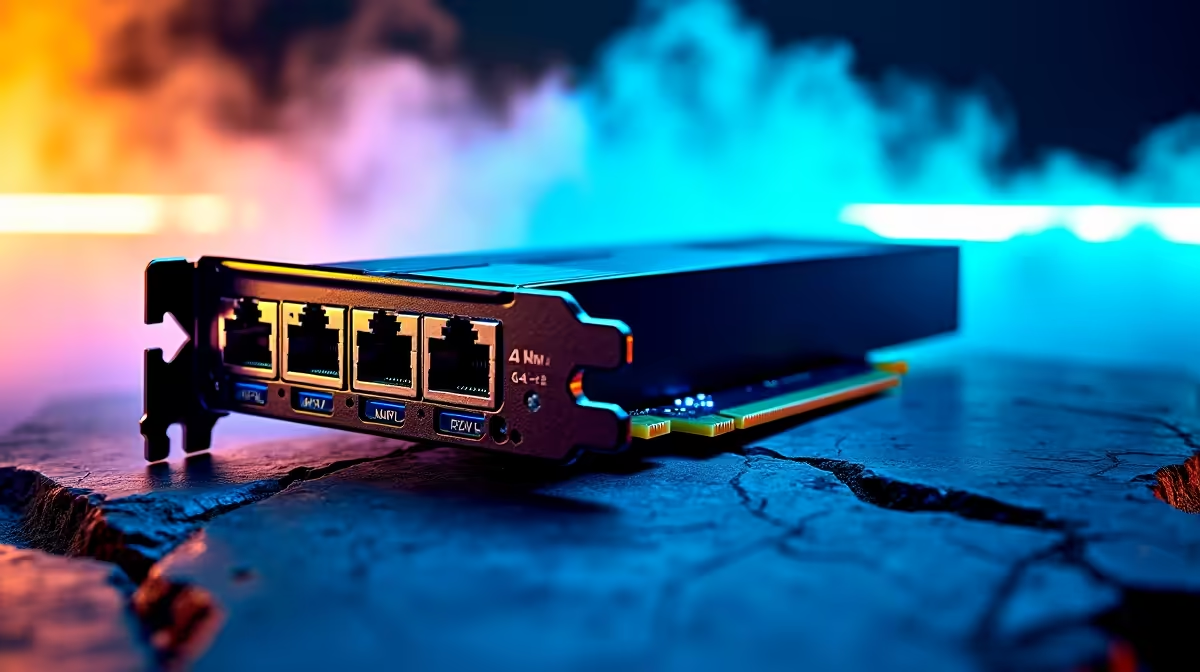
Setting up 10G Ethernet requires compatible hardware at every link in the chain. First, you need a 10GbE NIC (Network Interface Card) for each device that needs 10G speeds. PCIe 10GbE cards are available in single-port configurations and support both copper (RJ45) and SFP+ fibre connections. For copper 10GbE, Cat6A or Cat7 cabling is required - standard Cat5e or Cat6 can technically run 10GbE at short distances but is unreliable beyond a few metres. Second, you need a 10GbE switch if connecting more than two devices. 10GbE switches in 2026 have dropped considerably in price, with unmanaged 8-port 10GbE switches available. Alternatively, for a direct two-device connection (PC to NAS, for example), you can skip the switch entirely and use a crossover cable or a direct DAC (Direct Attach Copper) cable between two SFP+ ports.
Installation Steps for 10G Ethernet
Start by installing the 10GbE NIC into an available PCIe x4 or x8 slot on your motherboard - most desktop PCs have a suitable slot available. Driver installation on Windows 11 is typically automatic via Windows Update, but downloading the latest drivers from the NIC manufacturer is recommended for best performance. Connect your Cat6A cable from the NIC to your 10GbE switch or directly to the second device. Configure your IP addresses - 10GbE works with standard DHCP just like Gigabit Ethernet, so your router should assign addresses automatically. To verify 10G connectivity, open Network Connections in Windows and confirm the link speed shows as 10 Gbps. Run a large file transfer between the two 10G-connected devices and use a tool like CrystalDiskMark or Windows Task Manager to confirm transfer speeds in the 800MB/s to 1,100MB/s range (accounting for protocol overhead).
Practical Applications for SA Home and Office Users
In South Africa, 10G Ethernet is most useful for local network applications rather than internet access - even the fastest fibre connections top out well below 10Gbps. The main use cases include backing up large datasets to a NAS at full speed (a 1TB backup that takes 2+ hours on Gigabit completes in under 15 minutes on 10GbE), streaming 4K video files from a NAS without buffering, and syncing large game libraries across machines on the same network. For home users running Plex servers, photography or video editing workstations, or virtualisation hosts, 10GbE makes a tangible day-to-day difference.
Frequently Asked Questions
Q: Can I use my existing Cat6 cabling for 10G Ethernet? A: Cat6 can run 10GbE at distances up to 55 metres under ideal conditions, but Cat6A is the reliable standard for 10G up to 100 metres. If your cabling runs are short (under 10 metres), existing Cat6 will likely work - longer runs should be re-cabled with Cat6A.
Q: Does 10G Ethernet require a special router? A: Not necessarily. Your router handles internet traffic which is far below 10G. The 10GbE switch sits on your local network and only connects local devices at 10G speeds. Your existing router connects to the 10GbE switch as normal via its Gigabit WAN/LAN port.
Q: Is 10G Ethernet worth it for gaming in SA? A: For online multiplayer gaming, no - SA internet connections are the bottleneck, not your LAN speed. For local gaming scenarios like LAN parties, downloading games from a local game cache server, or accessing game files on a NAS, 10GbE is genuinely useful.
Ready to Find Your Perfect Match? Upgrade your gaming setup with networking hardware and PC deals at Evetech











