

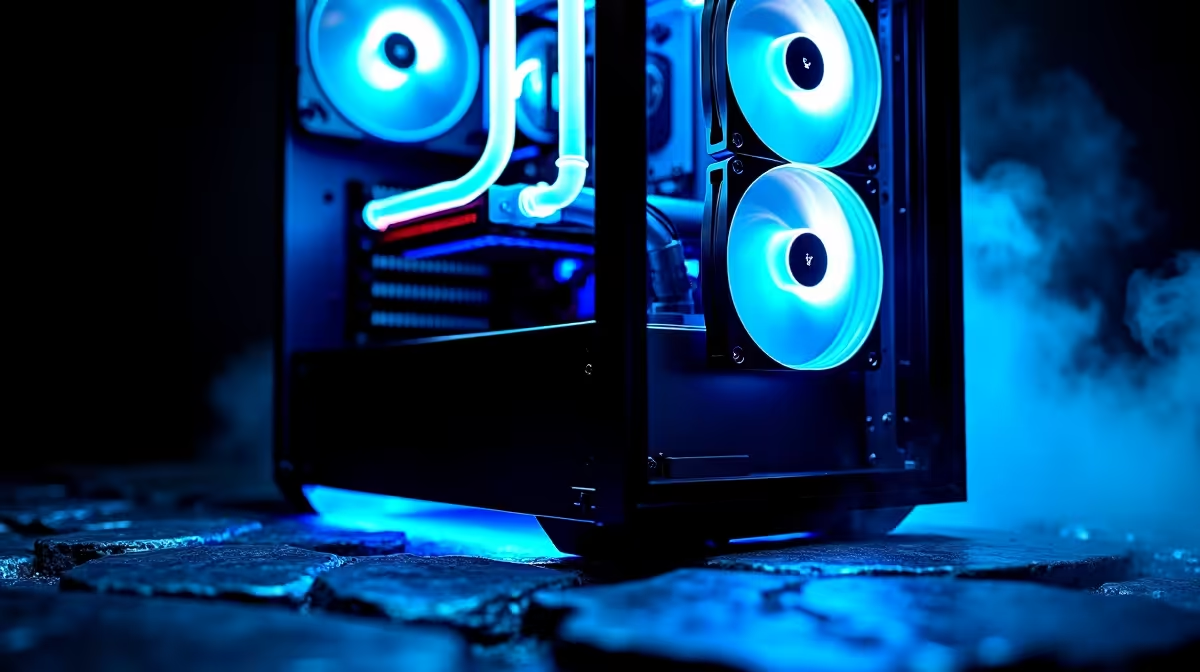
South African summers are unforgiving. When the December heat hits, your gaming PC feels the burn. If your frames are dropping and your rig sounds loud, you face thermal throttling. Do not panic. This complete guide to cooling systems for beginners in SA will help you keep temperatures low. You can maintain high frame rates... without breaking the bank.
Air vs Liquid Cooling Explained ❄️
Air coolers use metal fins and fans to dissipate heat. They are simple to install and incredibly reliable. There is absolutely no risk of leaks.
Liquid cooling uses a pump and radiator system. An All-In-One liquid cooler absorbs heat much faster. This is perfect for high-end processors. Whether you choose air or water, investing in robust CPU coolers is your first step to better performance.
Case Airflow and Pre-Built Excellence 🔧
Your CPU cooler cannot do all the work alone. Your chassis needs a steady supply of fresh air. Intake fans pull cool air in. Exhaust fans push hot air out. Getting this balance right takes practice.
If building your own rig feels overwhelming, you can skip the hassle. Exploring our pre-built PC deals ensures you get a professionally assembled machine. These systems feature perfectly routed cables for unobstructed airflow.
For gamers seeking maximum value, browsing the best gaming PC deals guarantees exceptional thermal design at a competitive ZAR price.
Airflow Pro Tip 🌬️
Always aim for positive air pressure inside your case. Having more intake fans than exhaust fans helps prevent dust buildup. This keeps your components cleaner and your cooling system running efficiently in dusty South African environments.
Thermal Solutions for Mobile Gamers 🚀
Desktop rigs have ample room for massive heatsinks. Gaming laptops operate under strict space limits. Packing desktop-level graphics into a thin chassis generates serious heat.
Fortunately, modern premium laptops for sale utilise brilliant engineering. They feature liquid metal thermal paste and custom heat pipes. This prevents thermal throttling when you are climbing the ranked ladder. Never play with your laptop resting on a bed. Always use a flat desk to keep those bottom vents clear.
Upgrading Smartly on a Budget
Fixing your PC temperatures does not require a massive budget. Small changes often yield fantastic results. Cleaning the dust out of your case filters is completely free. Upgrading your thermal paste costs very few Rands.
If you need new fans, watch out for seasonal discounts. Checking the latest component specials helps you secure premium fans for less. A frosty PC delivers smoother gameplay and lasts years longer.
Ready to Freeze the Competition? Don't let thermal throttling ruin your next gaming session. Upgrading your cooling setup ensures maximum performance and extends the lifespan of your hardware. Browse our massive range of cooling solutions and keep your rig running ice-cold all year round.











