

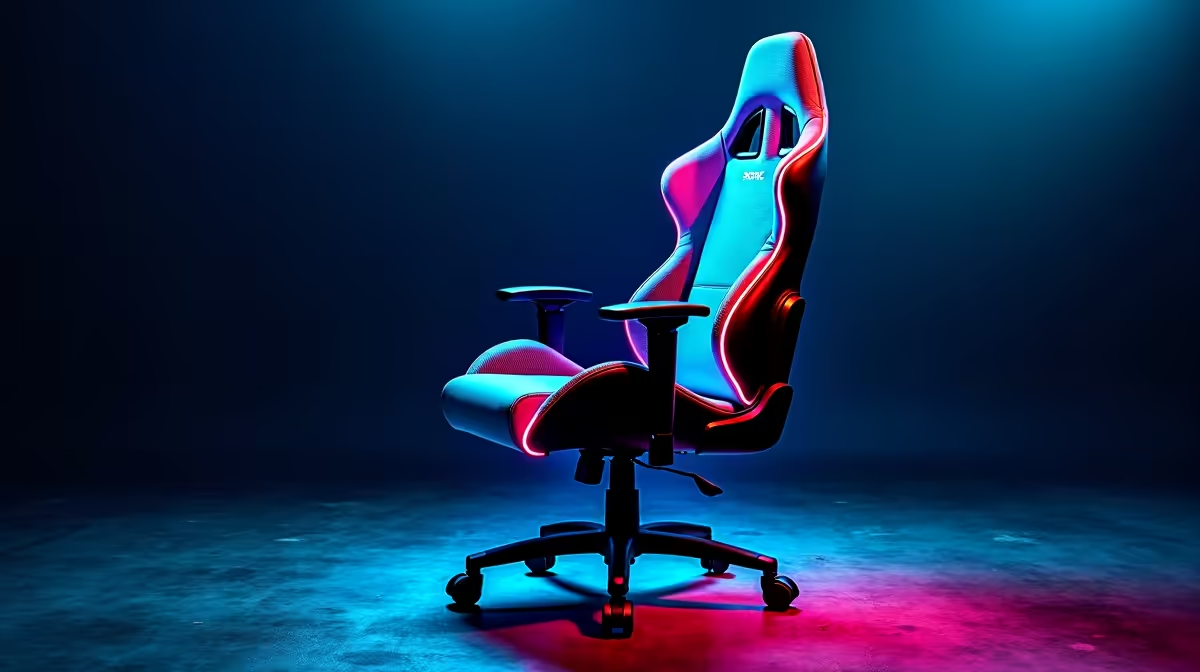
We all know the feeling. The power finally comes back after a brutal loadshedding block... and you sit down for an epic weekend grind. But three hours later, your lower back is screaming. You spent thousands of ZAR on your rig, but you are sitting like a pretzel. It is time for a complete guide to setting up your ergonomic gaming chair for maximum comfort. Let us fix your posture.
The Foundation of True Support ⚡
If you want to dominate your lobbies, you need serious physical support. A premium throne is useless if you do not calibrate it correctly. Before upgrading your hardware, you should explore our range of gaming chairs to ensure you have the right foundation.
Step-by-Step Ergonomic Adjustments
Let us break down the exact steps to optimise your seating position for those long sessions.
Dial In Your Seat Height
Your feet should rest completely flat on the floor. Your knees must form a perfect 90-degree angle. This reduces pressure on your thighs and promotes healthy blood flow. If your feet dangle slightly, invest in a footrest immediately.
Armrests and Desk Alignment
Your elbows need to sit flush with your desk height. This prevents shoulder strain when you are flicking your mouse. If you just scored one of our best gaming PC deals, you want your aim to be flawless. Proper armrest height stops wrist fatigue instantly.
Lumbar Support Placement
That small cushion is not just for decoration. Slide the lumbar pillow right into the curve of your lower back. It forces your spine into a natural posture... preventing the dreaded gamer slouch.
Unlocking the Tilt Mechanism
Many players ignore the tilt tension knob under the seat. You should adjust this so you can recline slightly without feeling like you are falling backward. A dynamic backrest allows micro-movements. This keeps your core engaged while you play.
Posture Pro Tip 🔧
Practice the 20-20-20 rule. Every 20 minutes, look at something 20 feet away for 20 seconds. While you do this, do a quick posture check. Push your shoulders back and ensure your lumbar cushion has not slipped down.
Completing Your Ultimate Battle Station 🚀
Your chair is only one piece of the puzzle. Your monitor height matters just as much. The top third of your screen should sit at eye level. If you are browsing our pre-built PC deals, consider grabbing a monitor arm to perfect your viewing angle.
Maybe you prefer gaming on the move. Even if you use high-performance laptops, you still need a proper desk setup at home. Hunching over a small screen on your couch will ruin your back... trust us.
A proper seating arrangement keeps you focused and relaxed. It helps you enjoy those late-night sessions without waking up stiff. Keep a close eye on our latest specials to upgrade your entire environment for less ZAR. ✨
Ready to Upgrade Your Throne? Your back deserves better than that old dining room chair. For maximum comfort and endurance during those long South African gaming sessions, proper support is essential. Explore our massive range of gaming chairs and find the perfect match to conquer your world.











