

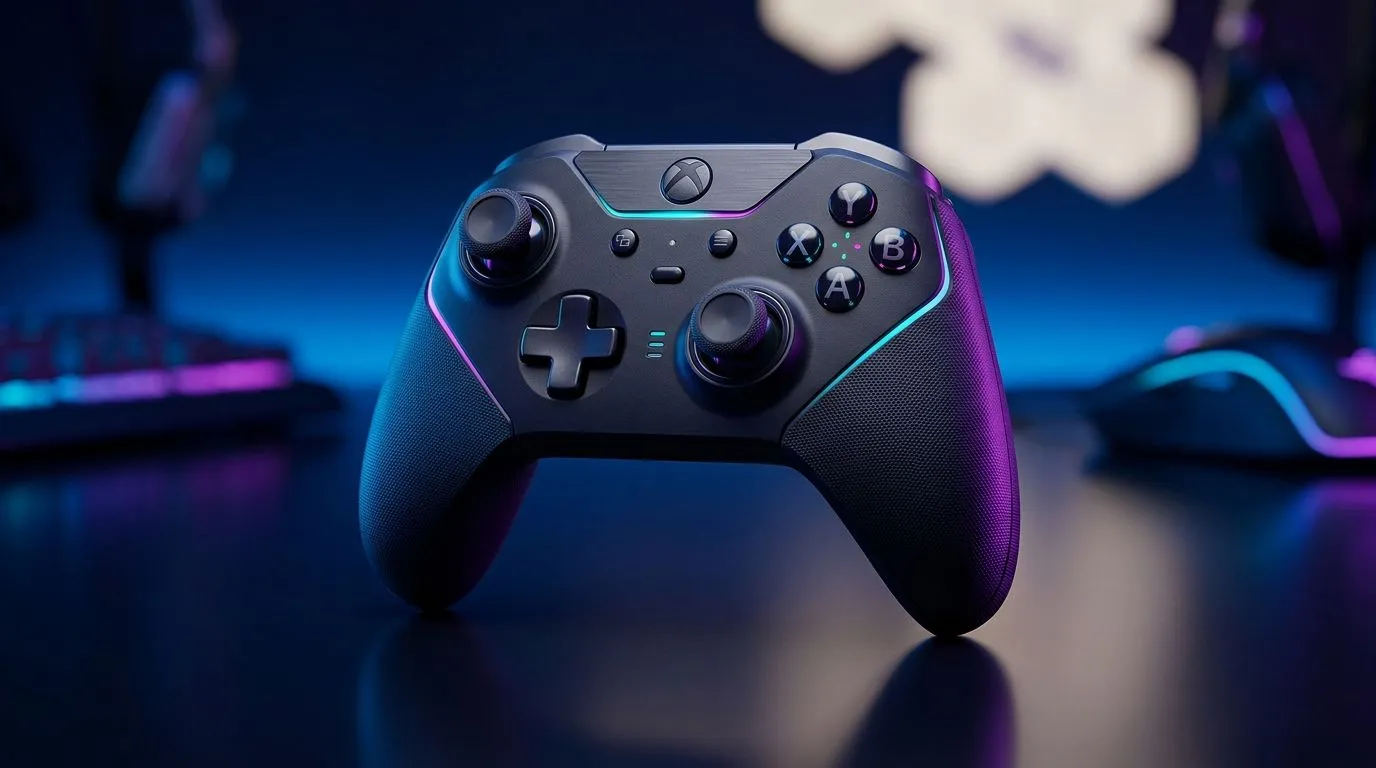
Controller Compatibility: Mobile vs Console Architectures (What Actually Changes)
South African gamers swap platforms the way they swap headsets… fast and often. But when you plug a controller into a phone or console, things can get messy. Buttons map differently. Latency creeps in. Some games even ignore half your inputs. If you’ve ever thought, “Why won’t my controller work properly?” you’re not alone. In this Deep Dive, we’ll break down controller compatibility so you can buy once, play everywhere. 🎮
Controller Compatibility: Mobile vs Console Architectures (Architecture 101, in Plain SA Terms)
Console controllers are built around a consistent “contract” between hardware and the system. That means the console OS, drivers, and game input layers are tightly matched. Mobile is different. Android and iOS handle input through different frameworks, and each game decides how much controller support it wants.
On top of that, mobile screens introduce touch plus controller coexistence. Many titles treat controllers as a separate input profile, not a direct replacement for touch controls. Result? Your controller may work, but it might not feel “right” (aim speed, trigger depth, or button layout).
USB-C, Bluetooth, and Driver Support
- Wired (USB) usually gives the most predictable behaviour on mobile and PC, because it reduces wireless jitter.
- Bluetooth is convenient, but it can add latency and pairing quirks depending on the device and the controller mode.
- Consoles typically reduce this “variables” problem because the environment is controlled.
If you’re shopping in South Africa and want something tournament-minded, start by thinking about layout and precision first, not just branding. For example, the Razer Wolverine V3 Tournament Edition 8K is designed with high-end controller performance in mind, which can matter when you’re trying to translate “console feel” to other setups. Check it out here: Razer Wolverine V3 Tournament Edition 8K deal. ✨
Controller Compatibility: Mobile vs Console Architectures (Buying Checklist That Saves Money in ZAR)
Controller compatibility is less about “can it connect?” and more about “does the game recognise it the way you expect?”
Use this quick checklist before you buy:
- Button layout support: Does the game allow remapping, or are you stuck with default mappings?
- Input mode: Does the controller support both wired and wireless modes reliably?
- Platform targeting: Some controllers are marketed for PC + console, while mobile support can depend on the game.
- Trigger feel: If your FPS rhythm depends on trigger depth, don’t ignore it.
To explore a range of options (including different layouts and platform-friendly choices), browse Evetech’s controller buying guide: Buy gaming controllers at Evetech. 🔧
Setup Pro Tip ⚡
If your controller works but feels “off” on mobile, don’t assume it’s broken. First, look inside the game’s controller settings for aim sensitivity, dead zones, and trigger mode. Then test the controller in a second game. If both games share the same problem, it’s likely a mapping or input-profile issue. If only one game is wrong, the controller is probably fine and the game just needs a different layout.
Controller Compatibility: Mobile vs Console Architectures (Real-World Scenarios South Africans Face)
Here’s what we see often:
- Scenario A: “It connects, but I can’t shoot properly.” Some games assign triggers differently. On mobile, trigger axes may need calibration or a different in-game input profile.
- Scenario B: “Menus work, gameplay doesn’t.” The game may support controllers only for certain screens.
- Scenario C: “The game feels delayed.” Wireless latency can show up more on phones, especially when the device is busy. Try wired mode if your phone supports it and your cable is stable. 🚀
If you already know you want a specific brand, filter your search so you don’t waste time comparing incompatible models. For Razer options, use this Evetech brand-filtered page: Razer gaming controllers. ✅
Controller Compatibility: Mobile vs Console Architectures (What to Do Next Before You Commit)
Before you spend ZAR on a new controller, decide your “primary platform” first. If your main goal is mobile, prioritise wired stability and clear in-game remapping. If your main goal is console-to-PC versatility, focus on consistent button mapping and widely supported profiles. Either way, test settings early, not after a full weekend of play.
Want the smoothest experience? Use a buying path that matches your platforms, then adjust in-game settings once. That’s how you get back to fun, fast.
Ready to Find Your Perfect Match? The Mac vs Windows debate is complex, but for maximum power, choice, and value in South Africa, Windows is hard to beat. Explore our massive range of laptop specials and find the perfect machine to conquer your world.











