

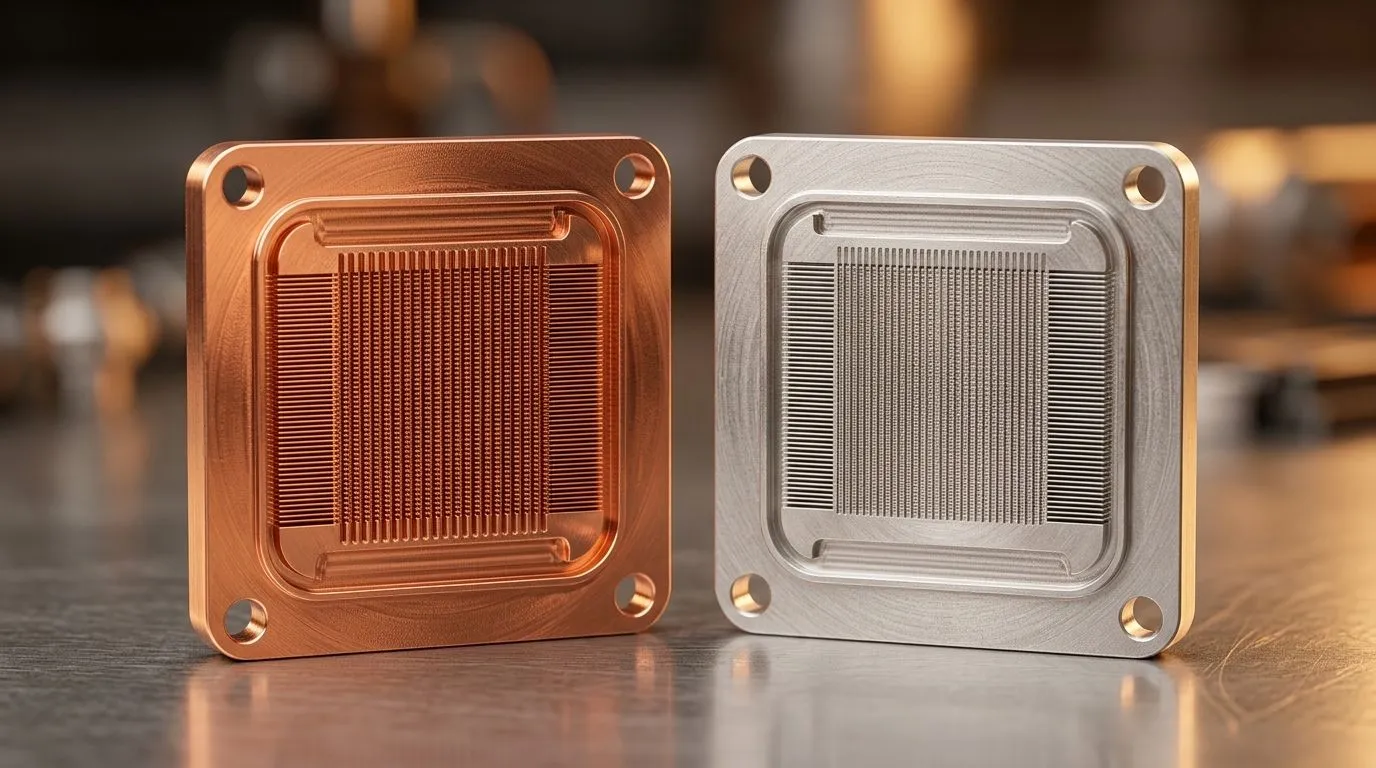
Copper Base vs Aluminium Cold Plates: CPU Cooling Efficiency — Quick take
If you are building a high-performance PC in Johannesburg or Cape Town, the choice between copper and aluminium cold plates matters. Thermal conductivity and airflow decide whether you get stable clock speeds or thermal throttling 🔧. Copper Base vs Aluminium Cold Plates: CPU Cooling Efficiency is a practical question, not just a materials debate.
Copper vs aluminium: thermal conductivity and real-world performance
Copper conducts heat about three times better than aluminium, so copper bases often transfer CPU heat to the cooler faster (source: https://www.engineeringtoolbox.com/thermal-conductivity-d_429.html). That thermal edge shows in stress testing, especially when you push high-core-count Ryzen chips, but the difference shrinks if airflow is poor. Good fans and case airflow can erase part of copper's advantage; pair your cold plate with quality case fans — Explore Evetech's case fans for airflow options.
Copper Base vs Aluminium Cold Plates: build, weight, and mounting
Copper is heavier and typically priced higher, which matters if you lug rigs to LANs or run compact cases. If you prefer branded cooling kits, check Corsair options that bundle performance with easy mounting.
Copper vs aluminium: maintenance, longevity and RGB rigs
Aluminium cold plates resist corrosion differently; anodised surfaces and coatings change maintenance needs. Deepcool have several affordable cooler options if you want value without guesswork. If your case has showy RGB, match with RGB fans; otherwise opt for no-light models for a stealthy build.
Fan size, airflow and final recommendations for CPU Cooling Efficiency
120mm fans are common in compact builds; 120mm options fit most mid-tower mounts. 140mm fans move more air at lower RPMs — see 140mm selections if you want quieter operation ⚡.
Productivity Pro Tip ⚡
On Windows, use the PowerToys FancyZones utility to create custom snap layouts for your windows. It's a lifesaver for managing multiple apps on an ultrawide monitor, letting you organise your timeline, preview window, and asset folders perfectly for video editing.
A quick practical routine: install your chosen cold plate, seat the CPU properly, apply a thin, even layer of thermal paste, and run a 30-minute stress test while monitoring temps. Use software like HWMonitor or Ryzen Master to log peak and average temperatures; if delta between idle and load is high, improve case airflow or consider a copper base upgrade. South African summers can push ambient temps, so factor room heat into expectations and prioritise airflow over tiny material wins. If you rotate between LAN parties and local tournaments, weight and mounting ease matter; aluminium variants can be kinder on backpacks. Final thought: combine a solid cold plate, quality fans, and sensible cable management for the best thermals and noise balance 🚀✨.
Shop local, ask Evetech support for mounting kits, and pick fans that match your noise tolerance. Small upgrades can keep your temps lower and your FPS stable. Start with airflow, then decide today, wisely.
Ready to Find Your Perfect Match? The Mac vs Windows debate is complex, but for maximum power, choice, and value in South Africa, Windows is hard to beat. Explore our massive range of laptop specials and find the perfect machine to conquer your world.











