

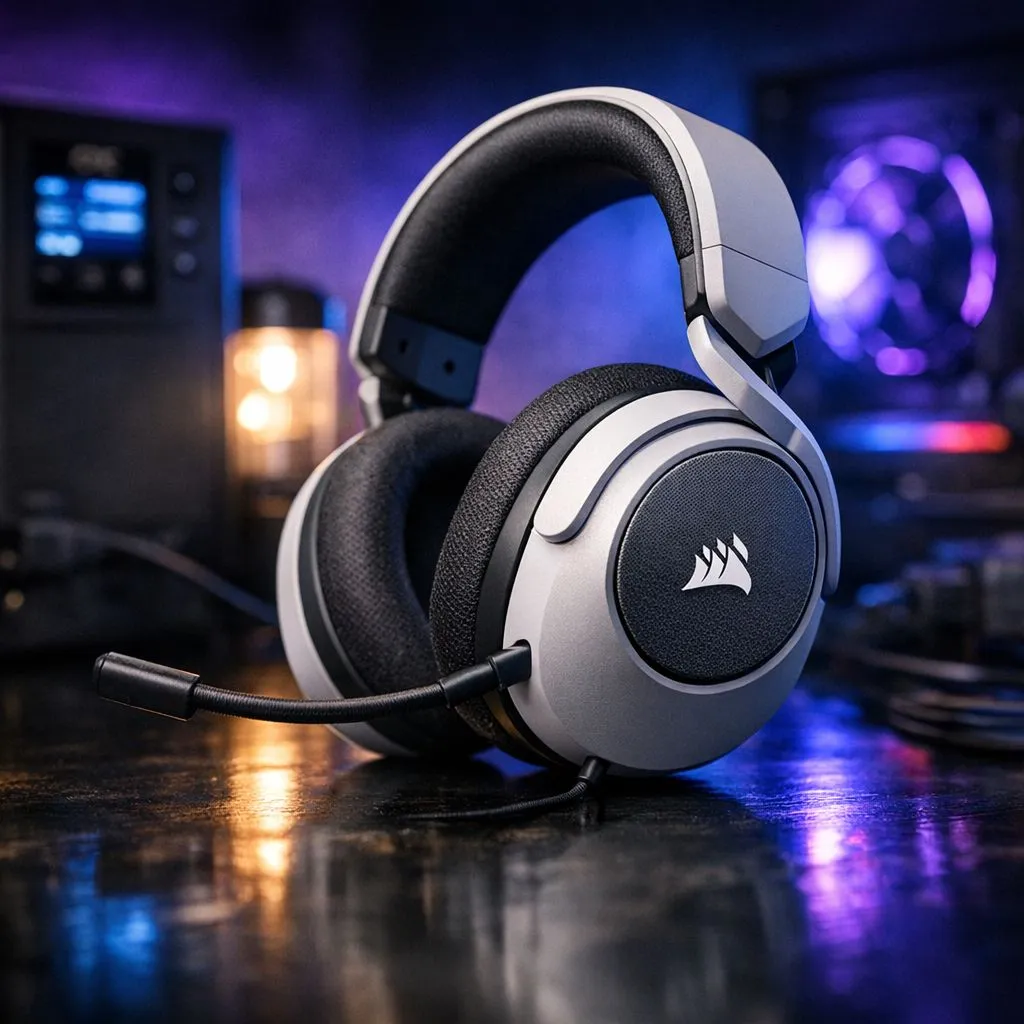
Corsair HS65 on UPS: quick wins for South African loadshedding
If you rely on your Corsair HS65 for late-night raids or Zoom calls during loadshedding, small tweaks to your UPS setup can keep audio clear and latency low. Here’s a practical guide for gamers and home-office builders in South Africa who want to optimise the Corsair HS65 on UPS without overcomplicating the setup 🔧✨
Corsair HS65 on UPS: why power strategy matters
A headset itself draws tiny power, but the devices that feed it — PC, USB DAC, or dongle — are what the UPS must protect. Treat the Corsair HS65 on UPS as a system: prioritise what keeps voice comms and game audio running. If you have a USB dongle or external DAC, plug it into the same protected circuit as your PC to avoid ground loops and dropouts.
Compare other headset approaches before you decide. Looking for a wireless alternative? The Razer Barracuda X Chroma is a solid option to benchmark against; see the product page for details on range and battery behaviour. https://www.evetech.co.za/razer-barracuda-x-chroma-wireless-headset-phantom-white/best-deal/24367
Optimize Audio During Loadshedding: practical UPS setup
Choose a UPS that gives you clean power and enough runtime for safe shutdowns or a full gaming session. For audio stability:
- Use a pure sine wave UPS if your DAC or amp is sensitive.
- Set the UPS to "eco" or "battery-saver" only if it won’t cut audio devices' USB power abruptly.
- Disable aggressive power‑saving in Windows sound settings so the system doesn’t suspend USB audio mid‑match.
If your headset uses a USB dongle, test with the dongle on both front and rear USB ports; motherboard-backed rear ports usually keep better power continuity.
Corsair HS65 on UPS: low‑latency tips and comparisons
Want the lowest latency? Wired USB connection beats Bluetooth in most tests, but that depends on your setup. For quick exploration of other wired vs wireless choices, the Razer headsets range is a useful place to compare features and connection types across models. https://www.evetech.co.za/PC-Components/razer-headphones-headsets-105
Audio Stability Tip ⚡
Keep the Corsair HS65’s transmitter or USB dongle on the same UPS-protected outlet as your PC. That prevents noisy ground differentials and keeps audio decoding and mic input in sync during power transitions.
Optimize Audio During Loadshedding: small buys that help
Little purchases can make a big difference: a modest UPS with sine-wave output, a short high-quality USB extension to test port placement, or a small powered USB hub for stable dongle power. For a quick browse of compatible headsets and accessories, check Evetech’s headphone and headset range to find ZAR prices and options that fit local budgets. https://www.evetech.co.za/components/headphone-headsets-100
Corsair HS65 on UPS: final checklist before a blackout
- Test balance: mic vs game audio before loadshedding hits.
- Label which outlets are UPS-backed.
- Practice a graceful shutdown to avoid file loss if runtime runs out. 🎧
Ready to Find Your Perfect Match? The Mac vs Windows debate is complex, but for maximum power, choice, and value in South Africa, Windows is hard to beat. Explore our massive range of laptop specials and find the perfect machine to conquer your world.











