

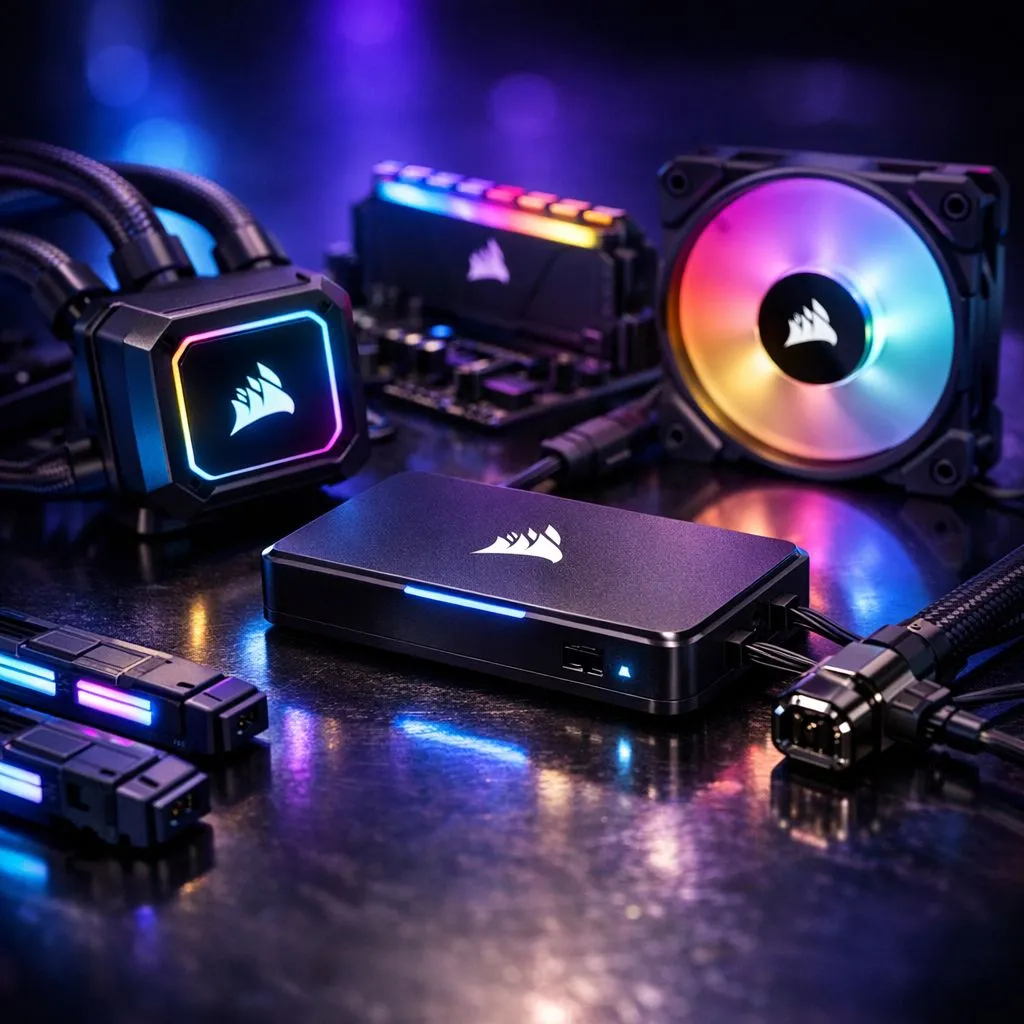
Corsair iCUE LINK components: Quick compatibility summary
If you're building a case in South Africa and want flawless lighting and fan control, this Corsair iCUE LINK components: Complete compatibility guide will save hours. From ASUS Aura to Corsair hubs, know which fans, headers and adapters actually work together. Read on for practical compatibility checks and buying tips that keep your rig cool and looking sharp. 🔧✨
Corsair iCUE LINK components: Fans, headers and what pairs
Start by matching the physical connectors. Many modern fans use a 4-pin PWM header and a separate RGB plug; some use Corsair's iCUE LINK standard for daisy-chaining. If you need a quick look at available fan types, browse Evetech's case fan selection for a clear picture of what fits your loop and layout. https://www.evetech.co.za/PC-Components/case-fans-97.aspx
Prefer brand filters? See Corsair-specific models on Evetech to compare wiring and connectors before you buy. https://www.evetech.co.za/PC-Components/case-fans-97.aspx?brands=CORSAIR
Corsair iCUE LINK components: RGB vs non-RGB choices
Decide if you want lighting control through iCUE or plain fan speed control. If you want full RGB customisation, look at the RGB-labelled fans to ensure they support software control in addition to power and RPM reporting. https://www.evetech.co.za/PC-Components/case-fans-97.aspx?attributes-lightingeffects=RGB
If you’re after minimalist airflow without lighting, Evetech lists non-RGB alternatives too — useful for stealth builds or cost-conscious rigs. https://www.evetech.co.za/PC-Components/case-fans-97.aspx?attributes-lightingeffects=None
Corsair iCUE LINK components: Sizing, airflow and hub planning
Fan size matters for mounting and acoustic profile. Measure your case and check the 120mm and 140mm options on Evetech so you don’t order incompatible fans. 120mm often fits more cases; 140mm can move more air at lower RPM. https://www.evetech.co.za/PC-Components/case-fans-97.aspx?attributes-size=120mm https://www.evetech.co.za/PC-Components/case-fans-97.aspx?attributes-size=140mm
If you're considering alternatives to Corsair, compare offerings from other brands like Deepcool for price or fan curve preferences. https://www.evetech.co.za/PC-Components/case-fans-97.aspx?brands=Deepcool
Quick wiring checklist (before you plug anything in)
- Confirm the header type on your motherboard or RGB hub.
- Check whether your fan expects iCUE LINK or standard 3/4-pin plus separate RGB.
- Keep fan power and RGB control separate if you need independent software control.
Compatibility Pro Tip ⚡
When in doubt, mock-fit a single fan and test control with iCUE before completing the build. Label every cable during assembly to avoid confusion later.
Corsair iCUE LINK components: Troubleshooting and buying tips
If lighting or control behaves oddly, double-check motherboard compatibility and update the iCUE app. Keep spare splitters and a small adapter kit handy for mixed-brand builds — it saves a trip back to the store. For shop inventory and quick swaps, Evetech's fan pages above are handy to compare fitment and options in one place.
Ready to pull the trigger? Use this checklist and then pick the right fans and hubs for your rig. 🚀
Ready to Find Your Perfect Match? The Mac vs Windows debate is complex, but for maximum power, choice, and value in South Africa, Windows is hard to beat. Explore our massive range of laptop specials and find the perfect machine to conquer your world.











