

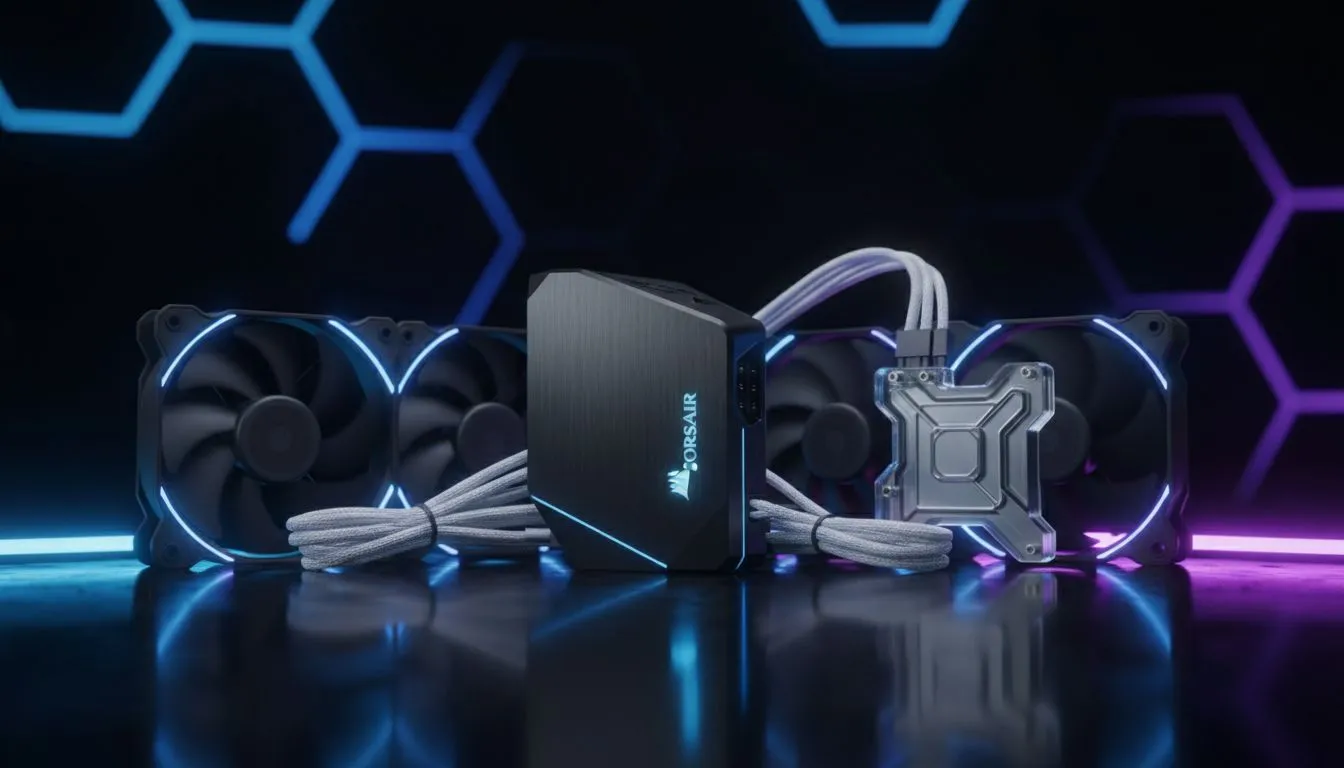
Corsair iCUE LINK Ecosystem — Quick overview
Corsair iCUE LINK Ecosystem Explained: Compatibility & Setup is the guide every South African builder needs to tame Corsair's lighting and fan network. If you want synchronised RGB, quieter fans, or a simple way to unify cooling and peripherals, read on. This short primer gets you from confusion to control — fast 🔧✨
Corsair iCUE LINK Ecosystem — What it covers
The iCUE LINK system is Corsair's attempt to make lighting, fans and controllers play nice together. It ties compatible fans, RGB strips and LINK hubs into iCUE software for unified profiles. Not every fan or hub is LINK‑compatible, so planning matters. For a broad look at case fan options before you buy, check Evetech’s general case fans listing for sizes and brands. (See: case fans)
Corsair iCUE LINK Ecosystem — Compatibility essentials
Which hardware will actually talk to iCUE LINK? Corsair's LINK devices and certain fans built for LINK are the safe bets. If you're already loyal to Corsair fans, browse the Corsair‑specific selection on Evetech to match parts that natively support Corsair's ecosystem. (See: Corsair case fans)
If you prefer non‑Corsair alternative brands, some third‑party controllers and hubs work, but you should verify compatibility first. Deepcool has competitive designs too; review their options to compare how integration might differ. (See: Deepcool options)
Lighting types matter. If your build leans into RGB, plan for LINK or iCUE RGB headers. Evetech makes it easy to filter for RGB fans, so you can pick the right look. (See: RGB case fans) If you prefer a stealth build with no lighting, there are plenty of non‑RGB fans listed as well. (See: non-RGB fans)
Corsair iCUE LINK Ecosystem — Size and physical fit
Fan size affects noise, static pressure, and fit. Common sizes are 120mm and 140mm — choose based on radiator and case mount points. Evetech’s pages let you compare 120mm and 140mm fans quickly, which helps avoid surprises during assembly. (See: 120mm case fans) (See: 140mm case fans)
Corsair iCUE LINK Ecosystem — Setup checklist
- Inventory: list fans, controllers and hubs.
- Update firmware: open iCUE and update any detected devices.
- Power and headers: ensure LINK hubs have SATA power or appropriate connectors.
- Software profiles: create a performance profile and separate lighting profile.
Setup Pro Tip ⚡
If you're mixing fan sizes or brands, label cables during assembly and create separate iCUE groups for "intake" and "exhaust." That way, speed curves and lighting stay consistent even when you swap hardware later.
Corsair iCUE LINK Ecosystem — Troubleshooting & fine tuning
If a fan or hub doesn't appear, try these steps: restart iCUE, reseat USB headers, check SATA power on hubs, update drivers, and test devices one at a time. For noisy fans, tweak the PWM curve in iCUE instead of maxing RPM. Small changes reduce noise without sacrificing cooling.
A micro‑story: I once helped a Cape Town builder who had four RGB fans but no LINK hub. After moving to a LINK‑compatible controller and grouping fans in iCUE, his CPU temps dropped 3°C and his desk stopped rattling. The right controller makes setup painless and keeps the system tidy 🚀
Corsair iCUE LINK Ecosystem — Final buying tips
- Buy hubs and fans that explicitly state LINK or iCUE compatibility.
- Match fan sizes to your case mounts; use Evetech filters to confirm dimensions. (See: case fans)
- If you're budget conscious, compare Corsair's offerings with Deepcool alternatives to balance price and features. (See: Deepcool options)
Ready to Find Your Perfect Match? The Mac vs Windows debate is complex, but for maximum power, choice, and value in South Africa, Windows is hard to beat. Explore our massive range of laptop specials and find the perfect machine to conquer your world.











