

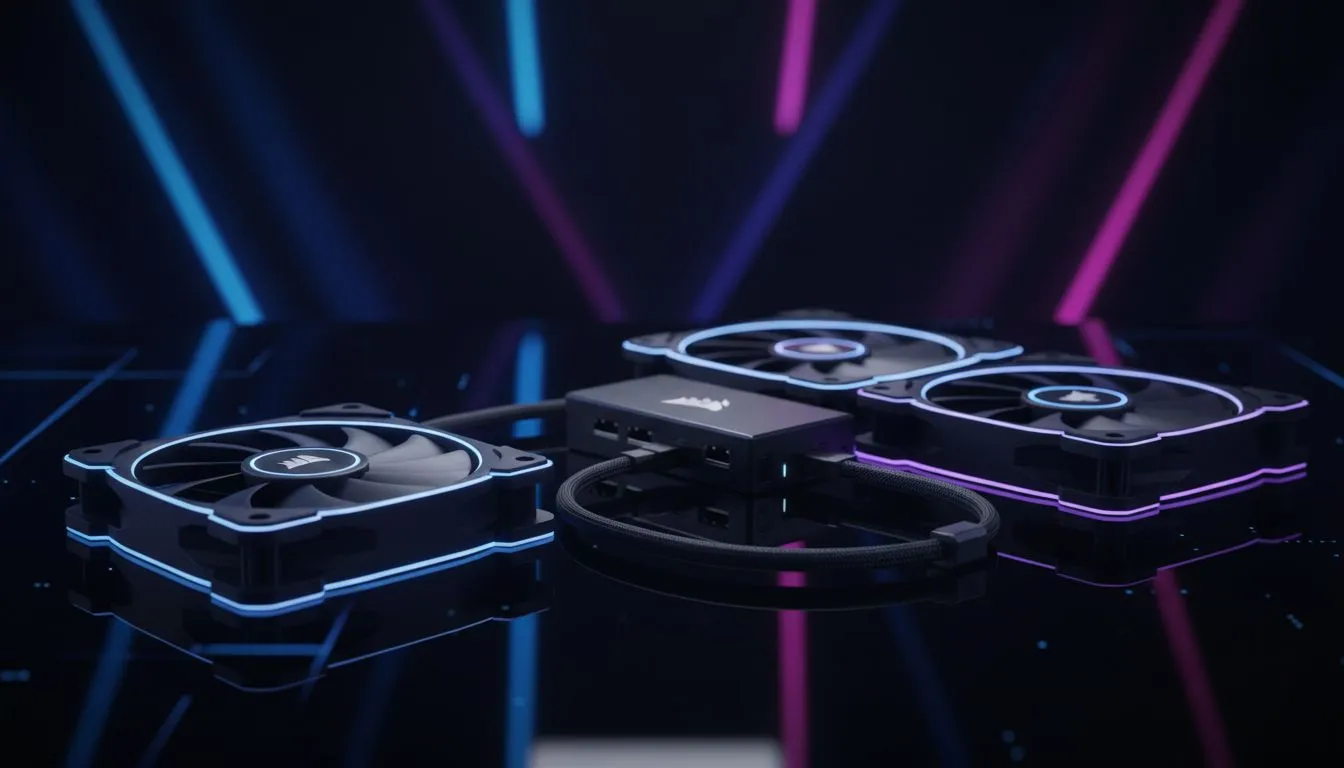
Why iCUE LINK matters for RGB and fan control
If you’ve wrestled with a tangle of RGB hubs, Molex adapters and extra fan controllers, this one-liner is for you. Corsair iCUE LINK: Simplify RGB and Fan Control with One Cable sits in your build and reduces clutter while keeping full control in iCUE. South African builders and gamers love neat rigs—this makes cable management and software syncing easier, fast and tidy ✨.
Quick setup and what you need
Start with a compatible Corsair fan or hub and one cable that ties RGB and fan tach/fan power into iCUE. For a broad look at compatible parts, browse our full selection of case fans to see what fits your chassis. Need Corsair-specific fans? See our range of Corsair fans to match your aesthetic and airflow needs. Want alternatives? Check out Deepcool options for different looks and budgets.
How iCUE LINK simplifies routines
With iCUE LINK you control lighting effects and fan curves from one place, so you spend less time jumping between apps. If you prefer dramatic lighting, our RGB fan options cover ring, addressable and RGB-blade designs. If you’d rather silent airflow without lights, we also stock no-lighting fans to keep things discreet.
Quick Setup Tip ⚡
When installing, plug the iCUE LINK cable into the correct header before power-on, then update iCUE. That avoids the common "device not found" issue. For fan curve tuning, start with conservative RPMs and test thermals under a short gaming loop.
Tuning for performance and silence
iCUE LINK lets you create profiles for gaming nights and quiet work hours... set a high-performance curve for long sessions and a low-noise curve for browsing or streaming. If you need specific sizes to fit your case, we stock both 120mm fans and 140mm fans so you can pick the right balance of airflow and noise for your build. Small changes in fan placement and curve can shave degrees off GPU/CPU temperatures without much extra noise.
Practical build tips South Africans swear by
- Route the iCUE LINK cable behind the motherboard tray to hide it.
- Use fan headers for power and let iCUE handle speeds; fewer adapters means fewer problems.
- Match fan frame sizes to support brackets—120mm and 140mm are the most common and widely supported in local cases.
Where to shop and compare
If you want to compare lighting styles, our RGB fan options page is a good gallery to scroll through. Prefer understated builds? The no-lighting fans link shows quiet, high-flow choices. For size-specific selection, browse 120mm fans and 140mm fans to make sure everything fits before checkout. When you’re ready, our Corsair fans page collects the brand’s current stock in one place.
Ready to Find Your Perfect Match? The Mac vs Windows debate is complex, but for maximum power, choice, and value in South Africa, Windows is hard to beat. Explore our massive range of laptop specials and find the perfect machine to conquer your world.











