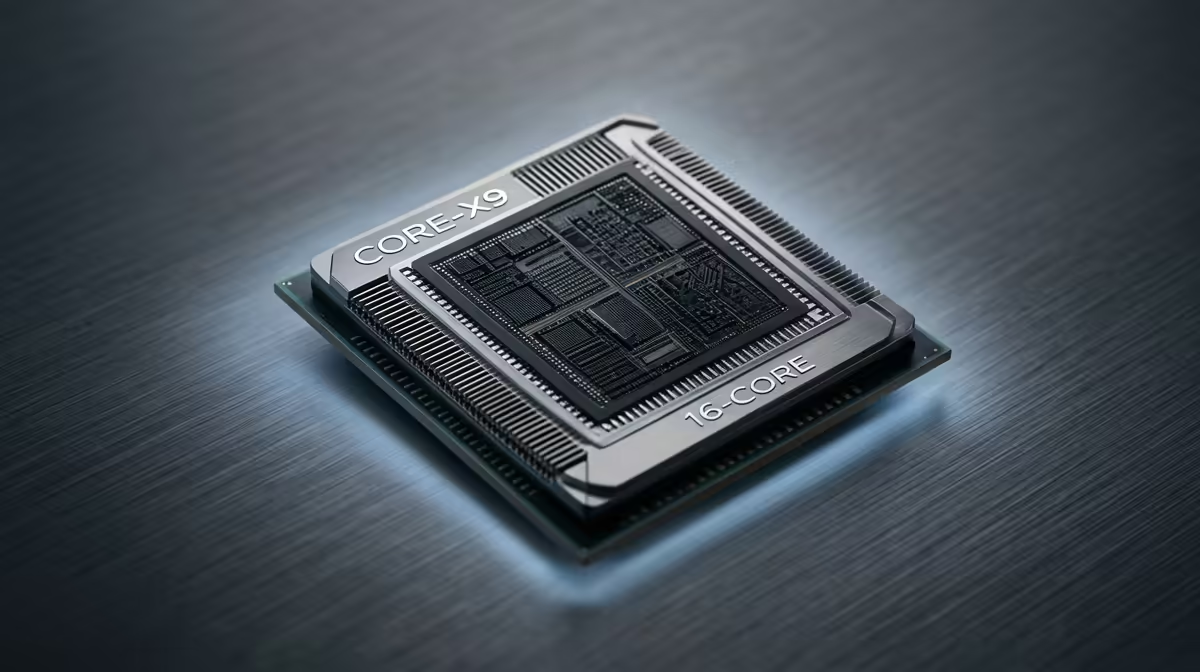
You’ve just dropped a fat stack on a new GPU, ready to crank the latest titles to max settings. But your frame rate is… disappointing. What gives? Chances are you're facing a classic PC builder's headache: a CPU bottleneck. This silent performance thief holds your powerful new graphics card back, and understanding it is the key to unlocking the true potential of your rig. Let's dive in. 🚀
What is a CPU Bottleneck, Really?
Think of your PC components as a team working on an assembly line. Your GPU (Graphics Processing Unit) is the powerhouse, rendering beautiful frames at lightning speed. Your CPU (Central Processing Unit) is the manager, preparing all the data—like game logic, physics, and AI—and feeding it to the GPU.
A CPU bottleneck explained simply is when your CPU can't prepare data fast enough for your GPU. Your mighty graphics card ends up waiting around, unable to work at its full potential. The result? Lower-than-expected FPS, stuttering, and a gaming experience that doesn't match the hardware you paid for. Getting the balance right by choosing the right CPU processor is crucial for a smooth ride.
How to Spot a CPU Bottleneck in Your Rig
Wondering if a processor bottleneck is holding you back? It's easier to diagnose than you think. The most reliable method is to monitor your component usage while you're in a game.
Fire up your favourite title and run a monitoring tool like MSI Afterburner or even Windows' own Task Manager. Play for a few minutes in a demanding scene. Now, look at the numbers:
- High CPU Usage (90-100%)
- Low GPU Usage (under 90%)
If you see this pattern, you've found your culprit. Your CPU is running flat-out, struggling to keep up, while your GPU is just chilling. This is the classic sign of a CPU bottleneck. ✨
Quick Bottleneck Check 🔧
Pay attention to the resolution you play at! Bottlenecks are often more obvious at lower resolutions like 1080p, where the CPU has to work harder to generate a very high number of frames per second. At 4K, the load shifts heavily onto the GPU, often hiding a weaker CPU's limitations.
How Do You Fix a CPU Bottleneck?
Okay, so you've confirmed your CPU is the weak link. Don't stress... you have options! Fixing a CPU bottleneck usually involves upgrading your hardware or optimising your settings to create a more balanced system.
Upgrade Your Processor ⚡
This is the most direct solution. Swapping out your old CPU for a newer, more powerful model will give your GPU the headroom it needs to stretch its legs. Whether you opt for a modern Intel Core CPU with its strong single-core performance or a powerful AMD Ryzen chip known for its multi-core muscle, a new processor is the best long-term fix.
Optimise Your In-Game Settings
If a hardware upgrade isn't on the cards right now, you can try to balance the load in your game's settings. Try this:
- Increase Graphics Quality: Push settings like textures, shadows, and anti-aliasing higher. These are typically GPU-intensive and will force your graphics card to work harder, reducing the bottleneck.
- Increase Resolution: If your monitor and GPU can handle it, jumping from 1080p to 1440p or 4K shifts the workload significantly to the GPU.
By making the GPU the limiting factor again, you can achieve a smoother, more consistent frame rate, even if it's not the absolute maximum your card could theoretically produce.
Ready to Unshackle Your GPU?
A balanced rig is a happy rig. Stop letting an old processor dictate your frame rates and find the perfect match for your graphics card in our massive range of CPU processors today!