

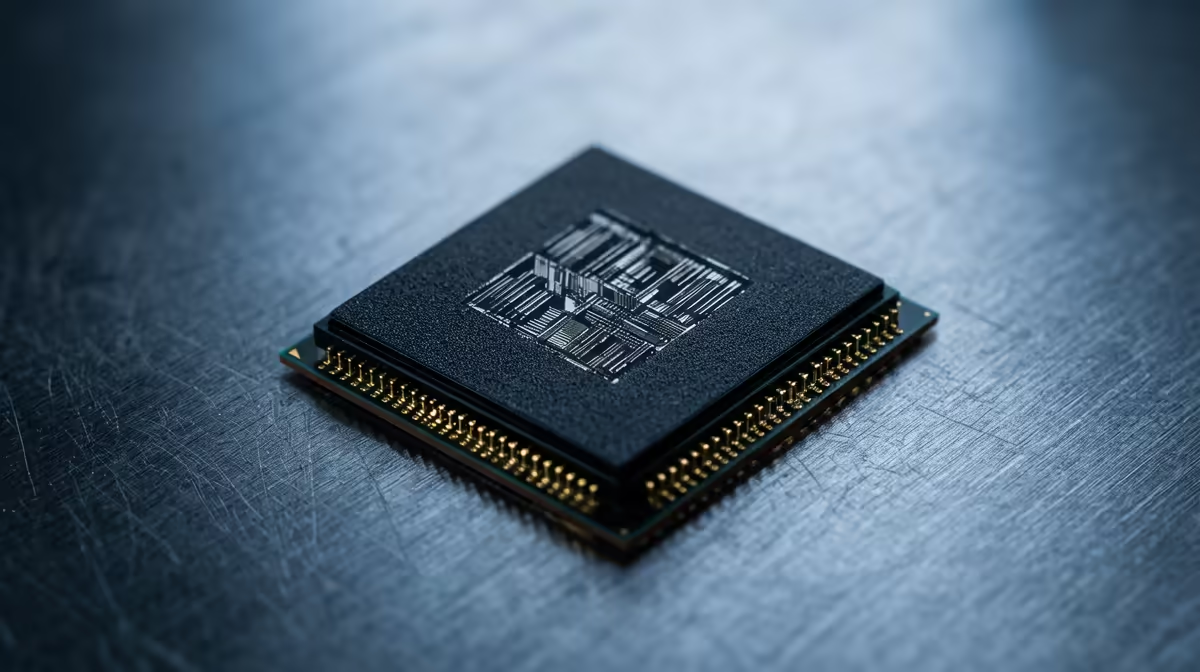
Ever dropped into a hot zone in Apex, only for your frames to tank at the worst possible moment? You’ve got a beastly graphics card, so what gives? The culprit might be your processor. Understanding the CPU bottleneck meaning is the first step to unlocking the smooth, high-FPS gameplay you paid for. It’s a common issue for South African gamers, but thankfully, it’s one you can diagnose and fix. Let's dive in.
What is a CPU Bottleneck, Really? 🤔
Think of your PC as a high-tech assembly line. Your graphics card (GPU) renders the stunning visuals, and your processor (CPU) handles the game's logic, physics, and instructions. A CPU bottleneck happens when your processor can't feed data to your GPU fast enough. The GPU is sitting there, ready to pump out more frames, but it’s stuck waiting for the CPU to catch up.
It’s like having a V8 engine in a car with bicycle wheels… you’re not going anywhere fast. This imbalance is what causes stuttering, low FPS, and that frustrating feeling that your rig isn't performing as it should. A well-balanced system is key, and it all starts with choosing the right CPU processor for your needs.
How to Spot a CPU Bottleneck in Your Rig
So, how do you know if a processor bottleneck is holding you back? You don't need fancy diagnostic tools, just a bit of observation. Here are two simple methods to check.
The In-Game Performance Test
This is the most direct way to identify a CPU bottleneck.
- Download a monitoring tool like MSI Afterburner with RivaTuner Statistics Server (it's free!).
- Fire up your favourite game and play for a few minutes.
- Keep an eye on the on-screen display. If your CPU usage is consistently high (hovering around 95-100%) while your GPU usage is much lower (e.g., 60-70%), you've likely found your bottleneck. Your CPU is running at full tilt, and your GPU is waiting around.
Quick System Check 🔧
Before you blame your hardware, check what's running in the background! Press Ctrl+Shift+Esc to open Task Manager. A sneaky browser update or antivirus scan could be eating up your CPU cycles. Close unnecessary applications before gaming for a quick performance boost.
The Resolution Drop Test
This test helps confirm if the CPU is the limiting factor.
- Note your average frames per second (FPS) in a game at your usual resolution (e.g., 1440p).
- Now, drop the resolution significantly—down to 1080p or even 720p—but keep all other graphics settings the same.
- If your FPS barely increases, it's a strong sign of a CPU bottleneck. Why? Because lowering the resolution reduces the load on the GPU, but not on the CPU. If the CPU was already at its limit, freeing up the GPU won't make a difference.
Common Causes of a CPU Bottleneck and How to Fix Them ⚡
Identifying the problem is half the battle. Now, let's talk solutions. Most CPU bottleneck issues stem from a few common areas.
Unbalanced Hardware
This is the big one. Pairing a brand-new, top-tier GPU like an NVIDIA RTX 40-series with a processor that's several generations old is a classic recipe for a bottleneck. The CPU simply can't handle the sheer volume of instructions required to keep the powerful GPU fed. The most effective fix is a CPU upgrade. For many gamers, upgrading to a newer Intel Core processor can provide a massive leap in single-core performance, which is crucial for gaming.
Game-Specific Demands
Not all games are created equal. Some, like Counter-Strike 2 or Valorant, rely heavily on fast single-core CPU speeds to push ultra-high frame rates. Others, like Cyberpunk 2077 with its crowded city streets, need strong multi-core performance. If you play a lot of CPU-heavy titles, even a decent CPU can become a bottleneck. In these cases, looking at the excellent multi-threaded performance of modern AMD Ryzen CPUs could be the solution to smooth out your experience.
The Final Word: Is a Bottleneck Always a Bad Thing?
Here’s a crucial insight: every single PC has a bottleneck somewhere. It’s impossible for all components to be perfectly matched for every task. The real goal is to ensure the bottleneck doesn't severely impact your experience.
In an ideal gaming scenario, you actually want your GPU to be the bottleneck. This means it's running at 99-100% usage, pushing out every possible frame your monitor can display. A severe CPU bottleneck, however, means you've left a ton of your GPU's performance on the table. Understanding the CPU bottleneck meaning is about building a smarter, more balanced PC that delivers the performance you expect, every time you play. 🚀
Ready to Uncap Your PC's Potential? A balanced rig is a happy rig, delivering the smooth frame rates you deserve. Shop our wide range of CPUs at Evetech for performance that leaves lag in the dust.











