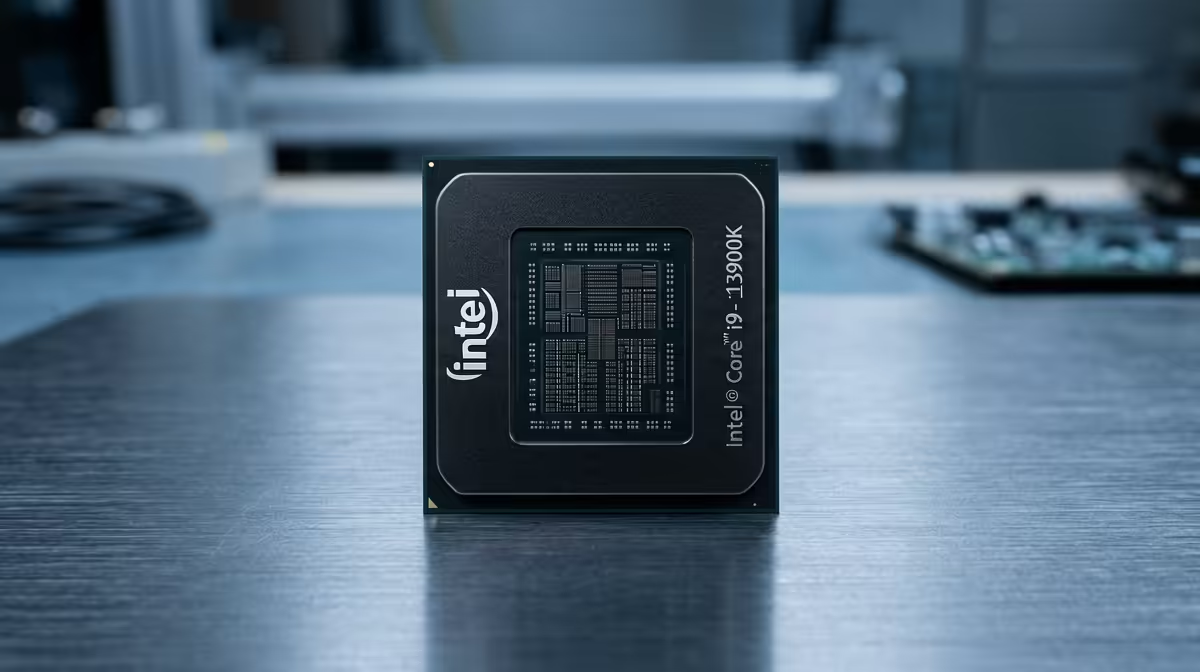
Ever splurged on a beastly new graphics card, expecting silky-smooth frame rates, only to be met with frustrating stutters? You check your temps, update drivers… but the problem persists. You’re likely dealing with a CPU bottleneck. It’s a common headache for SA gamers, but understanding it is the first step to crushing it. Let’s get these CPU bottlenecks explained so you can get back to winning. 🚀
So, What Is a CPU Bottleneck, Really?
Imagine your gaming rig is a high-tech factory. Your graphics card (GPU) is the super-fast production line, churning out beautiful frames at an incredible rate. Your Central Processing Unit (CPU), however, is the logistics manager, handling all the game logic, physics, and AI instructions. A CPU bottleneck happens when the logistics manager can't keep up with the production line. The GPU is ready to render more frames, but it’s stuck waiting for the CPU to give it the next set of instructions.
The result? Your FPS drops, you experience annoying stutters, and your expensive new GPU isn't reaching its full potential. This is the core of the CPU bottleneck problem: one component is holding back the entire system.
How to Spot a CPU Bottleneck in Your Rig 🔧
Suspect your CPU is holding you back? Don't guess… test! It’s easier than you think. The most common method involves monitoring your component usage while in a game.
Here’s a quick guide:
- Fire Up Monitoring Software: Use a tool like MSI Afterburner with the RivaTuner Statistics Server overlay, or even just the Windows Task Manager (Ctrl+Shift+Esc) on a second monitor.
- Launch Your Game: Pick a game where you're experiencing performance issues.
- Check the Numbers: Play for a few minutes and watch your usage percentages.
If you see your CPU usage consistently hitting 95-100% while your GPU usage is sitting much lower (e.g., 60-70%), you've found your culprit. Your GPU is bored, waiting for the CPU to catch up. Finding the right balance often means upgrading to the right CPU processor for your specific graphics card.
Pro Tip: Use In-Game Benchmarks
Many modern games like Cyberpunk 2077 or Shadow of the Tomb Raider have built-in benchmark tools. Run the benchmark at 1080p with low graphical settings to put maximum stress on the CPU. If your frame rate is still low, it strongly indicates a CPU bottleneck.
Common Causes and Why Resolution Matters
Understanding why a bottleneck occurs is key to fixing it. It's not always about having an "old" CPU; it's about the balance of your entire system.
Mismatched Components
This is the number one cause. Pairing a brand-new, top-tier NVIDIA RTX 4080 with a six-year-old processor is a recipe for a bottleneck. The older chip simply can't process data fast enough to feed the graphical powerhouse. This is why it's crucial to pair your GPU with a capable CPU, whether you're looking at modern Intel CPUs or the latest AMD Ryzen chips, to ensure harmony in your rig.
Gaming at Lower Resolutions
This might sound counter-intuitive, but gaming at 1080p is often more demanding on your CPU than gaming at 4K. Why? At lower resolutions, your GPU can render frames extremely quickly, demanding a constant stream of instructions from the CPU. At 4K, the GPU is the one doing the heavy lifting to push all those pixels, giving the CPU more breathing room. This is why CPU bottlenecks are explained more frequently in the context of high-refresh-rate 1080p gaming.
Fixing the Bottleneck: Your Upgrade Path ✨
Once you've confirmed a CPU bottleneck, you have a few options to get your performance back on track.
- Upgrade Your CPU: This is the most direct solution. Moving to a newer generation processor will provide the headroom your GPU needs. Just be sure to check for motherboard socket compatibility (e.g., AM4 vs. AM5 for AMD, or LGA1700 for Intel) and consider if you'll also need a new motherboard and RAM.
- Optimise In-Game Settings: Before you spend your hard-earned ZAR, try lowering CPU-intensive settings. Things like "object detail," "shadow quality," and "population density" in open-world games can often be tweaked to reduce the load on your processor.
- Increase Your Resolution: If you have a 1440p or 4K monitor, playing at your monitor's native resolution can shift the workload more towards your GPU, effectively hiding the CPU bottleneck and giving you a sharper image.
Ultimately, a balanced system is the goal for a smooth, high-performance gaming experience.
Ready to Uncap Your PC's Potential?
A CPU bottleneck shouldn't hold your R20,000 graphics card hostage. Explore our massive range of processors to find the perfect match for your rig. Shop CPUs now at Evetech and let your components work together in perfect harmony.