

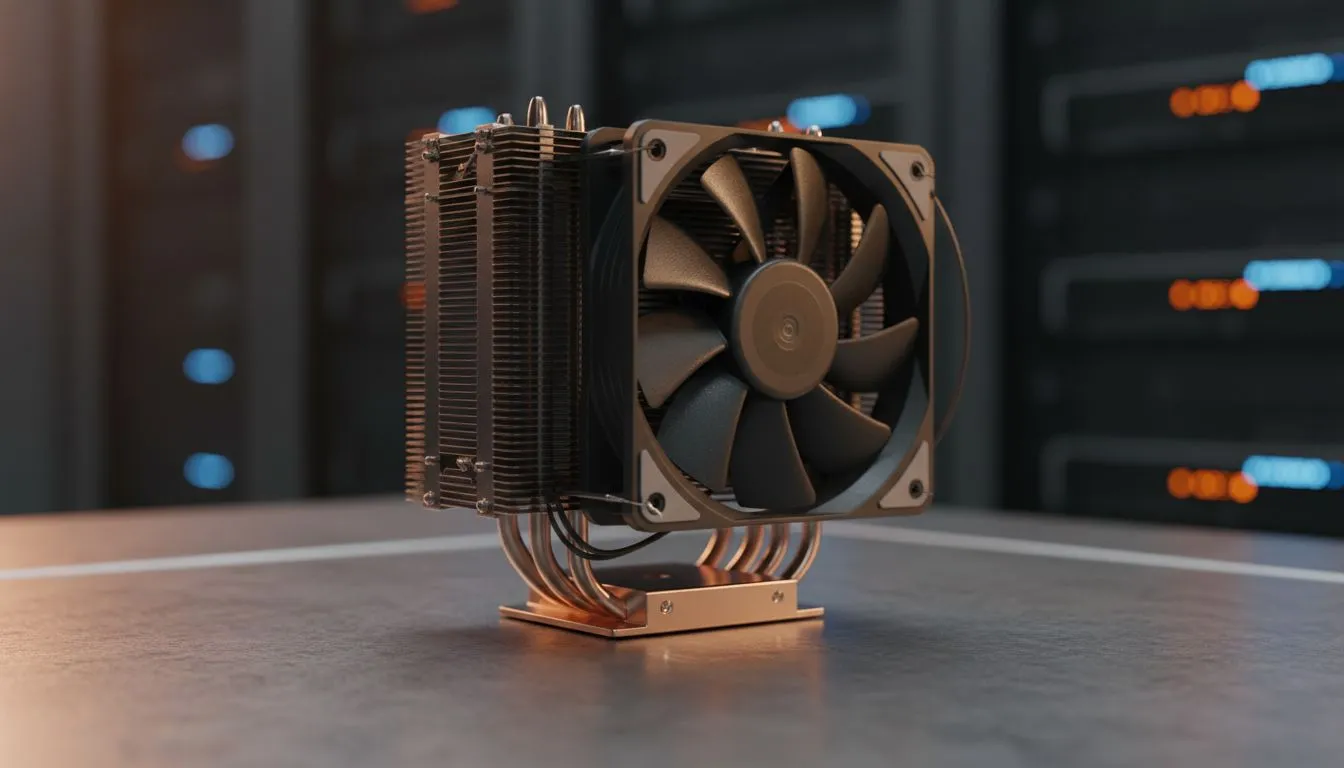
CPU cooler compatibility: why matching sockets matters for AMD and Intel 🔧
If you’ve ever hunted for parts on a Saturday afternoon in Jozi or Cape Town, you know one wrong purchase can mean wasted time and cash. This quick intro explains CPU cooler compatibility so you don’t buy the wrong mount or block. Learn which sockets your cooler supports, practical clearance checks, and where to shop locally — fast. ⚡
CPU cooler compatibility explained for AMD and Intel
Compatibility starts with the socket. Modern AMD platforms (AM4, AM5) and recent Intel chips (LGA1200, LGA1700, and successors) need matching mounting hardware and backplates. Before you pick a cooler, confirm the supported sockets on the product page — Evetech’s CPU coolers category is a good place to start browsing compatibility options. Browse CPU coolers on Evetech.
Air coolers and fan sizes: fit before performance
Big air towers often deliver great value, but case and RAM clearance matter. If you’re leaning toward a traditional air solution, filter by type and fan size so you only see suitable options. Evetech’s air cooler filter helps narrow choices by fan size like 120mm, which is useful for compact builds. See air coolers filtered by type.
Match cooler profiles to your case: real-world tips
Pick a cooler with the right height for your case and the right fan layout for your airflow. For many South African gamers an inexpensive high‑performance air cooler is quieter and simpler to install than AIOs. If you favour standard 120mm fan layouts, check listings that group those fans together to compare options quickly. Explore 120mm fan air coolers. 🚀
Brands and mounting kits: what to check
Some brands offer universal mounting for both AMD and Intel, others need separate brackets. If you prefer specific manufacturers, filter the range — for instance Deepcool and EINAREX options are easy to compare on Evetech. Shop Deepcool coolers | See EINAREX models.
Installation Tip ✨
When switching platforms, save the original backplate and hardware. Always test-fit the cooler with RAM and GPU in place to avoid surprise clearance issues.
Final checklist before you buy
- Confirm supported sockets and mounting kit compatibility.
- Measure case CPU cooler height and RAM clearance.
- Consider noise vs cooling needs — large fins and big fans can be quieter.
- If unsure, pick a cooler listed with both AMD and Intel support, or contact Evetech for advice.
Ready to Find Your Perfect Match? The Mac vs Windows debate is complex, but for maximum power, choice, and value in South Africa, Windows is hard to beat. Explore our massive range of laptop specials and find the perfect machine to conquer your world.











