

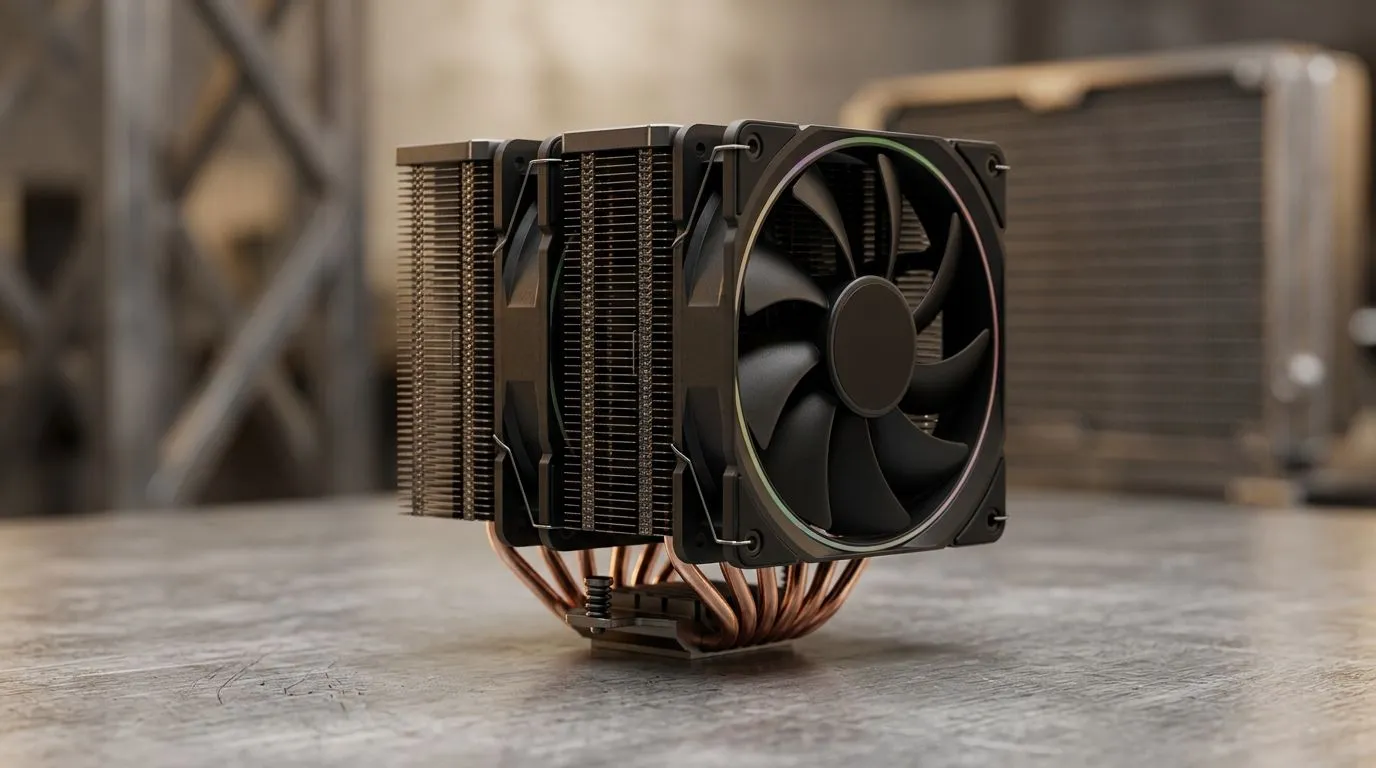
Choosing a CPU Cooler for 200W 245W Gaming and Workstation Builds in South Africa
If you’re running a high-end rig for Warzone, Cyberpunk, or a heavy Blender render, heat becomes the silent boss fight. 🔥 When your CPU can sip up to around 200W–245W under load, an under-sized cooler can mean throttling, higher fan noise, and less consistent performance. The good news? Picking the right CPU cooler for 200W 245W gaming and workstation builds doesn’t have to be guesswork.
Below, I’ll walk you through what actually matters (beyond marketing), how to match cooler type and size to your case, and how to buy with confidence in SA.
What “200W–245W” really means for your cooling choice
Higher wattage usually equals higher heat output. In real terms, that means your cooler must move and dissipate far more thermal energy than typical “gaming” CPUs.
Here’s the practical way to think about it:
- Sustained loads (shader compilation, long raids, exporting video) punish weak cooling more than short benchmarks.
- Heat saturation happens when the cooler can’t keep transferring heat away from the CPU fast enough. Then the CPU downclocks.
- Fan curve matters. Even a decent cooler can sound like a hairdryer if it’s forced to ramp constantly.
For case compatibility and performance expectations, you should start with your case’s cooler clearance and then pick a cooler that has headroom. When you’re shopping, Evetech’s CPU cooler category makes it easy to filter by cooler type, size, and brand.
Air vs liquid for 200W–245W systems: how to decide
Air coolers can absolutely handle high-end CPUs when sized correctly and paired with strong airflow. Liquid coolers also do well, especially with tight case constraints.
Rule of thumb for South African builds:
- Choose high-performance air cooling if your case supports larger tower coolers and you prefer simpler maintenance.
- Choose AIO liquid cooling if you need efficient cooling but have limited space for large air towers.
Whichever you choose, you’ll want:
- A cooler with enough thermal capacity for sustained workloads
- Fans that can spin at effective RPM without going nuclear on noise
- Proper mounting and good thermal paste application
Productivity Pro Tip ⚡
Productivity Pro Tip ⚡
On Windows, use a tool like Windows’ built-in Task Scheduler to run your heavy workload at set times. This lets you test thermal behaviour consistently after changes (like swapping paste or reseating the cooler) instead of chasing results based on random gaming sessions.
Smart shopping checklist (so you don’t buy the wrong cooler)
Before you click “add to cart”, do this quick checklist:
- Measure your case clearance for cooler height (air) or radiator thickness (AIO).
- Match cooler type to your build priorities (silence vs simplicity).
- Confirm fan size and mounting supports your case airflow layout.
- Plan for airflow: front intake + rear/top exhaust usually beats “all fans everywhere”.
Now, if you want to start your shortlist on Evetech, here are solid entry points.
Start with Evetech filters that actually help
For a broad selection, browse the full air cooler range here:
If you want air-only, use this filtered view:
Need a specific fit? Jump in with 120mm fans:
Brand loyal or just want a familiar name? Check:
And if you’re considering EINAREX:
Quick decision examples for gamers and workstation users ✨
- High FPS + streaming: you want stable temps during long sessions. If your case supports it, go for a larger air tower or a properly mounted AIO with good radiator placement.
- Workstation exports: look for cooler headroom. Even when gaming temps look fine, export loads can reveal whether your cooler truly has capacity.
- Budget builds: you can still win by choosing the right cooler size for your case, and ensuring airflow is balanced. Sometimes the “best” cooler is the one that physically fits and moves air efficiently.
Want less fan ramp and more consistent performance? Start with cooler clearance and sustained-load expectations, then refine using Evetech’s filters. 🔧
Ready to Find Your Perfect Match? The Mac vs Windows debate is complex, but for maximum power, choice, and value in South Africa, Windows is hard to beat. Explore our massive range of laptop specials and find the perfect machine to conquer your world.











