

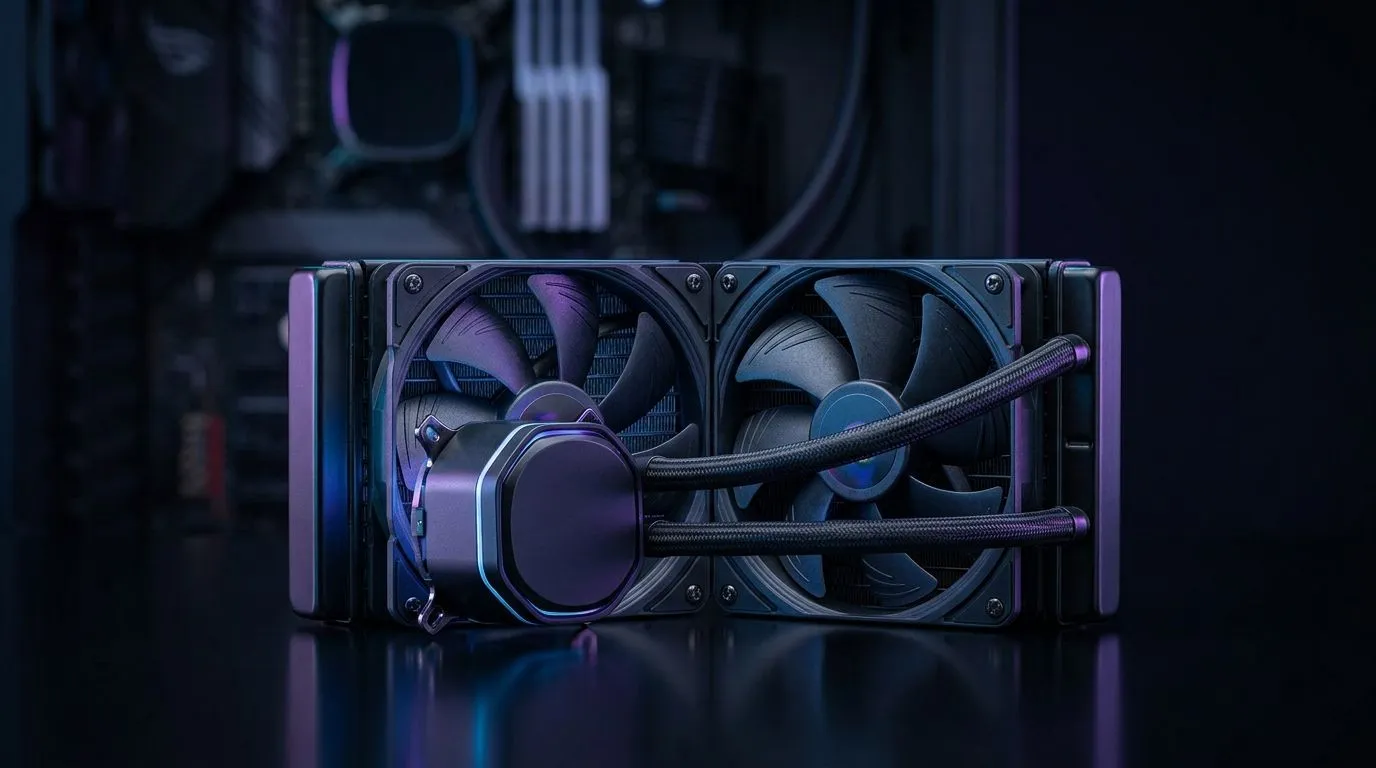
Why CPU Overheating Even With a 240mm Liquid Cooler Happens
Seeing CPU overheating even with a 240mm liquid cooler is maddening when you spent on a quality AIO ⚡. Many South African builders face this after overclocking or moving to a smaller case. Typical causes are poor radiator airflow, low static pressure fans, improper thermal paste application, pump failure, or a radiator mounted where it pulls hot air from other components. Start by checking your case fan arrangement; Evetech’s case fans page offers many compatible replacements.
Diagnosing CPU Overheating Even With a 240mm Liquid Cooler
Diagnose methodically. Monitor core temps with reliable software, listen for pump whine, and run a short stress test. If temperatures spike instantly, the pump may be failing. If temps climb slowly under load, airflow or fan choice is usually the issue. For high static pressure fans consider brands like Corsair fans for proven push-pull setups.
Fixes for CPU Overheating Even With a 240mm Liquid Cooler
Fixes are often straightforward. Re-seat the cooler and reapply a small, even bead of high-quality thermal paste. Clean dust from radiator fins and confirm the pump header is connected to the CPU_FAN or AIO_PUMP header. If the pump is running at low RPMs check BIOS power profiles. Also consider different fan manufacturers; Deepcool fans offer options that mate well with many radiators.
Sometimes RGB or non-RGB fans matter only for looks, but RGB wiring can clutter airflow paths. Choose either aesthetics or performance, not both. Evetech has both RGB options and plain fans to suit airflow-first builds.
A quick micro-story: I fixed a friend’s Ryzen rig in Johannesburg by swapping two noisy 120mm intake fans for quieter 140mm exhausts and reorienting the radiator. Idle temps dropped by 6 °C and gaming stability returned. That simple change cost R400 for two new fans from Evetech and saved a weekend of troubleshooting.
Cooling Pro Tip 🔧
When bench-testing, run the PC with the case open to verify pump and fan behaviour. Next, test with the radiator both as intake and exhaust to see which yields lower core temps.
Tune fan curves in BIOS or with vendor software and set radiator fans to ramp hard above 50 °C. Check pump RPM in BIOS; many AIO pumps idle around 2500 RPM. If the pump reads zero or shows erratic RPMs, power down and seek a replacement under warranty.
Preventive Setup Advice for CPU Overheating Even With a 240mm Liquid Cooler
Best practice is balanced airflow: more intake than exhaust, fresh cool air to the radiator, and clean dust filters. Use fans with good static pressure on the radiator and consider push-pull only if your case supports it. If you need 120mm or 140mm fans to optimise your setup, Evetech lists both sizes so you can compare specs before you buy.
Act quickly when temps rise. Replacing a faulty pump or upgrading fans costs from a few hundred rand and avoids CPU throttling or damage. For local parts and trusted support check Evetech’s stock and reviews.
Ready to Find Your Perfect Match? The Mac vs Windows debate is complex, but for maximum power, choice, and value in South Africa, Windows is hard to beat. Explore our massive range of laptop specials and find the perfect machine to conquer your world.











