

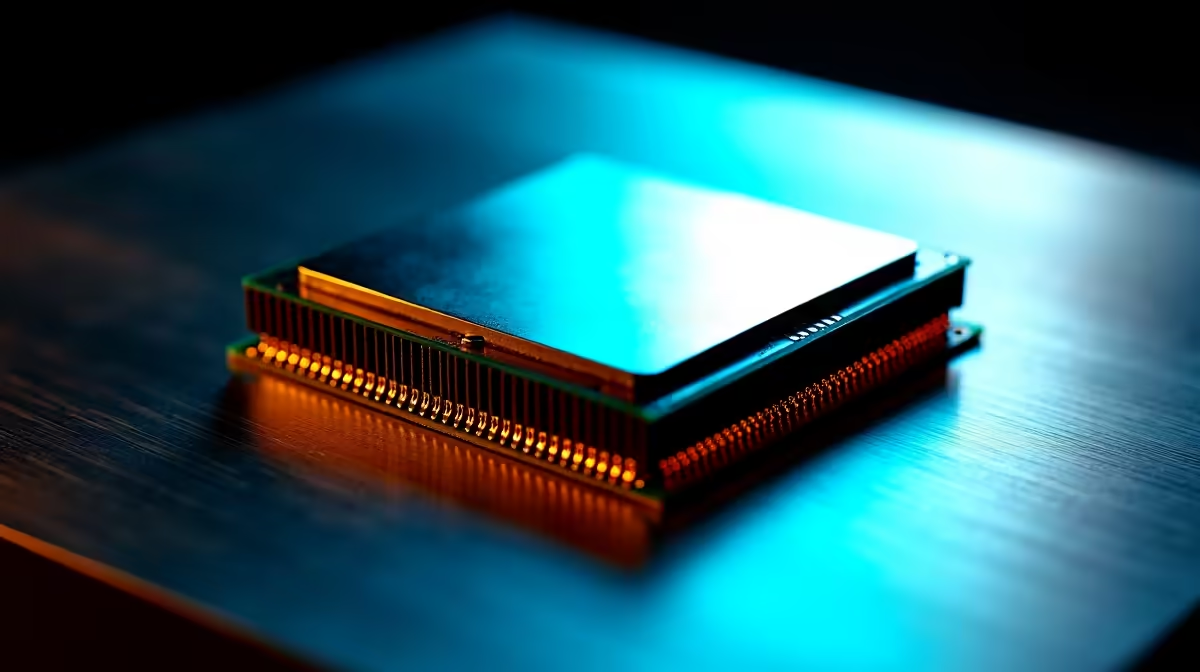
You're staring at a spec sheet, completely lost in a sea of numbers. Sound familiar? Building or upgrading a rig in South Africa can be stressful. Every rand counts when you are trying to optimise your setup. Before you drop your hard-earned ZAR, you need to understand what those numbers actually mean. Let's decode the ultimate CPU spec sheet... ensuring you buy exactly what you need.
Decoding Cores and Threads 🧠
Think of your CPU as a busy restaurant kitchen. The cores are your physical chefs. More cores mean more chefs cooking different meals at the exact same time. If you are just browsing or doing light office work, four to six cores will do the trick. If you are streaming, rendering 4K video, or heavy multitasking, you will want eight or more.
Threads are a bit different. They represent the number of tasks a single core can handle at once. Thanks to simultaneous multithreading, one physical core can act like two virtual cores. This helps your system multitask much more smoothly. Whether you want to browse for standalone processors or you prefer looking at pre-built PC deals... matching your core count to your specific workload is step one.
Clock Speed Explained ⚡
If cores are your chefs, clock speed is how fast they chop. Measured in gigahertz (GHz), this number tells you how many billions of cycles your CPU completes every single second.
You will usually see two distinct numbers on a CPU spec sheet. The base clock is the guaranteed minimum speed during normal, everyday tasks. The boost clock is the absolute maximum speed the processor can hit under heavy loads.
High clock speeds are absolutely vital for pushing high frame rates in competitive gaming. Games love fast individual cores. This is exactly why the best gaming PC deals always feature processors with impressive boost clocks.
The Hidden Hero: CPU Cache 🏎️
Cache is the ultra-fast memory built directly into your processor. Think of it as the chef's personal countertop. It holds the essential ingredients they need right now.
Processors use L1, L2, and L3 cache. L1 is the smallest but fastest memory available. L3 is larger and slightly slower but shared across all your cores. A larger L3 cache is incredibly beneficial for gaming. It dramatically reduces the time your CPU spends waiting for data from your system RAM. You will find massive cache sizes in top-tier desktop chips and premium notebooks for sale in South Africa.
Hardware Pro Tip 🛠️
Always pair a high-end CPU with fast RAM and adequate cooling. A processor will automatically lower its clock speed if it gets too hot... costing you valuable performance. Invest in a solid aftermarket cooler to keep those boost clocks running high.
Balancing Your Budget and Needs
You do not always need the most expensive flagship chip on the market. A mid-range processor with six cores and a high boost clock often offers the best value for pure gaming. It leaves you with more budget for a powerful graphics card.
If you are on a tight budget, keep a close eye on our latest tech specials to stretch your ZAR even further. Understanding cores, threads, cache, and clock speed puts you firmly in control. You can finally read a CPU spec sheet with total confidence.
Ready to Upgrade Your Processing Power? Now that you speak the language of CPUs, it is time to put that knowledge to work. Explore our massive range of processor deals and find the perfect brain for your next dream build.











