

Staring at your screen, wondering why your FPS drops in the middle of a tense firefight in Apex Legends? It’s a classic Mzansi gamer problem. You’ve saved up some cash, and you’re ready for an upgrade, but the big question looms: where does your money make the biggest impact? The decision between CPU vs GPU upgrades can be confusing, but getting it right is the key to unlocking buttery-smooth performance. Let's break it down. 🚀
Understanding the CPU's Role in Gaming
Think of your CPU (Central Processing Unit) as the brain of your PC. In gaming, it’s not just crunching numbers; it's managing everything that isn't a direct visual element. This includes game logic, physics simulations, character AI, and tracking all the action happening on the map. When you're playing a strategy game with hundreds of units or an open-world RPG like Cyberpunk 2077 with a bustling city, the CPU is working overtime.
A weak CPU can't feed your powerful GPU with information fast enough, creating a "bottleneck." This means your expensive graphics card is sitting around waiting for instructions, and your frame rate suffers. If you’re looking to boost performance in simulation-heavy or older, less graphically intense games, exploring the wide range of CPU processors available is often the smartest first step.
When a GPU Upgrade is the Clear Winner ⚡
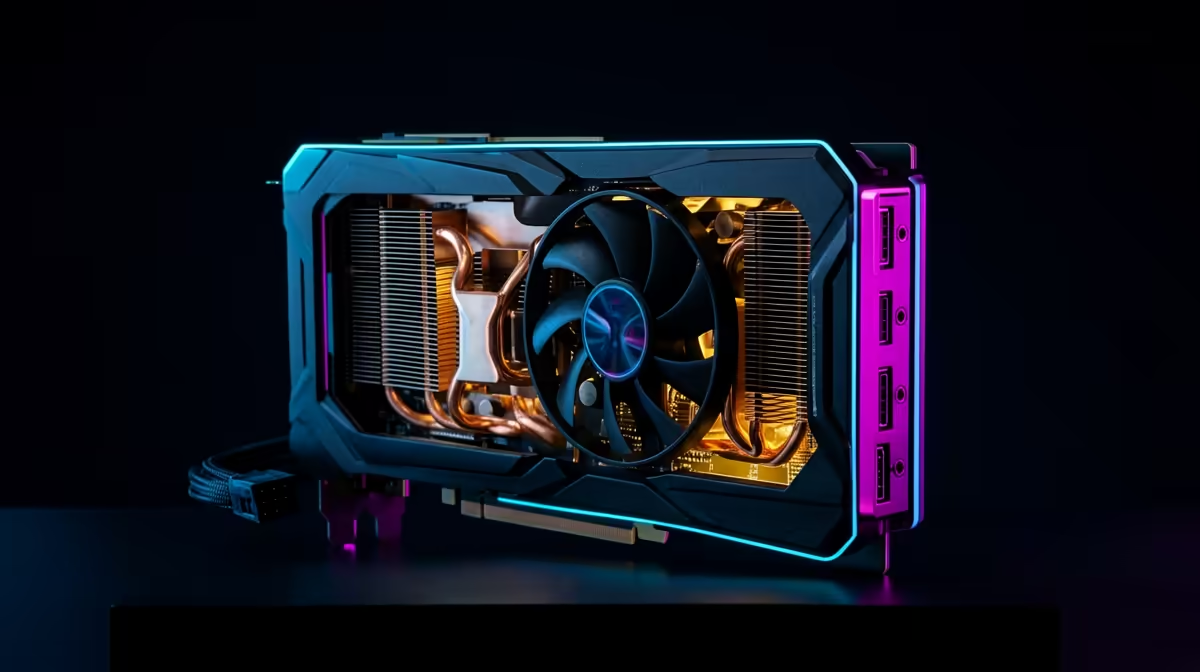
The GPU (Graphics Processing Unit) is the artist. Its job is to take the instructions from the CPU and turn them into the beautiful pixels you see on your monitor. It handles textures, lighting, shadows, and special effects. If your gaming goal is to push higher resolutions (like moving from 1080p to 1440p or 4K) or to turn on demanding features like ray tracing for realistic lighting, a GPU upgrade will give you the most noticeable improvement.
A simple test: if you lower your game's resolution and your FPS dramatically increases, your GPU is likely the limiting factor. If the FPS barely changes, your CPU might be the one holding you back. Deciding between CPU or GPU upgrades often comes down to what visual fidelity you're aiming for.
Quick Bottleneck Check
Use the Performance tab in Windows Task Manager (Ctrl+Shift+Esc) while your game is running. If your CPU usage is consistently hitting 90-100% while your GPU usage is much lower, you've found your bottleneck!
How to Choose the Right CPU Upgrade
So, you've identified a CPU bottleneck. What's next? The choice often comes down to two major players: Intel and AMD. Both offer incredible performance, but they cater to slightly different needs. Understanding which upgrade matters most depends on your specific use case.
Team Blue or Team Red?
For gamers who prioritise the absolute highest frame rates, especially in competitive esports titles, the powerful single-core performance of a modern Intel CPU can provide a tangible edge. Their architecture is finely tuned for gaming workloads.
On the other hand, if you're a gamer who also streams, edits videos, or multitasks heavily, the excellent multi-core performance of an AMD CPU is often unbeatable for the price. Their Ryzen series changed the game by offering more cores and threads, making them productivity powerhouses that also excel at gaming. 🔧
Ultimately, the best CPU vs GPU upgrade path is the one that fixes your PC's weakest link. By analysing your system's performance and understanding your personal gaming goals, you can invest your hard-earned Rands where they'll make the biggest difference on your screen.
Ready to Unleash Your PC's Potential? A CPU bottleneck is the silent killer of high frame rates. Explore our massive selection of processors to find the perfect brain for your rig. Shop the latest CPU processors at Evetech for performance that leaves lag in the dust.











