

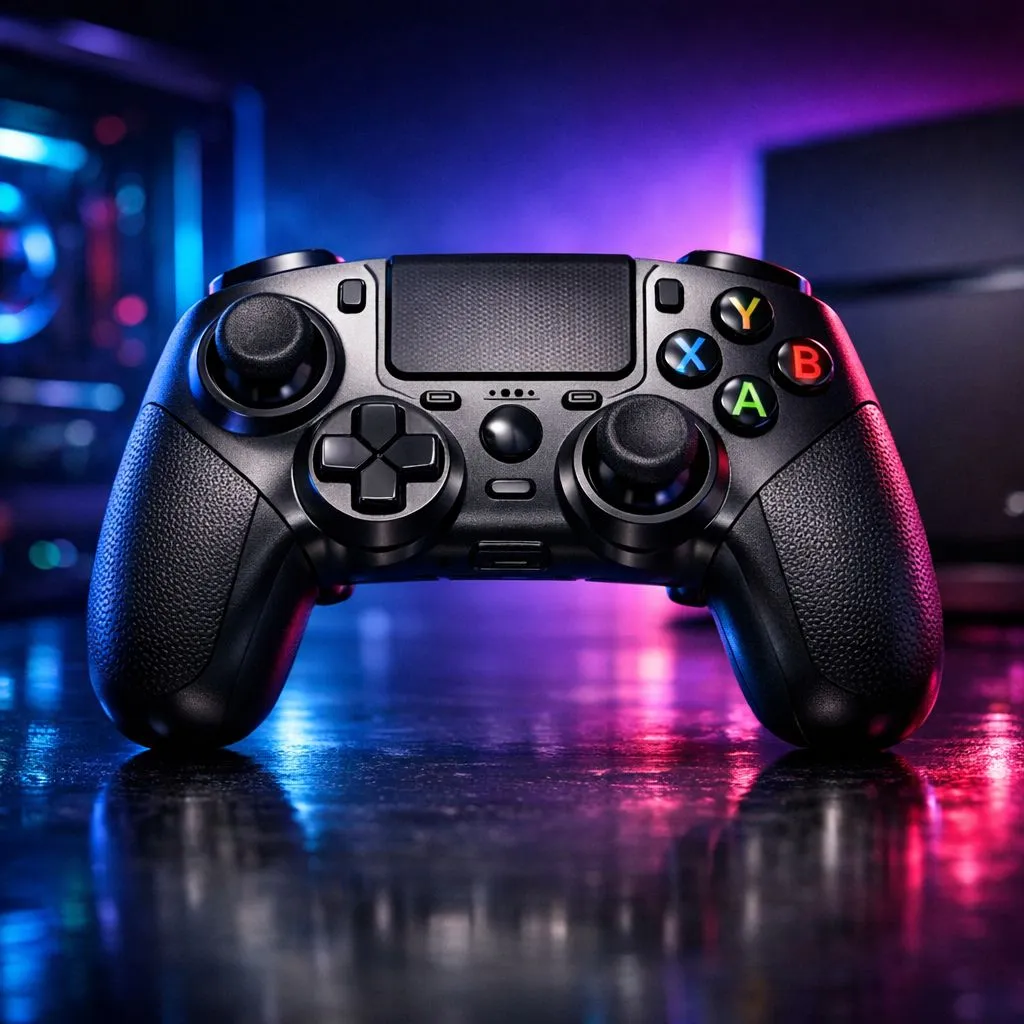
Cross-Compatible Controllers for Console and PC Gaming: The “Plug and Play” Reality Check 🎮
If your console friends are begging for “one controller for everything”, you’re not alone. In South Africa, we share gear, bargain during specials, and upgrade across platforms without wanting to rebuy the same hardware. Cross-compatible controllers for console and PC gaming can save you money... and headaches. But compatibility is more than “it connects”. Deadzones, button mapping, and how well the controller behaves in each game matter. Let’s break down what to look for before you click “buy”. 🔧
Cross-Compatible Controllers for Console and PC Gaming: What Compatibility Actually Means ✨
On paper, a controller might be “compatible”. In practice, you want three things:
- Connection support: USB works for most PC use. Wireless support differs by model and console generation.
- On-device mapping or software profiles: Some controllers let you remap buttons and save profiles. Others rely on PC software only.
- Input behaviour in-game: Aim feel, trigger response, and stick deadzones can vary across platforms.
Reputable controller pages from Evetech often include key specs like connectivity and features. That matters, because the best option for a PS5 or Xbox Series X setup might not be the same as for a Windows gaming rig.
Cross-Compatible Controllers for Console and PC Gaming: Features That Affect Aim and Comfort ⚡
When you switch between console and PC, you’ll feel differences fast. Pay attention to:
- Back buttons / paddles: Useful for aim + reload on shooters and for quick tool swapping in RPGs.
- Analog stick consistency: A controller that feels smooth on PC should not suddenly feel “slippery” on console.
- Trigger control: If you play racing or tactical games, adjustable triggers can change everything.
Here’s a micro-story from typical SA gaming life: you’re raiding after work on PC, then couch co-op at night. If your controller lacks profiles or remapping, your layout resets… and suddenly reload is bound to the wrong button. Tiny annoyance. Huge productivity hit.
Setup Pro Tip ⚡
On Windows, install the controller’s official software (if available) and save separate profiles for FPS and driving games. Then test in one aim-heavy title and one menu-heavy title, so you catch deadzone or mapping quirks before your next session.
A practical option: tournament-grade feel for cross-platform players
If you want a controller that’s built for competitive play, check out the Razer Wolverine V3 Tournament Edition 8K on Evetech. It’s a strong candidate for players who care about responsiveness and want a controller that holds up when you jump between PC and console use cases. Compare its features on the product page here:
Explore the Razer Wolverine V3 Tournament Edition 8K
Cross-Compatible Controllers for Console and PC Gaming: Buying Smarter in South Africa (Rands Included) 🚀
In SA, the “best controller” is often the one that fits your budget during a promo, not the one with the fanciest marketing. When you browse, do this in order:
- Pick your primary platform (console or PC).
- Then confirm secondary support on the same product page.
- Check if it supports wired + wireless, and whether wireless works on both platforms.
- Look for back buttons and remapping you can actually use in your favourite games.
If you’re still comparing models, start with Evetech’s curated buying guides. You’ll quickly narrow down options that make sense for both your setup and your budget:
Browse gaming controllers on Evetech
Prefer a specific brand? If you’re shopping for Razer, you can filter your search and keep the process tight:
Buy Razer controllers from Evetech
Cross-Compatible Controllers for Console and PC Gaming: Quick Compatibility Checklist (Before You Commit) 🎮
Before you finalise the order, run this fast checklist:
- Remapping: Can you set button layouts once, or do you need per-device setup?
- Wired fallback: Does it work reliably when wireless misbehaves?
- Game support: Try one game with custom button prompts, one with aim settings.
- Ergonomics: If your hands cramp on PC, console couch sessions will be worse.
Want fewer surprises? Buy from a retailer with clear product pages, consistent stock, and guides that help you compare honestly.
Ready to Find Your Perfect Match? Cross-compatible controllers are great, but the best one is the one that fits your games, your platform, and your budget. Browse Evetech’s controller range now and lock in the right setup for console and PC gaming in South Africa. Explore our massive range of gaming controllers and choose with confidence.











