

Cross-Platform Gaming Ecosystem on a Budget: ZAR Build Guide for SA players
You want to game across PC, console, and maybe even handheld… but your budget is stuck in reality. In South Africa, that means stretching every rand, buying smart, and avoiding “upgrade regret”. This guide shows how to build a cross-platform gaming ecosystem on a budget with a practical ZAR build plan, plus controller picks you can actually find locally. 🔧
We’ll focus on: low-friction setup, shared accessories, and settings that keep your aim consistent across platforms. Ready?
Cross-Platform Gaming Ecosystem on a Budget: ZAR Build Guide components that carry across platforms
A cross-platform setup isn’t just “play the same game”. It’s about repeating the same muscle memory.
Choose one “core” platform for upgrades
Pick the platform you’ll upgrade first. For most SA buyers, that’s a gaming PC, because you can tune performance per game and swap parts later.
What to look for in a budget PC direction:
- A GPU that targets smooth 1080p (or better, depending on your screen)
- Enough RAM for modern games (16GB is a common baseline)
- A fast SSD so you’re not waiting around
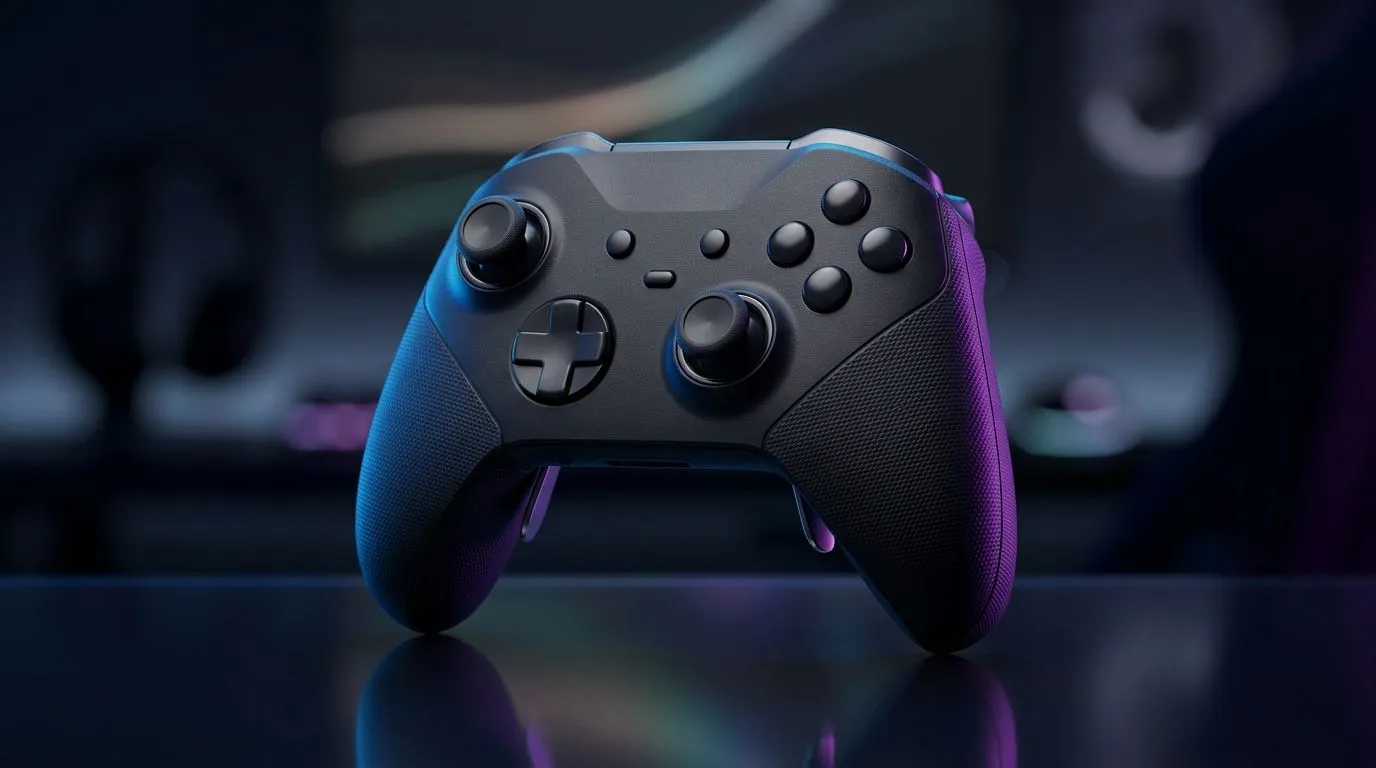
If you’re planning to buy controllers too, decide early whether you want a consistent feel across devices. That’s where the right controller makes a difference.
Build around your control scheme, not the brand hype
When you use similar triggers, stick feel, and button layout across devices, your accuracy improves over time. If you already play on a certain controller style, try to keep it consistent on PC as well.
For controller options, start here:
- Razer controller deal browsing: gaming controllers you can shop right now
- If you prefer a specific brand, compare Razer models: Raze branded gaming controllers
Cross-Platform Gaming Ecosystem on a Budget: ZAR Build Guide accessories that save money (and time) ✨
This is where you stop wasting money. Cross-platform ecosystems can get pricey fast if you buy duplicates you don’t need.
Controller-first strategy for multi-device gaming
If you play the same FPS or driving game on multiple platforms, your controller is your “shared language”. One good controller can carry you through PC + console sessions, as long as it supports the connection method you’ll use.
If you want a tournament-style controller feel, check:
Even if you don’t buy today, using one reference model helps you compare features like stick height, button layout, and overall build quality.
Set up your ecosystem so switching devices is painless
Make a “session checklist”:
- Same sensitivity (as close as the platform allows)
- Same controller profile naming
- Same audio output settings (headphones matter more than people think)
Productivity Pro Tip 🔧
On Windows, use the PowerToys FancyZones utility to create custom snap layouts for your windows. It's a lifesaver for managing multiple apps on an ultrawide monitor, letting you organise your timeline, preview window, and asset folders perfectly for video editing.
Cross-Platform Gaming Ecosystem on a Budget: ZAR Build Guide settings that help aim consistency ⚡
Here’s a quick truth: settings consistency beats chasing “perfect numbers”. Different platforms handle input differently, so instead aim for repeatable behaviour.
- Adjust sensitivity per platform until your 180-degree turn feels similar
- Turn off unnecessary acceleration options where possible
- Keep deadzones consistent, especially if you use the same controller on PC and another device
If you’re playing competitive modes, remember that your “feel” matters more than synthetic benchmarks. Play a warm-up match on each platform and note what feels off. Then tweak in small steps.
Cross-Platform Gaming Ecosystem on a Budget: ZAR Build Guide budget ZAR shopping priorities (what to buy first)
If your ZAR budget is tight, don’t buy in this order:
- “Fancy” peripherals first
- Then the PC bottlenecks
- Then you realise you need a new controller anyway
Instead:
- Build the core PC (or platform) to run your games smoothly
- Buy one controller you’ll stick with
- Add audio that keeps you immersed
- Only then consider upgrades or extras
That order keeps you gaming, not chasing compatibility problems. 🚀
Ready to Find Your Perfect Match? If you’re trying to build a cross-platform ecosystem without burning your budget, the smart move is starting with the right hardware in one place. Browse Evetech’s controller and PC accessory options, then build up from there. Explore our massive range of laptop specials and find the perfect machine to conquer your world.











