

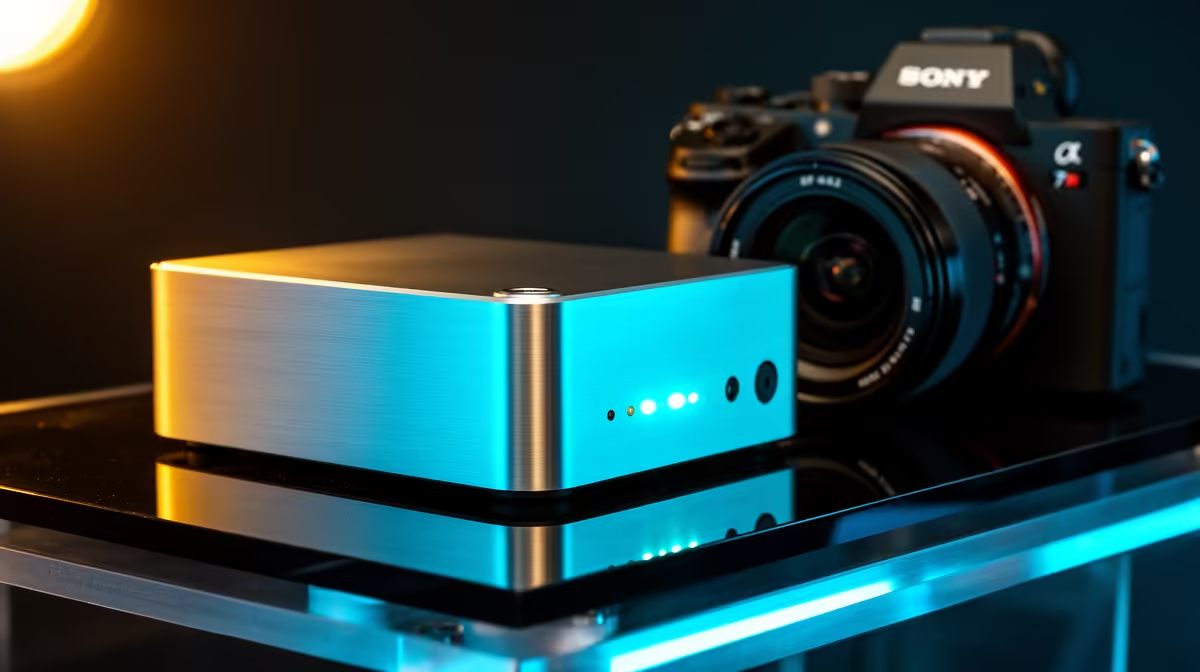
Think Mini PCs are just tiny, underpowered boxes? Think again. These compact powerhouses are taking South African desks and living rooms by storm. The best part? You're not stuck with what's in the box. Learning how to customise your Mini PC unlocks performance tailored perfectly for your gaming, work, or media needs. Let’s dive in and build your ideal small-form-factor rig. 🚀
Why Bother with Mini PC Customisation?
In a world of massive gaming towers, the appeal of a PC that fits in the palm of your hand is obvious. But the real magic happens when you realise they aren't sealed units. Customising a Mini PC allows you to create a machine that's not just small, but also perfectly optimised for your specific tasks… without wasting a Rand on features you don't need.
You can boost memory for heavy multitasking, upgrade storage for lightning-fast game loads, or choose a model with a powerful integrated GPU for a solid 1080p gaming experience. It’s all about getting maximum performance-per-litre, creating a silent home theatre PC (HTPC), or a clutter-free work-from-home setup. The flexibility is what makes these little machines so powerful.
Core Upgrades: Where to Focus Your Build 🔧
While you can't swap every single part like in a full-sized desktop, the most impactful components are often accessible. Focusing on these three areas will give you the biggest performance boost when you customise your Mini PC.
Upgrading RAM (Memory)
Is your PC struggling with too many Chrome tabs, Discord, and a game running all at once? More RAM is the answer. Most Mini PCs come with 8GB or 16GB, but upgrading to 32GB can make your system feel significantly snappier. It’s usually a simple, plug-and-play upgrade that delivers immediate results for productivity and background tasks.
Check Your RAM Type!
Mini PCs almost always use SO-DIMM memory—the smaller sticks found in laptops. Don't buy full-size desktop DIMMs! Always check your device's spec sheet for the correct type and maximum supported speed before you buy.
Super-Charging Your Storage (SSD)
The single biggest quality-of-life upgrade for any PC is moving from a hard drive to a Solid State Drive (SSD). For Mini PCs, this often means a super-fast M.2 NVMe SSD. An NVMe drive can slash Windows boot times to mere seconds and dramatically reduce loading screens in games. If your current Mini PC feels sluggish, a storage upgrade offers incredible value. You can explore the core components of modern Mini PCs to see what options are available.
Choosing the Right CPU/APU
The processor is the brain of your Mini PC. For many models, especially those from AMD, it's an APU (Accelerated Processing Unit), which combines the CPU and a surprisingly capable graphics processor on a single chip. This is the key to how you can customise your Mini PC for casual gaming. Brands like Minisforum are experts at packing incredible processing power into tiny chassis, with some powerful Minisforum models capable of running titles like Valorant, Fortnite, and CS2 smoothly. ✨
Tailoring Your Mini PC for Any Scenario
So, how does this all come together? Let's look at a few common South African use cases.
- The Ultimate Home Office: Prioritise a quiet model with at least 16GB of RAM for seamless multitasking and support for multiple 4K monitors. Storage speed is less critical here, so a standard 512GB NVMe is plenty.
- The Living Room Media Hub: Look for a model with excellent thermal performance for silent operation. You'll want HDMI 2.1 for 4K 120Hz output and enough processing power to handle high-bitrate video streaming without breaking a sweat.
- The Compact Gaming Rig: This is where the APU shines. An AMD Ryzen 7 or Ryzen 9 APU with integrated Radeon graphics delivers fantastic 1080p performance. Pair it with 16GB of fast dual-channel RAM and a 1TB NVMe SSD for your game library.
No matter your goal, there’s a path to customise your Mini PC to meet it perfectly.
Ready to Craft Your Compact Powerhouse? From silent office workhorses to 1080p gaming rigs, the perfect small-form-factor PC is waiting. Explore our full range of Mini PCs and start building a machine that fits your space and your budget.











