

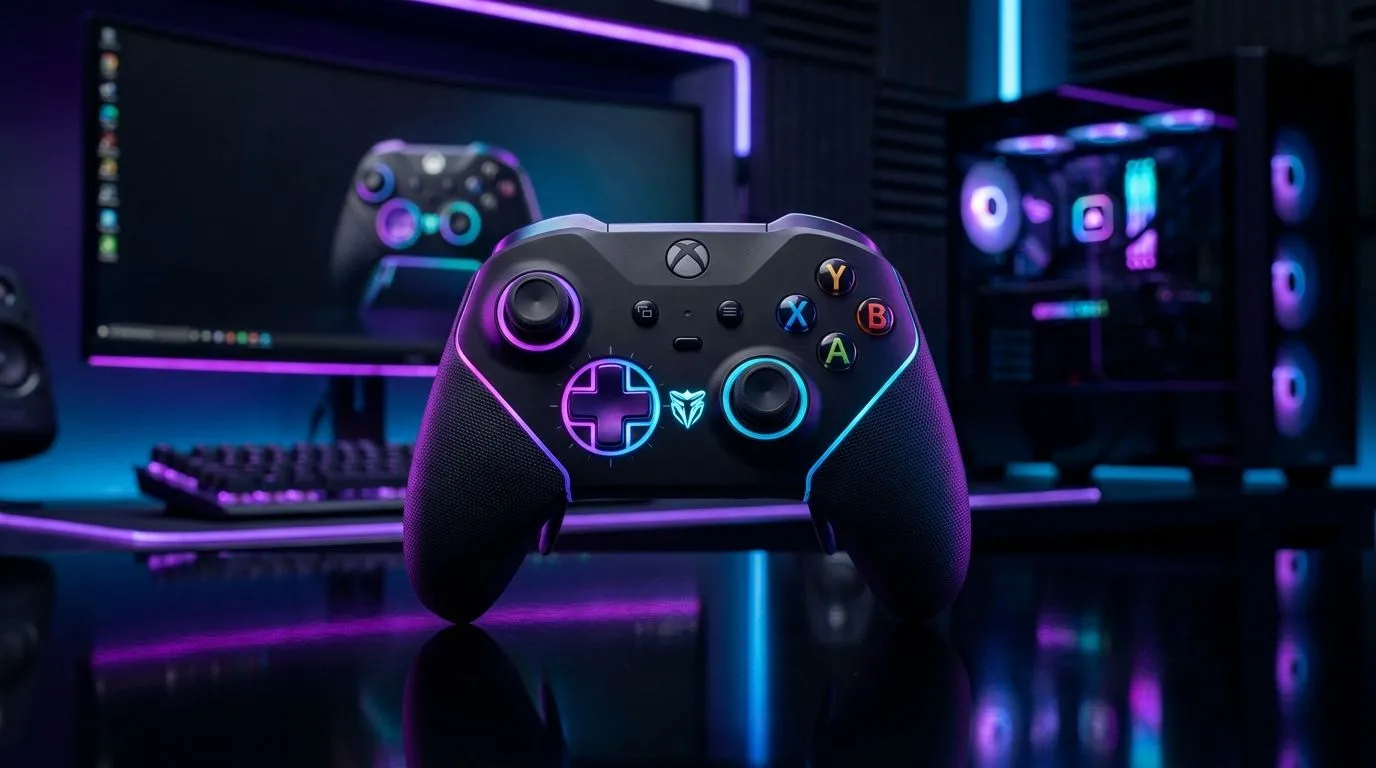
How to Customise RGB Lighting on Your Gaming Controller (Without the Guesswork) ⚡
So your controller looks… fine. Then you see a clip where the RGB ripples like a nebula, and suddenly you want that vibe on your desk. In South Africa, where power cuts can make setups feel like projects, custom lighting is a small upgrade with big personality. ✨ Whether you’ve got a wired pad for ranked or a tournament-ready controller for long sessions, the steps are usually simple once you know what to check first.
This guide shows you how to customise RGB lighting on your gaming controller, with practical tips that actually help when software, profiles, or sync don’t behave.
How to Customise RGB Lighting on Your Gaming Controller: Start with Compatibility 🔧
Before you touch any settings, confirm your controller is built for RGB customisation. Some controllers have fixed lighting modes, while others require a companion software suite.
What to look for:
- A controller with a labelled RGB mode (often “Chroma” style branding or RGB presets)
- A manufacturer software app (Windows is the usual requirement)
- A way to save profiles (on-controller memory or PC-based profiles)
If you’re currently shopping or upgrading, it’s worth browsing controllers with the features you want first. Evetech’s controller range can help you narrow it down quickly:
- Explore gaming controller options here: buy gaming controllers on Evetech
- If you’re specifically interested in Razer: Razer gaming controllers on Evetech
How to Customise RGB Lighting on Your Gaming Controller: Configure the Effects ⚡
Once the correct software is installed, you’ll usually see:
- Effect types: static, breathing, reactive, spectrum/gradient, wave
- Zones (if supported): grips, light bar, buttons, triggers
- Speed and brightness: how fast it animates and how intense it looks
- Profile saving: apply per game or per session
Try this real-world routine:
- Pick Static first to confirm colours match what you expect.
- Move to Breathing for a calm “always on” look.
- If you play FPS, try Reactive or Pulse so action feels more responsive (and still not distracting).
Want a proven example of tournament-friendly hardware with strong RGB identity? This option is worth a look:
- Check the Razer option: Razer Wolverine V3 Tournament Edition 8K deals
Pick a colour theme that matches your setup ✨
South African desks often mix monitors, RGB RAM, and sometimes a headset dock. A good strategy is to choose one dominant colour (like blue or purple) and use darker tones for contrast. It makes your controller look intentional, not random.
RGB Setup Pro Tip ⚡
Windows, create a simple routine: open the controller software first, load your RGB profile, then launch your game. If you notice lighting resets after a game loads, try saving the profile to the controller (if the model supports onboard memory) so your colours stay consistent even when apps relaunch.
How to Customise RGB Lighting on Your Gaming Controller: Fix Common Issues 🚀
RGB problems are almost always one of these:
- Software not detecting the controller: try a different USB port (avoid hubs when troubleshooting)
- Profiles not sticking: save to onboard memory or ensure the app runs with the correct permissions
- Conflicting lighting control: if multiple utilities are installed, disable the extra one and test again
Micro-checklist:
- Restart the controller software after changes
- Verify the controller firmware is up to date (if your vendor provides it)
- Keep brightness moderate; very high brightness can wash out colours on darker setups
How to Customise RGB Lighting on Your Gaming Controller: Choose Your Next Upgrade Wisely
If you want RGB that looks great and stays reliable, don’t just chase “more colours”. Prioritise:
- Controller zones (more control)
- Profile saving (less hassle)
- Software support on Windows (most gamers in SA play there)
Ready to level up your controller look and your overall setup? Start with the right hardware, then customise from a stable baseline.
Ready to Find Your Perfect Match? The Mac vs Windows debate is complex, but for maximum power, choice, and value in South Africa, Windows is hard to beat. Explore our massive range of laptop specials and find the perfect machine to conquer your world.











