

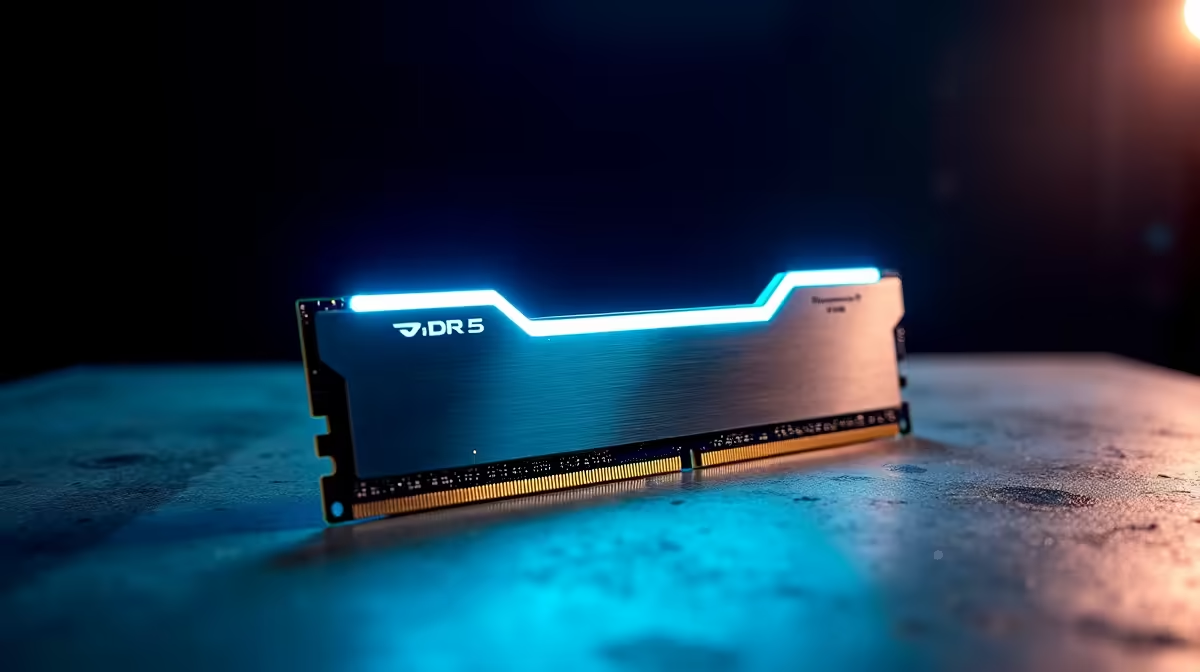
Upgrading your rig is always exciting. But moving to next-generation memory brings a massive performance leap. If you want to push high frame rates or handle heavy rendering tasks without stuttering, mastering your DDR5 32GB kit setup and configuration is essential. Let us walk through the exact steps to unlock maximum bandwidth for your South African gaming setup. 🚀
Preparing for Your Memory Upgrade
Before cracking open your case, you need to ensure hardware compatibility. DDR5 modules will not fit into older DDR4 motherboards due to a different notch position. If you are building a modern system from scratch, finding the right desktop memory is step one.
Why is 32GB the magic number? Modern titles and heavy multitasking eat up RAM incredibly fast. A dual-channel 32GB kit provides the perfect sweet spot for flawless gaming and heavy productivity. If you prefer skipping the DIY route entirely, you can always grab one of our incredible pre-built PC deals that come fully pre-configured and stress-tested by our local experts.
Physical Installation Steps
Installing your new sticks requires a gentle touch and some patience. First... unplug your power supply from the wall. Safety always comes first when working with electronics. Locate the DIMM slots on your motherboard.
For an optimal two-stick configuration, you usually populate slots two and four... counting away from the CPU socket. Check your specific motherboard manual to be absolutely certain. Press down evenly on both ends of the RAM stick until you hear a satisfying click from the locking tabs. If you are eyeing an entirely new rig to house these speeds, browse our best gaming PC deals for some serious ZAR value.
Installation Pro Tip 🔧
Always ground yourself before touching PC components. Touch an unpainted metal part of your case or use an anti-static wrist strap. This prevents static electricity from damaging your expensive new DDR5 modules.
BIOS Tweaks and XMP Profiles
Your DDR5 32GB kit setup and configuration is only half done after physical installation. Out of the box, DDR5 runs at base JEDEC speeds... usually around 4800MHz. To hit those blisteringly fast advertised speeds of 6000MHz or more, you must enter your system BIOS.
Restart your PC and mash the Delete or F2 key during startup. Look for the XMP profile for Intel or EXPO setting for AMD. Enable Profile 1, save your changes, and exit. It is truly that simple. If you are a mobile warrior who prefers portable power without the BIOS tweaking, our range of high-performance laptops offers incredible out-of-the-box speeds.
Verifying Your Speeds
Once Windows boots up, open your Task Manager. Navigate to the Performance tab and click on Memory. Look at the speed reading in the bottom right corner of the window. If it matches your kit's advertised speed, congratulations.
Your memory is perfectly optimised. ✨ You are now ready to dominate the lobby or crush that heavy render queue. Do not forget to check out our latest component specials to find even more ways to upgrade your ultimate battlestation.
Ready to Maximise Your Framerates? Upgrading your memory is the smartest way to unlock your system's true potential. Shop our premium DDR5 RAM selection today and experience next-generation speeds, unbeatable ZAR value, and flawless gaming performance.











