

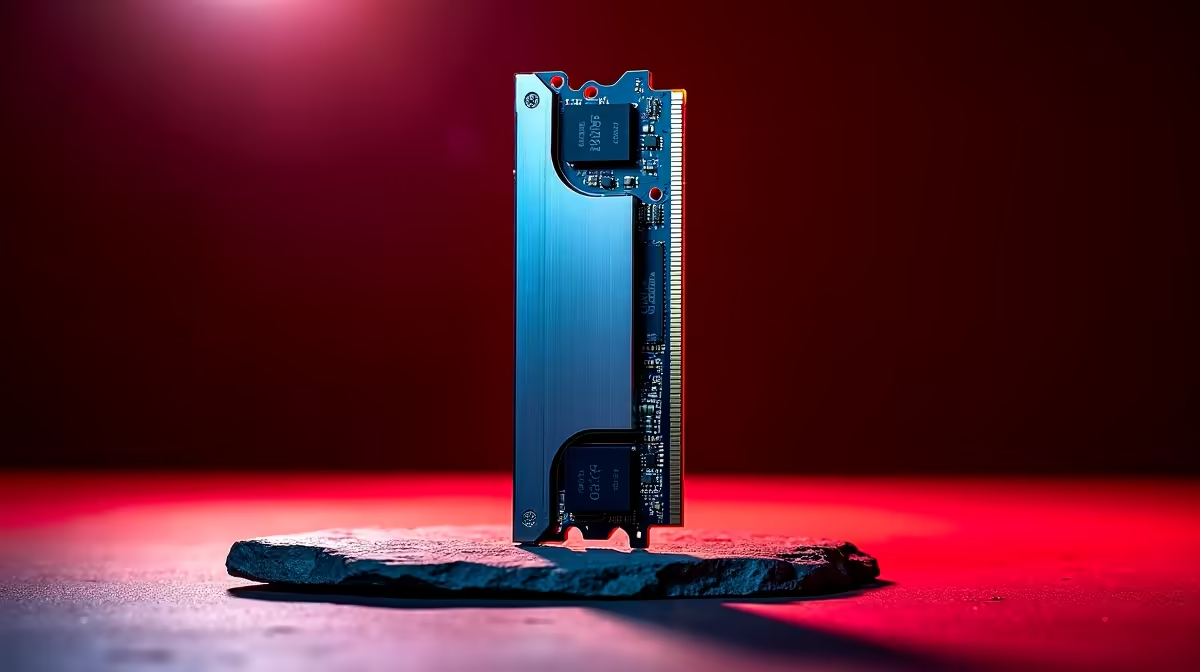
If you are tired of watching progress bars crawl while rendering 4K footage, your RAM might be the bottleneck. For South African creators, time is the most valuable resource. Upgrading to DDR5 memory for content creation is no longer just a luxury... it is a necessity for staying competitive. Whether you are performing deep colour grading or sculpting in Blender, the jump in bandwidth transforms your daily workflow. 🚀
The Bandwidth Leap for Creative Workflows
DDR5 memory for content creation offers a massive jump in data rates compared to the older DDR4 standard. We are seeing speeds starting at 4800MT/s and climbing much higher. This speed is vital when moving massive textures or video files from your storage to your processor. It reduces the stuttering you often see in high-resolution timelines.
Editing 8K video requires a huge amount of data to be available instantly. DDR5 handles these bursts with ease. This means fewer dropped frames and a much smoother scrubbing experience. If you want to optimise your output, starting with the right memory is the first step. ⚡
Efficiency and Reliability in High-Pressure Environments
Reliability is key when a project deadline is looming. DDR5 introduces on-die ECC (Error Correction Code). This feature handles bit flips within the memory chip itself. It provides a layer of stability that was previously reserved for expensive server hardware.
For creators in South Africa, this stability is crucial during long render sessions. You do not want a crash five hours into a complex 3D export. DDR5 also operates at a lower voltage of 1.1V. This improves power efficiency... a small but helpful benefit for managing heat in compact workspaces. High-quality kits are becoming more affordable locally, with prices often starting around R1,800.
Productivity Pro Tip ⚡
On Windows, use the PowerToys FancyZones utility to create custom snap layouts for your windows. It's a lifesaver for managing multiple apps on an ultrawide monitor, letting you organise your timeline, preview window, and asset folders perfectly for video editing.
Compact Power for Modern Studios
Not every creator wants a massive desktop tower taking up space. Many are moving toward mini PCs to keep their desks clean and minimalist. These small machines have evolved significantly. You can now find compact mini PCs that fully support high-speed DDR5 modules.
If you are looking for specific brands that balance size and performance, the Minisforum range is particularly impressive. These units allow you to pack workstation-grade memory into a device that fits in your backpack. It is the perfect solution for digital nomads or editors who move between home and the studio. ✨
Future-Proofing Your Creative Career
Investing in DDR5 is about more than just today... it is about the next five years. Software developers are already building apps that take advantage of this increased speed. As AI-assisted tools become standard in Photoshop and After Effects, the demand for fast memory will only grow.
Choosing DDR5 ensures your system stays relevant as file sizes increase. It is the foundation of a modern creative workstation. Do not let your hardware hold back your imagination. 🔧
Ready to Elevate Your Creative Workflow? The jump to DDR5 is the smartest move for any serious creator in South Africa looking for speed and stability. Explore our latest DDR5 memory kits and build a workstation that can keep up with your vision.











