

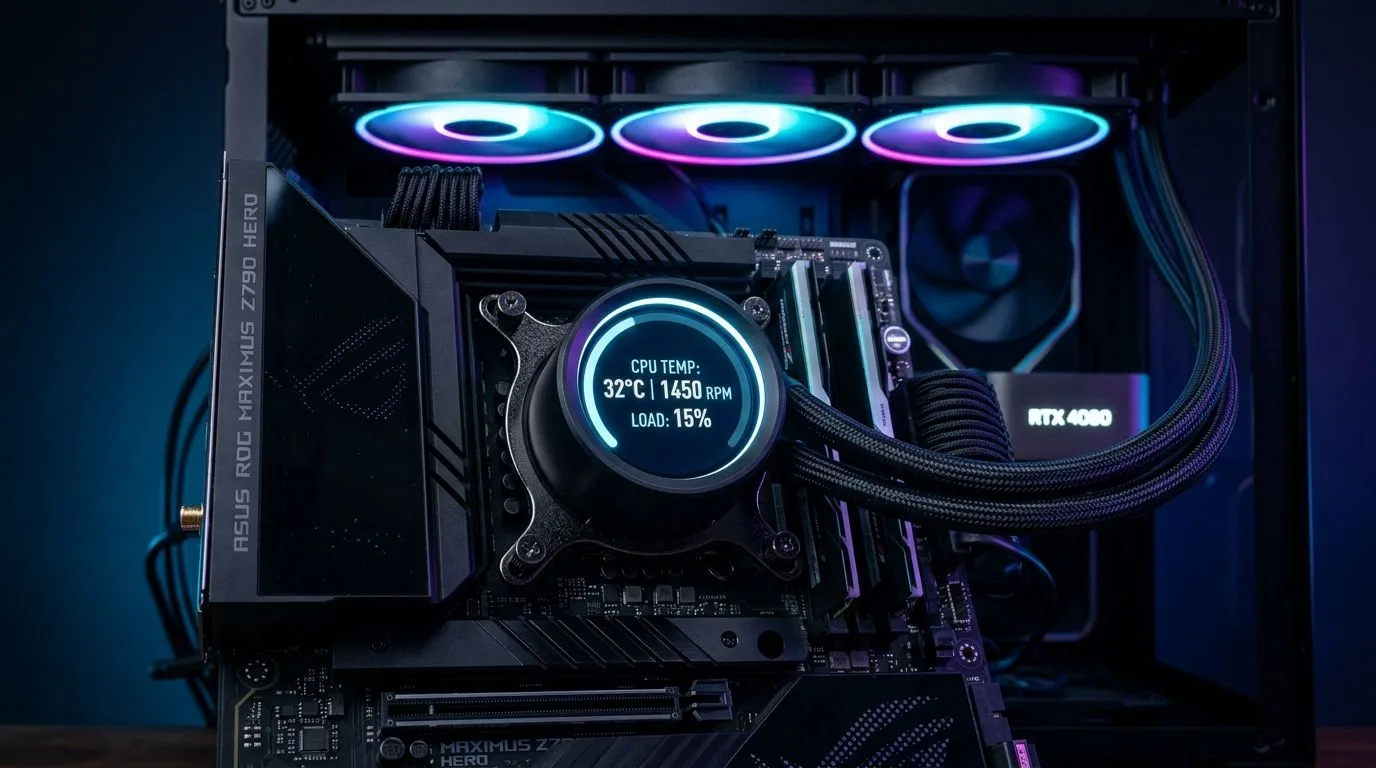
Digital Display CPU Coolers: Quick Win for Cooler Builds
Want accurate temps and a screen that tells the story? South African gamers and PC builders love hardware that works and looks good. This quick guide shows practical setup steps, monitoring checks and small tweaks to keep temps low and your display useful 🔧✨.
Setup: Hardware and Fitment
Measure radiator clearance and pick fans that fit. Many chassis take 120mm options; if that’s your choice, consider specific 120mm case fans for tight builds. Alternatively some cases favour 140mm airflow—check the 140mm listings before buying. Remember to confirm pump clearance and backplate access.
Initial Installation Steps
Clean the CPU surface, apply a pea-sized thermal paste, then seat the block and tighten evenly. Route the display cable and power lead so they don’t rub fan blades. If you own Corsair kit, link your mounting and lighting profile to the fan ecosystem for smoother setup.
Software: Display Setup and Monitoring
Install the official app and allow the software to detect pump, fan RPM and sensor outputs. Most digital display coolers offer real-time temperatures and pump speed. Create three profiles: silent, balanced and gaming. Use low-res test images for custom screens to avoid stalls.
Real-Time Monitoring Tips
Watch CPU package versus core deltas during sustained loads. Spikes usually hint at airflow or intake filter issues rather than pump failure. Compare RGB and non-RGB fan behaviour to balance noise and flow; non-RGB options often run without extra controller chatter.
Cooling Pro Tip ⚡
Keep your intake free of dust. A quick monthly clean and magnetic filters improve airflow and lower peak temps.
Component Matching and Aesthetics
Pick fans that match your display for a coherent look. If RGB is part of your build, choose RGB fan models to synchronise effects. Alternatively, clean non-RGB fans give a minimalist finish that highlights the cooler’s screen.
Case Fan Selection and Brands
If you like tight software integration, explore Corsair fans that often pair with their control suites. For budget or quieter setups, Deepcool offers solid alternatives. Always measure radiator depth and case clearance before you order additional fans.
Final Checks and Live Validation
Run a 10–20 minute stress session while you watch the display. Adjust fan curves until temps stabilise. If you’re still unsure which fan to try next, browse the general case fan category to compare options quickly.
Choose wisely based on airflow, noise, radiator depth and clearance.
For a broad selection, see the general case fans page at case fans overview.
Corsair-specific fans and accessories are grouped here: Corsair case fans.
If you prefer Deepcool, find compatible fans and kits on this page: Deepcool case fans.
Want lighting? Browse RGB options here: RGB fan options.
Prefer a clean, silent look? See non-RGB alternatives listed at Non-RGB fans.
Need compact airflow? Explore 120mm options on this filter: 120mm options.
For maximum static pressure, check 140mm fan choices here: 140mm options.
Ready to Find Your Perfect Match? The Mac vs Windows debate is complex, but for maximum power, choice, and value in South Africa, Windows is hard to beat. Explore our massive range of laptop specials and find the perfect machine to conquer your world.











