

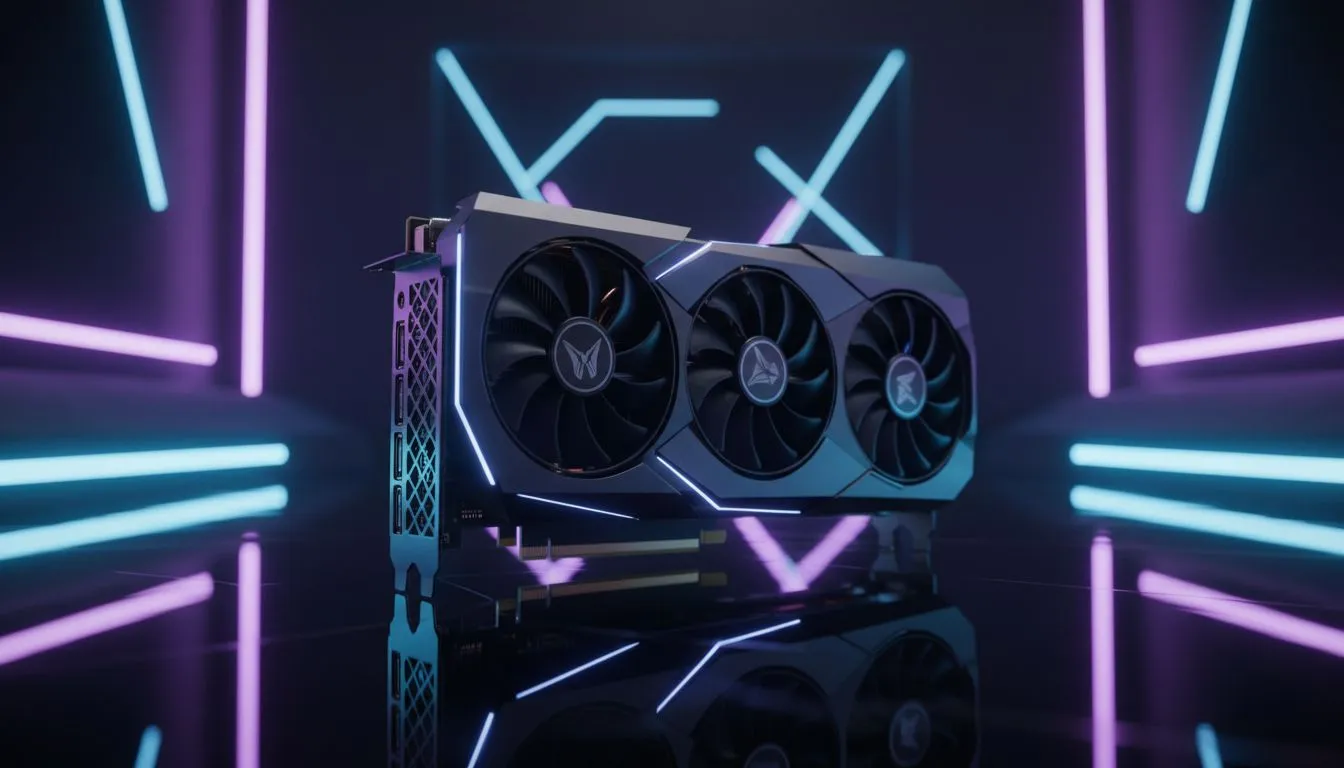
How DirectX 12 Ultimate upgrades visuals for South African gamers 🎮✨
DirectX 12 Ultimate packs console‑grade features into PC gaming. In South Africa that can mean smoother ray traced shadows, better reflections, and more stable frame pacing on midrange rigs. If you play competitively or stream locally, understanding DirectX 12 Ultimate helps you choose the right GPU and settings from the start.
Key features of DirectX 12 Ultimate
DirectX 12 Ultimate unifies four technologies developers rely on: hardware-accelerated ray tracing, variable rate shading, sampler feedback, and mesh shaders. These tools let studios push lighting fidelity and performance without forcing you into the highest price bracket. Want Nvidia options? Check available GeForce cards when you’re ready to upgrade: https://www.evetech.co.za/components/nvidia-ati-graphics-cards-21?category=GeForce+Graphics+Cards
What this actually means for gameplay
You’ll see more realistic lighting and better object detail at range, while VRS (variable rate shading) keeps framerates playable. That trade-off matters when South African internet and power constraints affect multiplayer sessions... prioritise consistent FPS over ultra presets for better online performance. For a broad look at GPU options, browse our full graphics cards range: https://www.evetech.co.za/components/nvidia-ati-graphics-cards-21
Choosing a GPU in South Africa — practical tips ⚡
Shop for cards that explicitly list DirectX 12 Ultimate or DX12 Ultimate support. Both major brands offer compatible choices; compare features rather than marketing. If you prefer AMD, view Radeon options here: https://www.evetech.co.za/components/nvidia-ati-graphics-cards-21?category=Radeon+Graphics+Cards. Prefer pre-built or branded models? See MSI builds and their cooling choices, which matter for sustained ray tracing: https://www.evetech.co.za/components/nvidia-ati-graphics-cards-21?brands=MSI
Productivity Pro Tip ⚡
On Windows, use the PowerToys FancyZones utility to create custom snap layouts for your windows. It's a lifesaver for managing multiple apps on an ultrawide monitor, letting you organise your timeline, preview window, and asset folders perfectly for video editing.
Performance tuning and settings
Start with the game's recommended DirectX 12 or DX12 Ultimate preset, then dial down ray tracing or use DLSS/FSR where available to recover FPS. For competitive play, disable heavy ray tracing and keep VRS conservative. Regular driver updates often add optimisation—check vendor pages or Evetech listings before buying.
Final word — is it worth upgrading?
If you want longer-term compatibility and better visuals on upcoming titles, yes. For budget gamers, targeted upgrades to a midrange card with DX12 Ultimate support gives the best value. Need help matching a card to your build and budget? Our product pages above show current stock and specs in ZAR.
Ready to Find Your Perfect Match? The Mac vs Windows debate is complex, but for maximum power, choice, and value in South Africa, Windows is hard to beat. Explore our massive range of laptop specials and find the perfect machine to conquer your world.











