

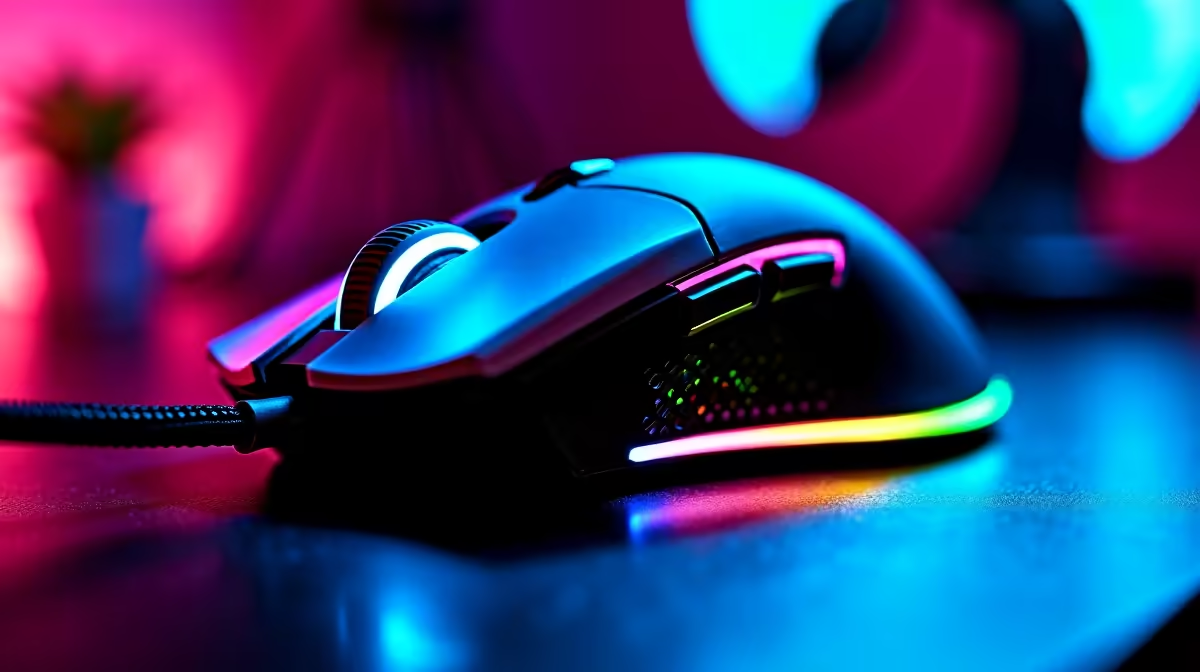
You’re in a 1v3 clutch. The bomb timer is screaming. You peek, line up the perfect headshot… and a sudden flash of rainbow light from your mouse distracts you for a millisecond. It’s enough. You’re dead. Sound familiar? That default RGB light show might look cool, but it could be costing you rounds. For serious South African gamers, learning how to disable RGB auto mode for gaming isn't just a preference; it's a competitive advantage.
Why Turning Off Automatic RGB Can Boost Your Gameplay
That constant cycle of colour isn't just for show. It demands resources and, more importantly, your attention. When victory is measured in milliseconds, every little optimisation counts. Let's break down why you should consider killing the rainbow for your next session.
Minimise Distractions for Maximum Focus ⚡
Your brain is hardwired to notice movement and light changes in your peripheral vision. It’s a survival instinct. Unfortunately, that means the "Rainbow Wave" effect on your gear is actively fighting for your brain's attention.
By switching to a single, static colour or turning the lights off completely, you create a cleaner, more focused gaming environment. You want your eyes locked on the monitor, not subconsciously tracking the light parade on your desk. A high-quality gaming mouse is designed for precision, and removing distractions is key to unlocking its full potential.
Squeeze Out More System Performance
Does RGB software affect FPS? Yes, but it's usually minor. Software like Corsair iCUE, Razer Synapse, or SteelSeries GG needs CPU cycles to run and sync all those fancy lighting effects. While a high-end rig might not notice it, on a budget or mid-range build, closing unnecessary background processes can free up resources for your game. Disabling complex RGB effects is one of the easiest optimisations you can make.
Pro Gamer Tip
Instead of turning RGB off completely, try setting your peripherals to a single, dim, static colour like a deep red or blue. This gives you the aesthetic without the distracting motion, and it's much easier on the eyes during those late-night sessions.
The Strategic Advantage of Controlled Lighting
Moving beyond auto mode isn't just about what you remove; it's about what you gain. Control over your lighting is another tool in your arsenal.
Better Battery Life for Wireless Warriors 🔋
If you're rocking a wireless mouse, this is a massive one. RGB lighting is a significant power drain. Switching it off can add hours, sometimes even days, to your battery life. Less time charging means more time climbing the ranks. For those who prefer a zero-latency connection without battery concerns, a top-tier wired mouse remains the undisputed king of competitive play.
From Pretty Colours to Tactical Information
Many modern games and apps allow for smart RGB integration. Imagine your keyboard flashing red when you're low on health, or your mouse glowing purple when your ultimate is ready. This turns a cosmetic feature into useful, at-a-glance information. You can't do that with a generic rainbow effect. To complete your optimised battle station, consider upgrading your other essential mouse accessories for a truly cohesive and performance-driven setup. So, the next time you boot up, don't just accept the default. Take control, disable that RGB auto mode for gaming, and focus on what truly matters: the win.
Ready to Fine-Tune Your Gear? A great mouse is the heart of your setup, giving you the control to turn off distractions and focus on the win. Check out the best gaming mouse deals in South Africa and find the perfect fit for your playstyle.











