

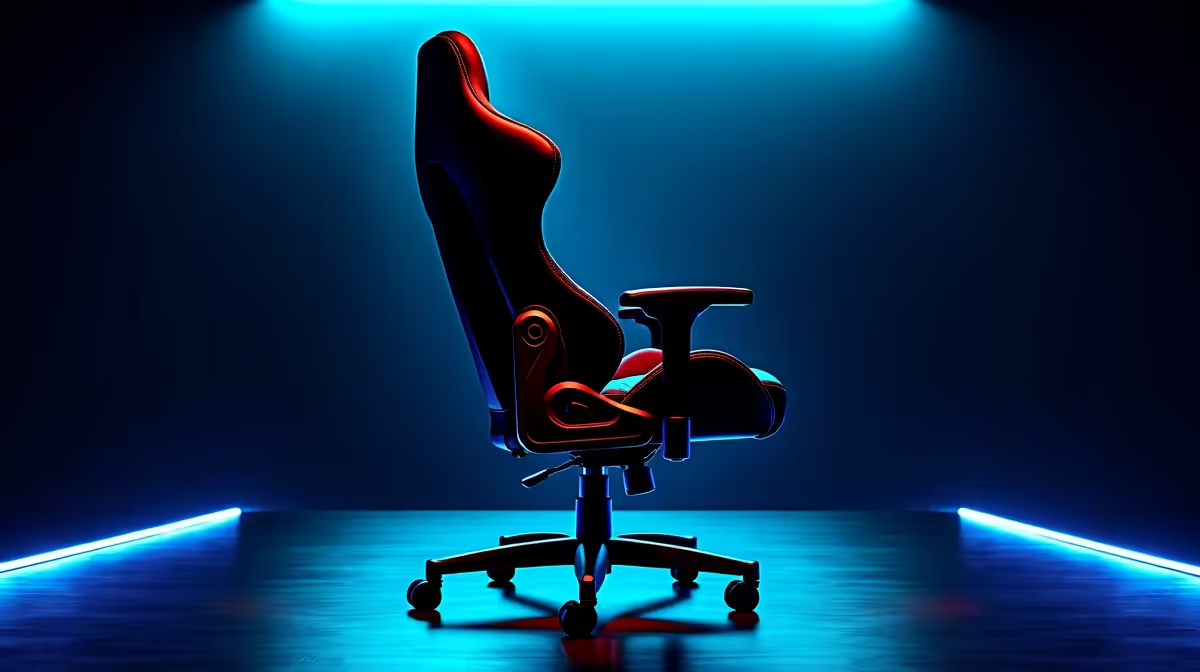
That slight wobble during a tense 1v1... it’s more than annoying, it’s a distraction that can cost you the round. Here in South Africa, our gaming chairs work hard. But before you rage-buy a new one, know this: you can often fix wobbly gaming chairs with a few simple DIY steps. Let's get your throne feeling solid again and save you some cash for that next big game release. 🔧
Diagnose the Wobble: Finding the Source
Before you can apply a fix, you need to play detective. A gaming chair wobble almost always comes from one of four culprits: loose screws, a faulty base, worn-out wheels (castors), or a failing gas lift mechanism.
Carefully tip your chair over in a well-lit area. Start by checking every single bolt connecting the base, armrests, and backrest. Is anything loose? Give the wheels a spin and a wiggle. Do they feel secure? By understanding the core components of gaming chairs in South Africa, you can quickly pinpoint the problem area.
Your DIY Toolkit to Fix a Wobbly Gaming Chair
Good news! You probably already have the tools you need. A simple Allen key set (often included with the chair) and a screwdriver are usually enough to solve the most common issues.
First-Line Fix: Tighten Everything Up
This is the number one wobbly gaming chair fix. Systematically go through every screw and bolt you can find and tighten it firmly. Pay special attention to the bolts holding the mechanism to the underside of the seat. This simple five-minute job solves over 80% of wobble problems. Regular maintenance like this can seriously extend the life of even the most affordable and well-loved gaming chairs under R4000.
Pro Tip: Beat Loosening Bolts
For screws that keep coming loose, apply a small drop of blue (medium-strength) thread locker before tightening. It creates a stronger hold that still allows for future adjustments. No more mid-game wobble!
Check the Gas Lift and Base
Sometimes the wobble comes from where the gas lift cylinder slots into the five-star base. A bit of play here is normal, but excessive movement is a problem. Try reseating the cylinder by removing it and ensuring it's inserted straight and deep into the base. If you spot any cracks in the plastic or metal base itself, stop immediately. A cracked base is a safety hazard and cannot be repaired. ✨
When a DIY Fix Isn't Enough
You've tightened every bolt and checked the base, but the wobble persists. Or worse, you've found a crack. At this point, you have to weigh the cost of replacement parts against a full upgrade. If the structural integrity is compromised (like a cracked base) or the gas lift constantly sinks, it’s time to retire your old chair.
Sometimes, the best fix is investing in the superior build quality, stronger materials, and advanced ergonomics found in premium gaming chairs over R4000. It’s an investment in your comfort, posture, and in-game focus. 🚀
Ready for Unshakeable Stability? If your chair is beyond a simple fix, don't let a wobble ruin another match. Explore the best gaming chair deals in SA for an upgrade that offers rock-solid performance and comfort.











