

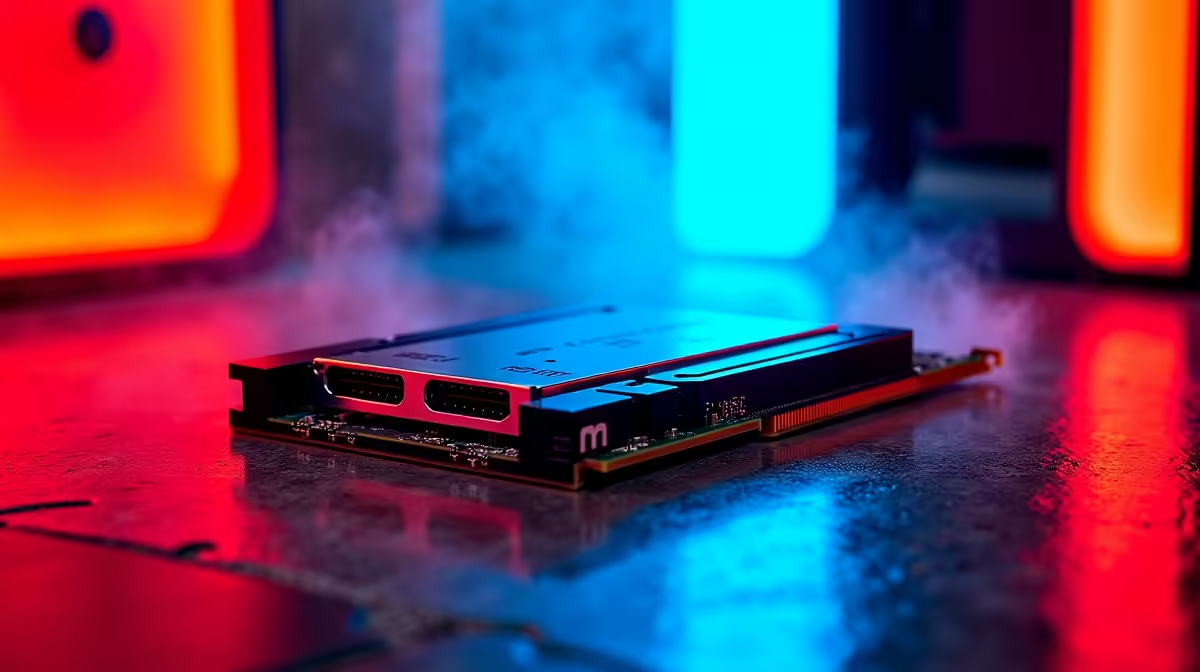
Building a new rig in South Africa usually means balancing your ZAR between a beefy GPU and solid storage. Lately, motherboard specs are pushing next-gen tech ⚡. You might be wondering if dual PCIe 5.0 NVMe slots matter for everyday gaming or if they are strictly for heavy storage workloads. Let us dive into whether this lightning-fast storage is a must-have for your setup or just expensive overkill.
Understanding PCIe 5.0 Speeds
PCIe 5.0 doubles the bandwidth of its predecessor. We are talking sequential read speeds up to a blistering 14,000 MB/s. For everyday gaming, this sounds incredible on paper. But do modern games actually use all that speed?
Currently, most titles load perfectly fine on older Gen 4 drives. The real-world difference in load times is often just a fraction of a second. When the power comes back after load shedding, getting into your match quickly is great... but Gen 4 is already fast enough. According to early benchmark data, Gen 5 drives also run quite hot. This means you will need proper motherboard heatsinks to prevent thermal throttling, which adds to the overall cost of your build. If you are building a budget-friendly rig, you might want to look at our best gaming PC deals instead of blowing your entire budget on bleeding-edge storage alone.
Heavy Storage Workloads vs Gaming
This is where the story shifts entirely 🚀. If you are a content creator rendering 4K video or a 3D animator moving massive asset libraries, dual PCIe 5.0 NVMe slots become incredibly valuable. Having two drives running at peak Gen 5 speeds means you can scrub through timelines without a single stutter. You can transfer hundreds of gigabytes in mere seconds.
However, for the average gamer playing Warzone or Apex Legends, a single fast drive is more than enough. Games simply do not stream assets fast enough to saturate a Gen 5 connection yet. You can save your hard-earned Rands and maybe check out some component specials to upgrade your graphics card or monitor instead.
Storage Optimisation Tip 🔧
Keep your OS and heavy applications on your fastest primary NVMe drive. Use a secondary Gen 4 or Gen 3 drive for your bulk game library. This keeps costs down while maximising everyday performance.
Future-Proofing Your Setup
Tech moves exceptionally fast ✨. While the DirectStorage API promises to use faster NVMe drives to reduce CPU overhead, we are still waiting for widespread adoption in mainstream games. Investing in a motherboard with dual PCIe 5.0 NVMe slots is a smart move if you plan to keep your desktop system for the next five to seven years. It gives you a clear upgrade path when Gen 5 drives eventually drop in price.
If you prefer portability over a massive desktop footprint, modern mobile platforms are also catching up fast. You can explore our huge range of notebooks for sale in South Africa that pack serious storage power into a compact chassis. Ultimately, buy for the tasks you do today... while keeping one eye on tomorrow.
Ready to Build Your Ultimate Setup? Whether you need the blazing speeds of Gen 5 storage for creative workloads or just want a reliable rig for everyday gaming, we have you covered. Explore our massive range of PC components and deals to find the perfect parts for your next build.











