

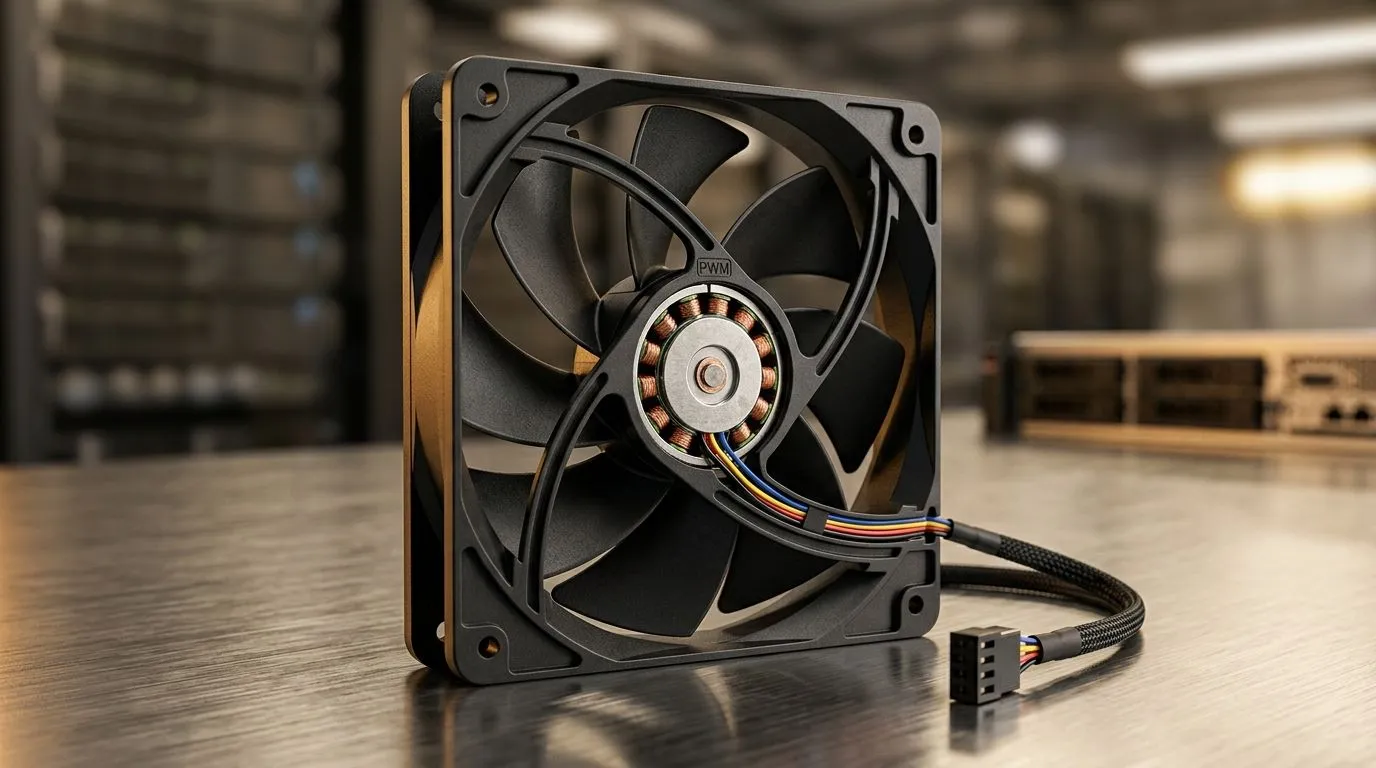
Do PWM Case Fans Really Improve Cooling Efficiency? Quick Answer for South African Gamers 🔧
If your PC sounds like a mini jet engine during raids, you’re not imagining it. The fan type matters, especially when you’re chasing steadier temps for gaming or streaming. But do PWM case fans really improve cooling efficiency, or is it just marketing? In this Deep Dives guide, we’ll break down what PWM actually does, when it helps most, and how to choose the right fan size for your setup in South Africa… before you spend money you didn’t need to.
PWM Case Fans vs DC: What Changes in Your Airflow ⚡
PWM stands for Pulse Width Modulation. In plain terms, PWM fans let your motherboard control fan speed more smoothly. Instead of running a fan at a fixed voltage (typical of non-PWM/DC control), PWM uses a control signal that adjusts how fast the fan spins.
That typically helps in two scenarios:
- Quiet idle and low-load moments: Fans can ramp down without the “hard steps” you sometimes see with basic control.
- More stable performance under load: PWM can respond faster and hold target RPM better when your CPU or GPU dumps heat.
However, here’s the honest part: PWM doesn’t magically create more cooling than physics allows. Cooling performance still depends on fan size, airflow design, static pressure (for restrictive front intakes and radiators), and how well your case airflow is set up.
For Evetech shoppers, the practical takeaway is simple: if your motherboard supports PWM fan headers, PWM fans give you finer control and usually a better noise-to-cooling experience.
Choosing PWM Case Fans for Your Setup: Static Pressure, Fan Size, and Placement 🚀
Before you buy, think about where the fan will live:
Front intake vs radiator vs rear exhaust
- Front intake: Usually benefits from good airflow and, depending on the case and dust filters, sometimes higher static pressure.
- Radiator: Often needs stronger static pressure to push air through dense fins.
- Rear exhaust/top exhaust: Moves warm air out, usually benefiting from steady airflow.
If you’re building around a common radiator or case fan size, start with the right diameter:
- Consider 120mm case fans when space is tight or when your case is designed for them.
- Consider 140mm case fans when you want strong airflow with potentially lower noise, since larger blades can move air more efficiently at lower RPM (case design still matters).
Explore Evetech’s full selection here:
Do PWM Case Fans Really Improve Cooling Efficiency? The Real-World Checks 🎮✨
Let’s ground this in the way gamers actually diagnose problems. If your CPU runs hot, don’t just swap fans. Do these checks first:
- Confirm you’re plugged into a PWM header (usually marked on the motherboard).
- Check fan curves in BIOS or software. A “max RPM all the time” curve kills the main benefit of PWM.
- Look for blocked airflow: front mesh packed with dust filters, cramped GPU, or the wrong fan orientation.
Evetech makes it easy to browse choices based on your preferences and needs. If RGB is part of your vibe, you’ll want to filter accordingly:
And if you’re shopping by brand or want a specific look:
Or just browse everything in one place:
Productivity Pro Tip ⚡
Productivity Pro Tip ⚡
On your Windows gaming rig, use HWMonitor or your motherboard software to log CPU temps while you adjust a fan curve in small steps. Try 5–10% RPM changes first. This helps you avoid “loud wins” that don’t actually drop temps enough.
When PWM Helps the Most (and When It Doesn’t) ✅
PWM fans tend to shine when:
- Your motherboard supports PWM control.
- You want quieter gaming and smoother ramping.
- Your case has multiple fans with different roles (intake, exhaust, radiator).
PWM may feel less important when:
- You’re using a manual fan controller already.
- Fans run close to max RPM most of the time due to aggressive thermal curves.
- Your biggest bottleneck is dust buildup, poor cable management blocking the front intake, or inadequate radiator support.
In other words… PWM is usually a quality-of-control upgrade, not a guaranteed temperature miracle.
Ready to upgrade your airflow? Let’s match the right fans to your build ✨
Ready to Find Your Perfect Match? The Mac vs Windows debate is complex, but for maximum power, choice, and value in South Africa, Windows is hard to beat. Explore our massive range of laptop specials and find the perfect machine to conquer your world.











