

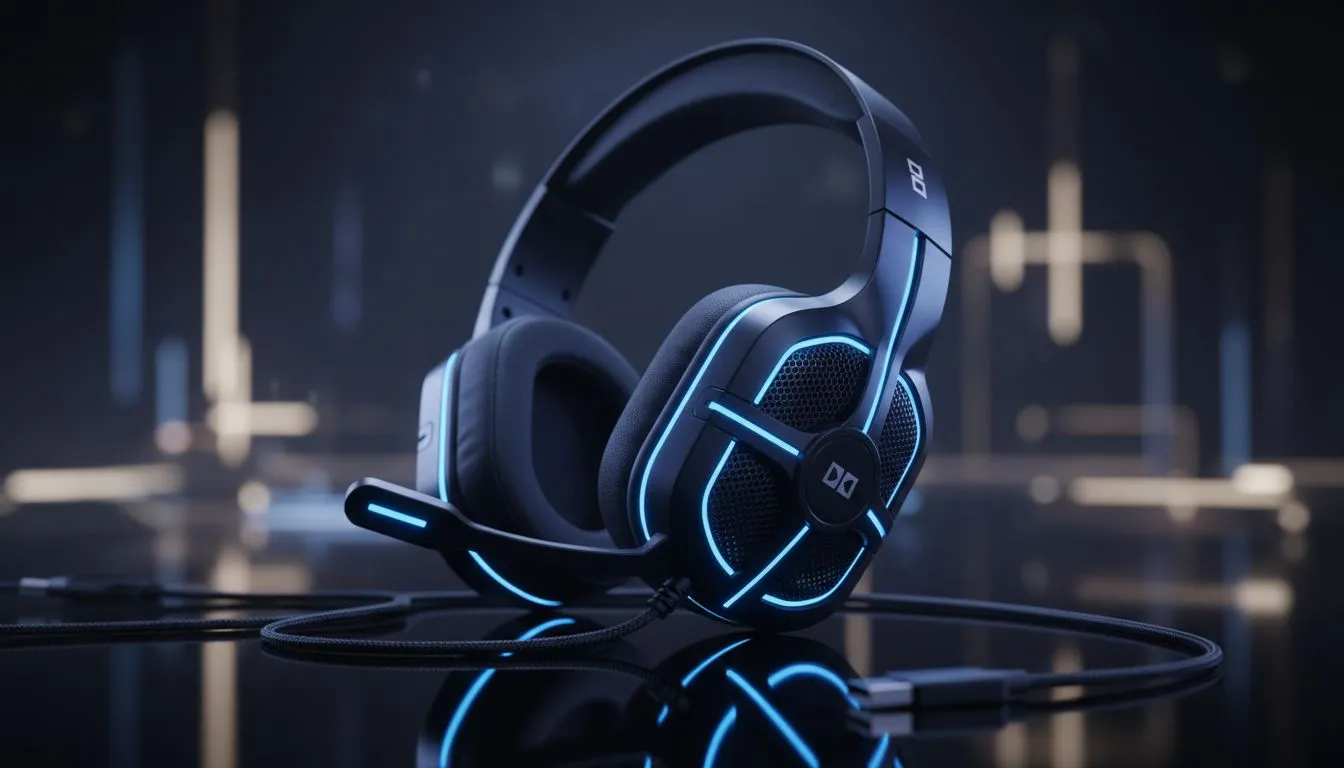
Dolby Audio 7.1 explained for gamers 🔧
South African gamers: want clearer footsteps, sharper grenades and a competitive edge without breaking the bank? Dolby Audio 7.1 brings virtual surround to stereo headsets and systems, giving you spatial cues that make sense in real matches and chill co‑op nights. Read your gear, not the minimap... then upgrade where it matters.
How Dolby Audio 7.1 boosts positional sound for gaming
Dolby Audio 7.1 uses psychoacoustic rendering to simulate discrete channels around you, which helps your brain place sound sources more accurately. That’s why many pro players choose headsets and sound systems that support it. For hardware that pairs well with virtual surround, check the Razer Barracuda X Chroma wireless headset for platform flexibility and comfort on its product page. (See the full specs and current ZAR pricing there.) 🚀
Dolby’s tech isn’t magic; it’s about clearer spatial cues and timbre preservation. In competitive shooters, that clarity reduces reaction time by making left/right and distance easier to judge. For immersion in single‑player titles, it adds depth so gunfire and ambience feel layered. If you’re comparing headsets, look at driver size, impedance and whether the headset vendor states explicit Dolby support on their product page before you commit.
Dolby Audio 7.1 for gaming: setup and compatibility tips ⚡
Setting up Dolby Audio 7.1 depends on your platform. On Windows, the Dolby software or Windows Sonic options can be toggled in sound settings. On consoles, some games provide their own surround options and some headsets perform virtualisation on the device. If you need a quick browse of headset options compatible with surround tech, our Razer headphones collection is a good starting point to compare models and features.
Quick checklist:
- Confirm whether the headset provides built‑in virtual surround or relies on PC software.
- Test in a known map or sound test to tune equaliser and spatial settings.
- Use wired mode if latency is critical for esports play.
Setup Pro Tip ⚡
On Windows, enable Dolby in the app and run the built‑in calibration or use an in‑game sound test map. If your headset supports multi‑device switching, test both USB and 3.5mm inputs to hear which gives better spatial detail. Small EQ cuts around 2–4 kHz can reduce harshness and improve clarity for footsteps.
Choosing the right headset and amplifier for Dolby Audio 7.1
Not all headsets deliver the same virtual surround quality. Driver tuning, enclosure design and whether the surround is processed on the headset or by software all change results. Browse our headphone and headsets range to compare models, or shop by features like detachable cables and low‑latency wireless. If you prefer building your own signal chain, our headphone/headsets component section lists compatible gear and accessories to optimise your setup.
For South African buyers: always verify current ZAR pricing and warranty details on product pages before purchase. Local availability can shift, and Evetech lists stock and special deals on site. ✨
Real‑world micro‑story: a Cape Town squad night
Last month a Cape Town five stacked up for a late grind. The player using virtual 7.1 called out a flank before the others heard it. Small positional advantage, big round win. They didn’t need premium speakers—just clean tuning, the right headset and a bit of calibration.
Final thoughts on Dolby Audio 7.1 for gaming
Dolby Audio 7.1 can be a subtle but meaningful upgrade for spatial awareness and immersion. It’s not a replacement for raw hardware quality, but when combined with a well‑tuned headset it sharpens audio cues that matter. If you want hands‑on choices, start with models that state Dolby or virtual surround support and test them in your favourite games.
You can compare compatible headsets and deals here:
- Razer Barracuda X Chroma wireless headset product page: Razer Barracuda X Chroma
- Razer headphones collection for alternatives: Razer headphones
- Browse broader headphone and headset components: Headphone & headsets
Ready to Find Your Perfect Match? The Mac vs Windows debate is complex, but for maximum power, choice, and value in South Africa, Windows is hard to beat. Explore our massive range of laptop specials and find the perfect machine to conquer your world.











