


Complete Guide: Setting Up Monitor Light
Setting Up Monitor Light. Tested & verified settings for best FPS and visual quality on SA hardware budgets.
Read moreDolby Vision for PC gaming unlocks deeper contrast, richer color and precise HDR for immersive play and accurate content creation 🎮🎨 Learn why compatible monitors and workflows matter.
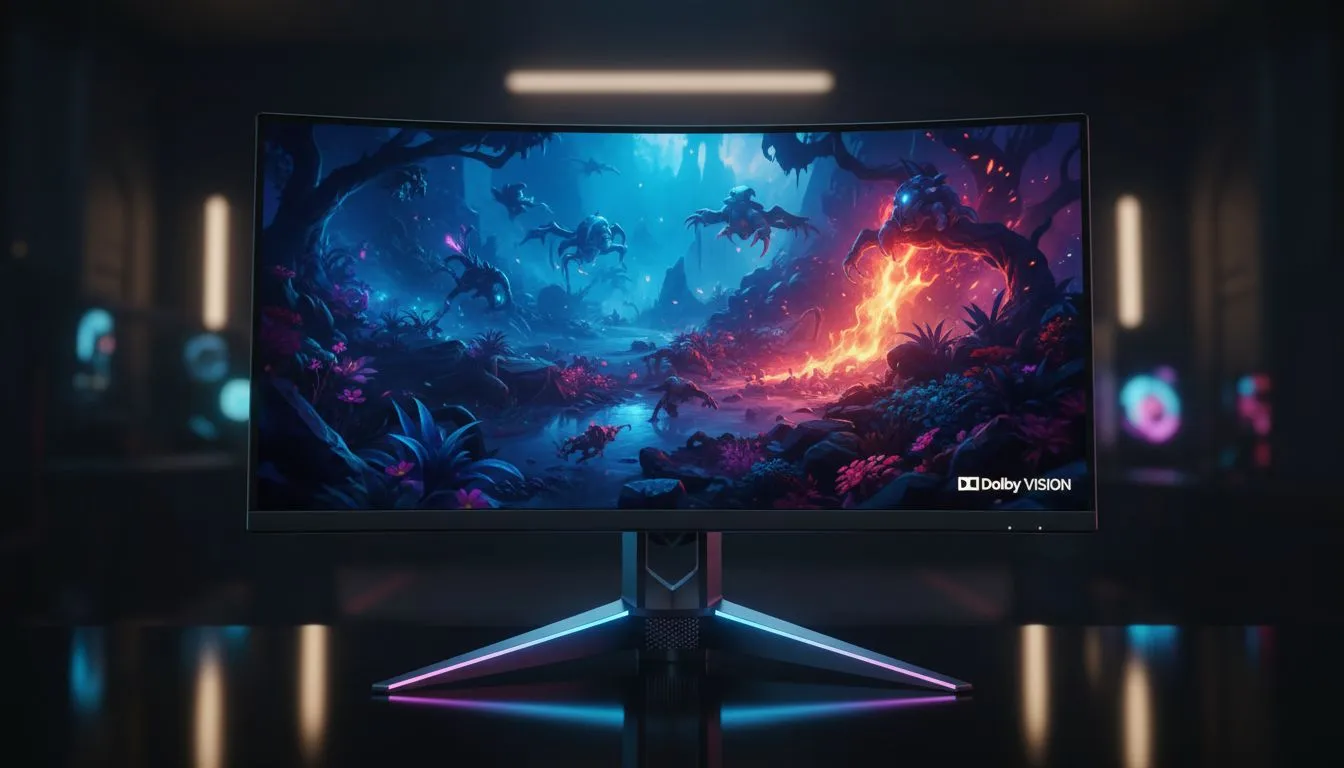
Ever felt like your favourite RPG looks a bit washed out? You spent thousands on a GPU, but the shadows look grey instead of black. That is where Dolby Vision for PC gaming enters the frame. It is the gold standard for high dynamic range. It brings cinematic depth directly to your desk. Ready to see what your hardware can actually do? 🚀
Most gamers are familiar with standard HDR10. It is a massive leap over standard definition, but it has limits. HDR10 uses static metadata... settings that stay the same for the whole game. Dolby Vision for PC gaming is different because it uses dynamic metadata. This allows the display to adjust brightness and colour levels for every single frame.
When you are exploring the best PC monitor deals, looking for this certification is vital. It ensures that the bright highlights do not blow out the details. At the same time, the dark corners of a map remain ink-black but visible. This level of precision is why professional colourists prefer it.
To experience these visuals, your screen needs to be up to the task. Our extensive range of PC monitors features various panels with high peak brightness. Not all screens are created equal... some lack the contrast ratio needed for true HDR.
For those who take their hobby seriously, dedicated gaming monitors often provide the best balance. You get the speed required for shooters and the visual fidelity for cinematic titles. If you want maximum immersion, curved monitors can help fill your peripheral vision with these vibrant colours.
To get the most out of Dolby Vision on Windows, make sure you have the 'Dolby Access' app installed from the Microsoft Store. It calibrates your display and unlocks the specific picture modes needed for supported games like Halo Infinite or Cyberpunk 2077.
The impact of Dolby Vision for PC gaming is most noticeable at higher resolutions. The extra pixels on 5K and 4K monitors provide a finer canvas for the light and shadow. Even if you prefer a compact setup, some portable monitors now offer impressive colour accuracy for gaming on the go. ✨
Do not forget the small details that make a big difference. High-quality monitor accessories like certified HDMI 2.1 or DisplayPort cables are essential. Without the right bandwidth, you might find your HDR features disabled or flickering. 🔧
In South Africa, where we value every bit of performance for our ZAR, investing in a Dolby Vision capable screen is a smart move. It ensures your setup stays relevant as more developers adopt this standard. It is not just about brightness... it is about seeing the game exactly as the creators intended.
Ready to See the Difference? Dolby Vision for PC gaming is the ultimate visual upgrade for any serious setup. Explore our massive range of monitor specials and find the perfect display to bring your virtual worlds to life.
Dolby Vision is a dynamic HDR format that uses per-frame metadata to deliver higher contrast and more accurate color on compatible PC monitors.
Dolby Vision increases peak brightness, deeper blacks and richer colors so HDR scenes look more realistic and immersive during gameplay.
Yes. You need a Dolby Vision-capable monitor or laptop display plus GPU and OS support to enable Dolby Vision on PC.
Impact is minimal: Dolby Vision uses metadata rather than heavy processing; most systems see negligible Dolby Vision gaming performance impact.
Often yes: Dolby Vision uses dynamic metadata for scene-by-scene optimization, offering superior color and contrast versus static HDR10.
Absolutely. Dolby Vision preserves dynamic range and color accuracy, improving HDR color grading and final exports for streaming platforms.
Update GPU drivers, enable HDR/Dolby Vision in Windows settings, and use compatible apps or monitor OSD per manufacturer instructions.
Setting Up Monitor Light. Tested & verified settings for best FPS and visual quality on SA hardware budgets.
Read more
Assassins Creed Shadows Ultrawide Support: 21:9. Clear setup instructions with SA-specific considerations, troubleshooting tips & recommended components.
Read more
Complete Gaming Setup Guide for the Collector. Clear setup instructions with SA-specific considerations, troubleshooting tips & recommended components.
Read more
Will the Steam Deck 2 Have an OLED Screen? Leaked. Plain-English explanation of what it means, why it matters & how it affects your buying decisions in SA.
Read more
Setting Up Ultrawide 144Hz. Tested & verified settings for best FPS and visual quality on SA hardware budgets.
Read more
Kingdom Come: Deliverance 2 Ultrawide Support. Clear setup instructions with SA-specific considerations, troubleshooting tips & recommended components.
Read more
When Will the RTX 6090 Launch in South Africa Detailed answer with SA data, expert analysis & practical recommendations for local buyers.

Top Valorant Settings for RTX 5070: FPS Optimisation picks evaluated on performance, value & SA availability with current Rand pricing from Evetech.

RDNA 3.5 Graphics in Ryzen AI 400? Can You Game. Plain-English explanation of what it means, why it matters & how it affects your buying decisions in SA.

GPU Price Index : December Report. Current stock data & price tracking for SA buyers. See what is available and where prices are heading.

Can the RX 7700 XT Handle 1440p 144Hz Gaming. Performance testing verdict with real data & practical recommendations for SA buyers.

Top Laptop with Core i7 + RX 7700S: Picks picks evaluated on performance, value & SA availability with current Rand pricing from Evetech.

RX 7700 XT Black Myth Wukong 2 FPS: Performance. Real-world benchmark data, FPS numbers & performance analysis. What SA gamers can actually expect.

RTX 6080 Gran Turismo 7 PC Performance: FPS Test. Real-world benchmark data, FPS numbers & performance analysis. What SA gamers can actually expect.
Setting Up Monitor Light. Tested & verified settings for best FPS and visual quality on SA hardware budgets.
Assassins Creed Shadows Ultrawide Support: 21:9. Clear setup instructions with SA-specific considerations, troubleshooting tips & recommended components.
Complete Gaming Setup Guide for the Collector. Clear setup instructions with SA-specific considerations, troubleshooting tips & recommended components.
Will the Steam Deck 2 Have an OLED Screen? Leaked. Plain-English explanation of what it means, why it matters & how it affects your buying decisions in SA.