

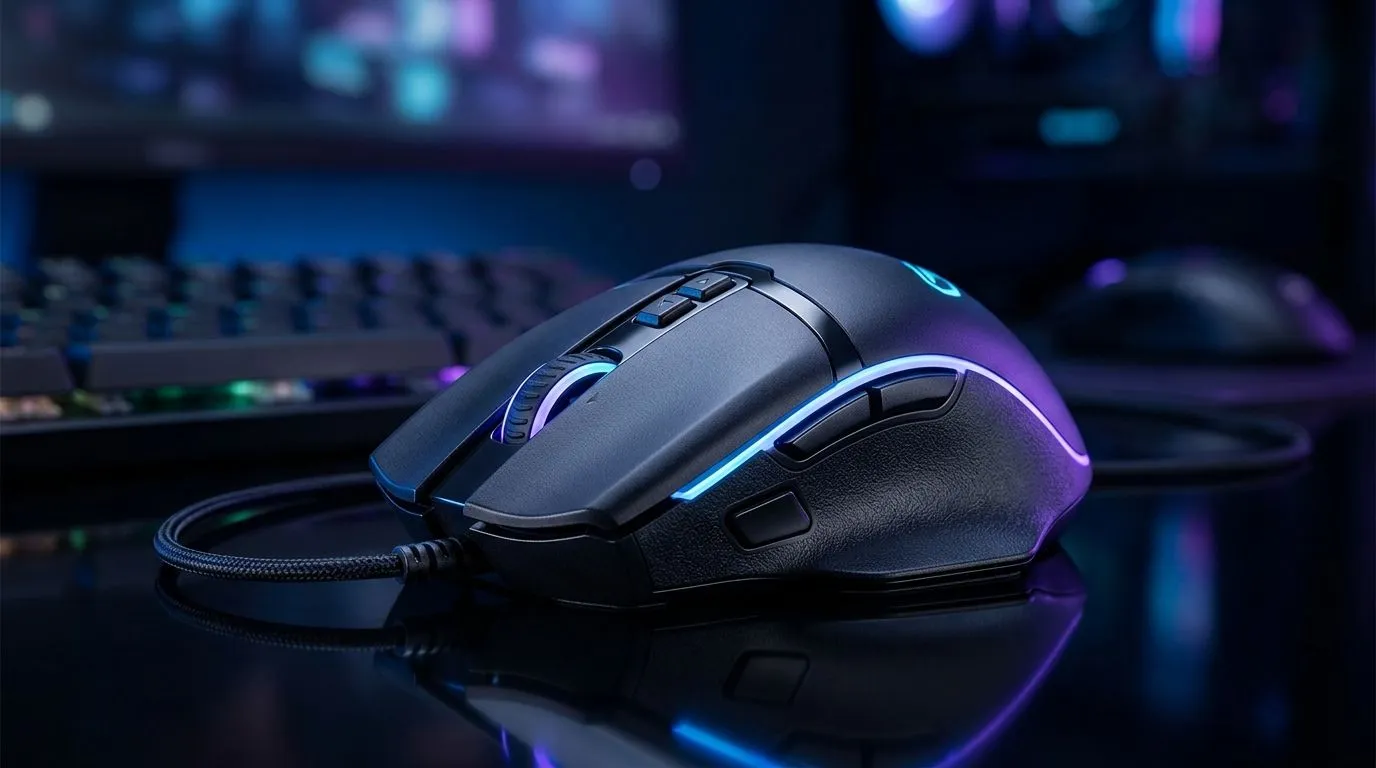
Understanding DPI for Gaming with Pixart 3327 Sensors ⚡
South African gamers know the struggle: finding that sweet spot in mouse sensitivity can break or make your gameplay. DPI for gaming is all about how fast your cursor moves—but with Pixart 3327 sensors, it gets a lot more precise and consistent. Whether you’re sniping in Valorant or hammering keys in an MMO, tuning DPI on this sensor gives you an edge on your rivals.
If your mouse sensitivity feels off, you might be struggling because you haven’t optimised your DPI for gaming on a Pixart 3327 sensor. Let's unpack why this sensor is popular and how to find your perfect DPI settings.
What Makes DPI on Pixart 3327 Special?
The Pixart 3327 sensor combines accuracy and low power consumption—ideal for gaming mice in South Africa’s growing tech market. This sensor supports DPI ranges commonly from 400 up to 7200, offering a wide spectrum for gamers who prioritise precision or speed.
This breadth lets you tailor your sensitivity to specific game genres. For example, lower DPI suits FPS games with close focus, while higher DPI is better for fast-paced RTS or MOBA styles.
Looking to pick a suitable gaming mouse? Explore the best gaming mouse deals at Evetech to find options featuring Pixart 3327 sensors at prices that won’t break the bank.
How to Find the Right DPI Sensitivity for Pixart 3327 🚀
Step 1: Understand Your Playstyle
Are you a flick shooter or a slow and steady player? DPI calibration starts here. Typically, players use 400–800 DPI for precision work, while those who prefer fast sweeping motions might go up to 1600 or beyond.
Step 2: Test in Incremental Steps
Start at 800 DPI and adjust incrementally by 100 or 200 until the cursor feels just right. Keep your in-game mouse sensitivity at default while you do this to isolate DPI effects.
To experiment, try either a wired mouse or a wireless mouse equipped with the Pixart 3327 sensor, since wired models often offer minimal latency, whereas wireless ones give flexibility with minimal lag on recent tech.
Step 3: Calibrate Your Mousepad and Grip
Different grip styles—claw, palm, fingertip—demand different DPI preferences. Likewise, a textured mousepad helps with consistent tracking on the Pixart 3327 sensor. Check out mousepad and accessory options available at Evetech’s mouse accessories section to optimise your setup.
Tip for Pixel-Perfect Accuracy
Want razor-sharp aim? Lower DPI with a larger mousepad allows broader hand movement, reducing jitter and increasing precision.
Expert Insight: Why DPI Isn’t the Only Factor
High DPI alone doesn’t guarantee wins. The Pixart 3327 sensor ensures maximum accuracy, but your hand steadiness, in-game sensitivity settings, and even frame rates matter just as much.
Evetech’s community feedback highlights how combining a quality sensor with ergonomic mice designed for gamers can improve comfort during long sessions. Browse our gaming mouse components for modular choices that suit your style and budget.
The ideal DPI for Pixart 3327 depends on your game titles and personal preference—so spend time testing before committing.
Find Your Perfect DPI Today Ready to upgrade your setup? Discover a wide range of Pixart 3327 gaming mice and accessories Shop now at Evetech for performance that leaves lag in the dust.











