

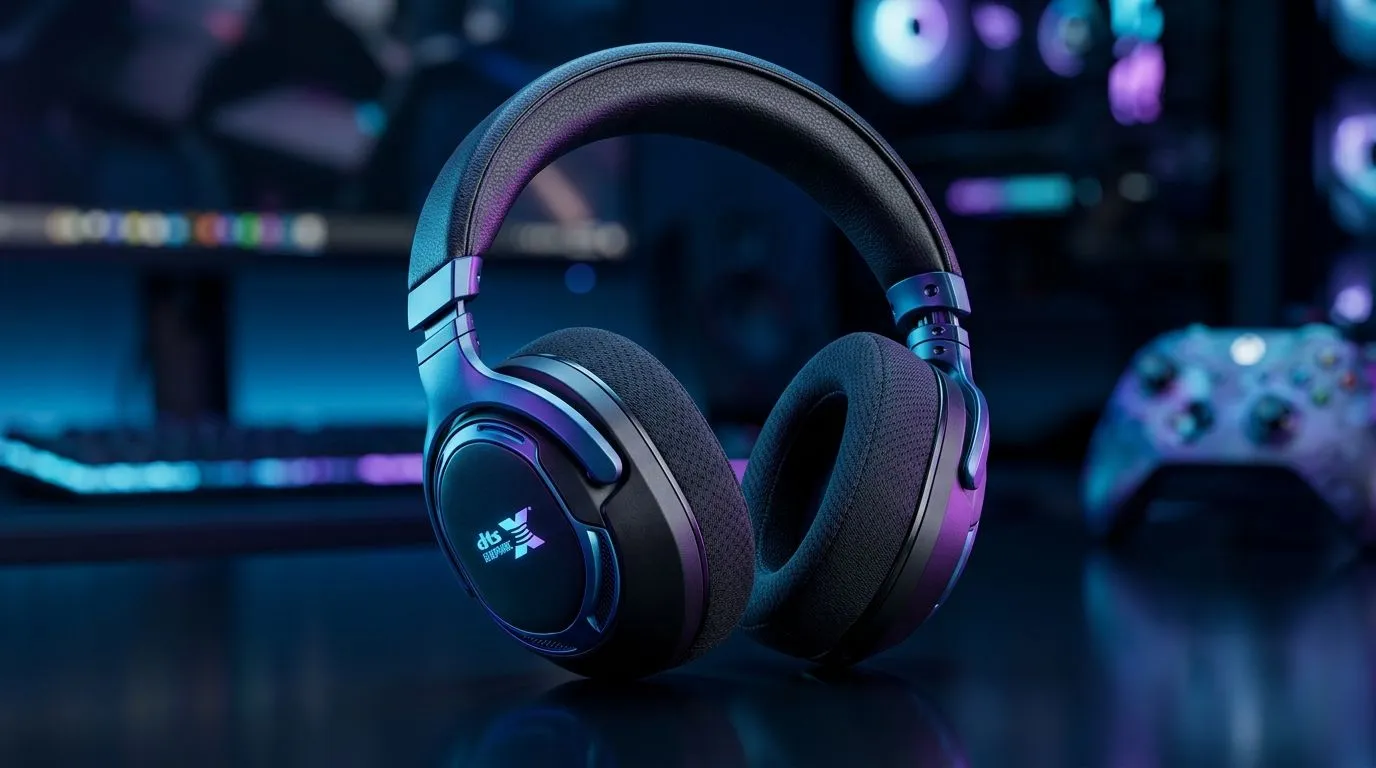
Understanding DTS Headphone:X Spatial Audio
Ever plugged into your headset and wondered why some sounds seem to pop from the left, right, or even behind you? That’s spatial audio at work — and DTS Headphone:X leads the charge for immersive gaming in South Africa. This tech creates a 3D soundscape, boosting your positional awareness and pulling you deeper into every round. If you want to level up beyond stereo, understanding how DTS Headphone:X spatial audio works is key ⚡.
Spatial audio isn’t just about louder sound; it’s about sound direction and distance. DTS achieves this by simulating how your ears perceive sounds in a three-dimensional space. It’s why gunshots, footsteps, or distant chatter feel like they’re happening all around you — rather than from two static speakers.
How DTS Headphone:X Activates Spatial Audio for Gamers
Activating DTS Headphone:X spatial audio usually happens through software bundled with your gaming headset or PC setup. Once enabled, the system processes audio streams, mapping them into a 360-degree field. This means when an enemy sneaks up behind, you’ll hear the precise direction — a crucial advantage in shooters.
Not every headset supports DTS Headphone:X, so pairing it with quality gear matters. South African gamers can find great headset options coupled with reliable mouse accessories for that complete setup. For example, browsing Evetech’s mouse accessories offers excellent peripherals to complement your audio gear.
Why Choose DTS Headphone:X Over Other Spatial Audio Technologies?
While several spatial audio formats exist, DTS Headphone:X stands out for its precise layering of audio elements and compatibility with many devices. The technology adapts well across wired and wireless headphones, enhancing environments from battlefields to racing circuits. Importantly, DTS spatial audio balances immersion without sacrificing clarity of in-game communications or music.
For a solder-free wireless experience to pair with your DTS-optimised headset, check out Evetech’s range of wireless mice. Combining spatial sound with fluid controls ramps your gameplay to new heights in SA’s competitive scene.
Getting the Most Out of DTS Headphone:X: Tips from the Pros
To really tap into DTS Headphone:X’s potential, make sure your audio drivers and headset firmware are up to date. Most manufacturers release updates that refine spatial audio positioning and reduce latency. Also, calibrate your sound settings in the game to enable surround sound modes and avoid audio conflicts.
Want sharper aim with crisp sensor precision alongside your spatial audio setup? Browse through the best wired mice in South Africa, ideal for gamers preferring lower latency and plug-and-play reliability.
Pro Tip
official headset or motherboard sites regularly to update DTS Headphone:X firmware. Fresh updates improve accuracy and reduce sound lag for better gameplay.
Complement Your DTS Experience with the Right Hardware
Besides your headset, peripherals like your gaming mouse and keyboard also influence overall performance. Fine-tune your setup by choosing a mouse that matches your preferred grip style and DPI range. Evetech’s best gaming mouse deals provide options balanced for precision and comfort, crucial when fast reactions make the difference.
For quick access to multiple buttons and a textured grip, take a look at Evetech’s curated list of gaming mice ready for serious play in SA.
Elevate Your Gaming Gear Discover premium audio and mouse accessories for unbeatable control and clarity in your games. Shop now at Evetech for performance that leaves lag in the dust.











