

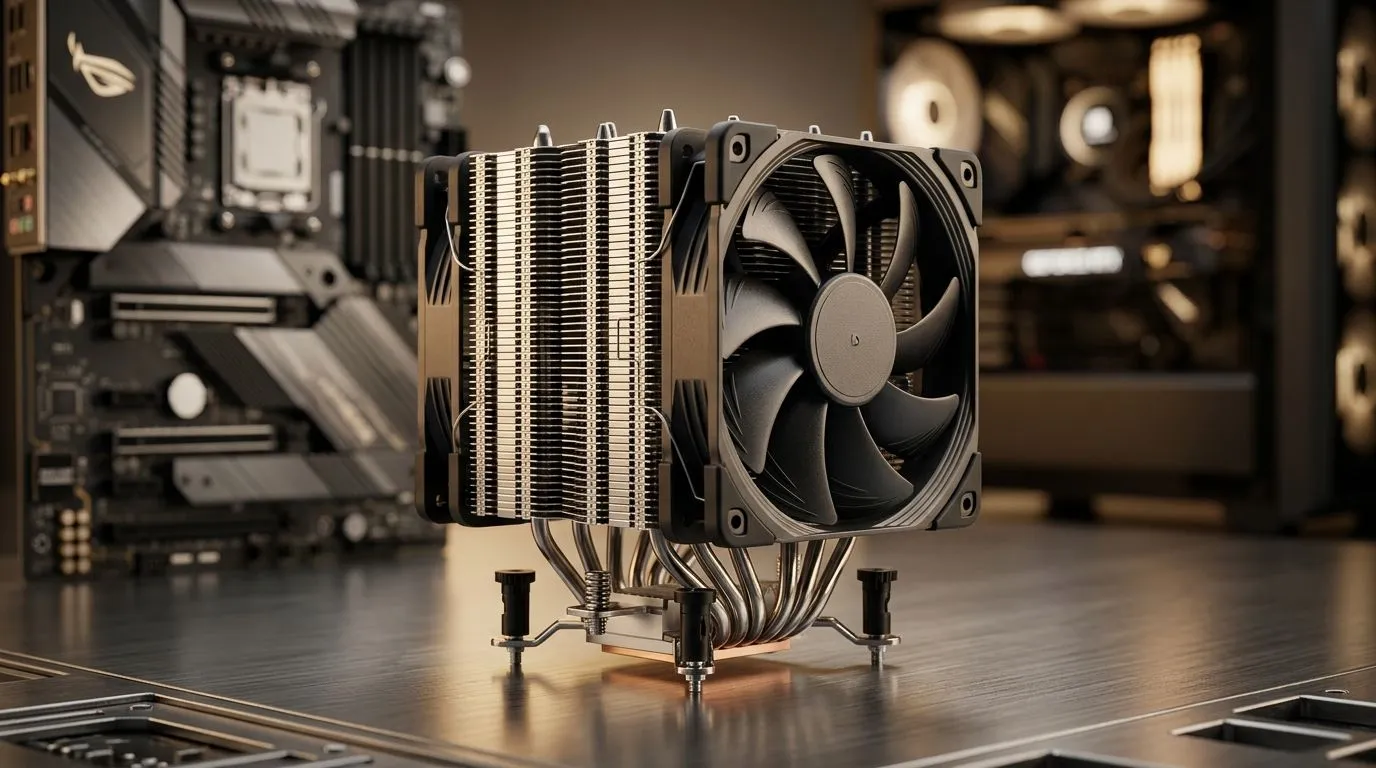
Why Dual 120mm Fan Curves Matter for South African Quiet PC Builds
Hot rooms, long gaming sessions, and a desk that’s basically a sun-lounger… that’s South Africa in a nutshell. If your CPU cooler sounds like a vacuum cleaner, you’re not alone. The right fan tuning can keep temps stable while dropping noise. That’s where Dual 120mm Fan Curves for Quiet and Efficient CPU Cooling come in. It’s not about “max fans all the time”. It’s about smart ramps that match real workloads.
The Goal: Quiet at Idle, Strong Under Load (Without Surprises)
A fan curve is the relationship between CPU temperature and fan speed. A good curve usually does three things:
- Keeps idle fans low so you hear less whine.
- Prevents temperature spikes when you launch games or open a heavy map.
- Avoids constant ramping by using a sensible smooth ramp rate.
For dual 120mm setups, the sweet spot is often a slower, steadier ramp. 120mm fans can move plenty of air at lower RPM, which usually means less noise. If you’re pairing these with a compatible air cooler, Evetech has a strong selection to start from, including general air cooler options and models explicitly built around 120mm fans.
Want to browse what fits your build? Start here:
- Air cooler options: CPU coolers at Evetech
- Air cooler selection: Air coolers from Evetech
Dual 120mm Fan Curves for Quiet and Efficient CPU Cooling: A Practical Template
Use this as a starting point, then fine-tune after a couple of tests 🔧. Many BIOS and fan-control utilities work similarly: you set target RPM at specific temps.
Baseline curve (dual 120mm fans):
- < 40°C: 25–35% fan speed (or even 20% if temps stay stable)
- 45–55°C: 40–55% (light gaming, Discord, browsers)
- 60–70°C: 60–75% (mid-load, shaders compiling, typical raids)
- 75–85°C: 80–95% (heavy CPU loads)
- > 85°C: 100% as a safety stage
Why this works: quieter at idle, then a controlled ramp before the CPU hits throttle territory.
Micro-story: “It was fine… until that one raid”
A friend’s system was “cool” during benchmarks. Then we hopped into a CPU-heavy raid. Temps spiked fast, and the fans ramped like they were late for work. After we adjusted the curve to start ramping earlier (around 55–60°C) and slowed the ramp rate, the noise became predictable. Not silent, just… calmer ✨.
Real checklist before you set anything
- Measure idle properly (leave it 5–10 minutes after boot).
- Test at least two scenarios: gaming load + a CPU-heavy workload.
- Don’t max out immediately; “100% at 70°C” usually means unnecessary noise.
Productivity Pro Tip 🔥
On your first tuning pass, keep the fan ramp time consistent (for example, avoid instant jumps from 30% to 90%). Then run one 10-minute stress test and one gaming session. If temps overshoot and fans spin up too often, spread the ramp points (add an extra step around 55–60°C).
How to Match Curves to Your Cooler and Fans (120mm Choices)
Different coolers handle heat differently, even with the same fan size. If your air cooler supports 120mm fan setups, you can tune for better airflow balance.
Here are Evetech pages that match that direction:
- 120mm fan-focused air coolers: Air coolers with 120mm fans
- Deepcool options: Deepcool air coolers
- EINAREX options: EINAREX air coolers
If you’re wondering what to pick for “quiet first”, choose a cooler with good fin surface area and pair it with fans that start spinning reasonably low. Then the curve can do its job without constant ramping ⚡.
Final Tuning: Stop Chatter, Keep Boost-Friendly Temps
Once you’ve got a curve template:
- Raise the idle and mid-load steps slightly if you see early ramping during normal games.
- Lower the upper steps if temps never reach them (wasted noise).
- If fan curves keep bouncing, add hysteresis (some control software supports this) or smooth the ramp rate.
The goal is simple: let your CPU boost when it needs to, while fans sound like a background hum instead of a jet engine.
Ready to Find Your Perfect Match? Choosing the right cooling setup is easier when you start with the right options. Explore our massive range of CPU cooling solutions and dial in fan control for your ideal balance of quiet and performance. Shop CPU coolers at Evetech and build with confidence.











