

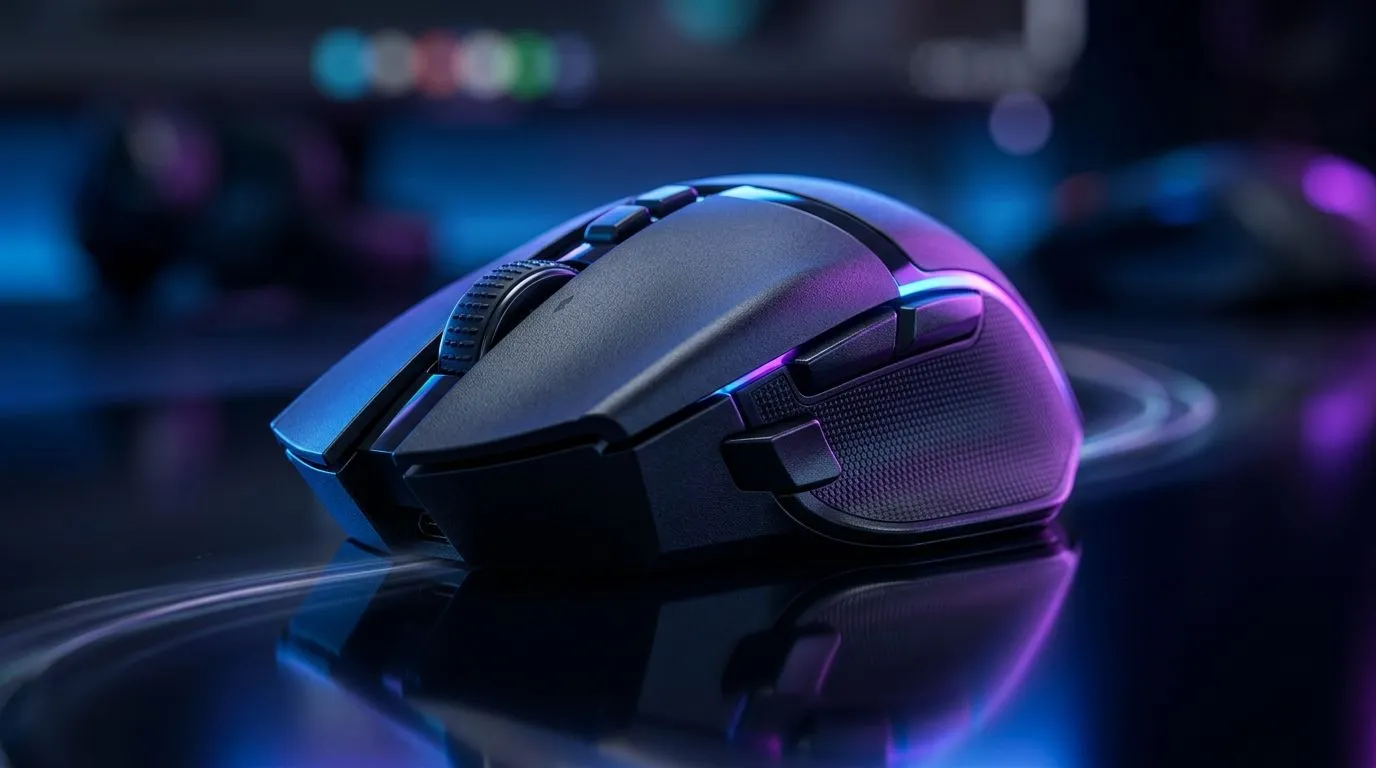
Dual 2.4GHz Wireless and Bluetooth Gaming Mouse Connectivity Explained: Why It Matters for South African Gamers
If you’ve ever lost time to “why isn’t my mouse pairing?” you already know the frustration. In South Africa, where load shedding, Wi‑Fi congestion, and desk chaos can mess with gear... connection reliability becomes part of performance. 🎮 That’s why “Dual 2.4GHz Wireless and Bluetooth Gaming Mouse Connectivity Explained” isn’t just marketing. It decides whether you can jump between your gaming PC and laptop without reconfiguring everything.
In this Deep Dives guide, we’ll break down how dual connectivity works, what to watch for, and how to choose the right mouse for your setup.
How Dual Connectivity Works (2.4GHz vs Bluetooth) ⚡
2.4GHz: Built for low-latency gaming
A 2.4GHz wireless gaming mouse typically uses a USB dongle. That dongle creates a direct link, often reducing lag compared to standard Bluetooth. For competitive play, many gamers prefer the 2.4GHz mode because it feels more consistent during fast flicks and repeated clicks.
Bluetooth: Flexible, but depends on your environment
Bluetooth is great when you need to connect to a laptop tablet or a console-friendly setup. However, Bluetooth performance can vary with your device’s Bluetooth version, signal strength, and nearby interference.
Why “dual” is the sweet spot
The advantage is simple: you can keep the dongle for gaming PC sessions, then switch to Bluetooth for study work, LAN weekends, or travel.
Setup Pro Tip 🔧
"Before buying, check whether the mouse supports true button-based switching between 2.4GHz and Bluetooth. Then, test pairing with the exact devices you’ll use most (your PC plus your main laptop). A 60-second test can save you hours later, especially when you’re swapping gear for weekend gaming."
Latency, Interference, and Real-World Desk Life
Here’s the practical side. In busy areas, 2.4GHz Wi‑Fi networks can crowd the air. Still, dedicated 2.4GHz mouse dongles usually behave better than generic wireless due to how they negotiate the link.
Bluetooth can also coexist well, but it’s more sensitive to device behaviour. Some laptops aggressively manage Bluetooth power to extend battery life. That can lead to occasional micro-delays you’ll notice only when you play rhythm or precision games.
So yes, specs matter... but testing matters more.
What to Look For When You Buy
If you’re comparing options, focus on these buying points:
- Connection switching: Does it let you switch modes quickly?
- Battery expectations: Look for realistic claims from the product listing, not vague marketing.
- Ergonomics and weight: Even the best connectivity won’t feel good if grip and balance are wrong.
- Polling behaviour: Higher polling rates can help smooth tracking, but only if the mouse is designed to maintain it consistently in wireless mode.
If you’re browsing mice, start with the right category so you don’t waste time. For wiring accessories that complement your setup, check out Evetech’s mouse accessory section: Mouse accessories and add-ons
For players who want maximum stability, here’s where you’ll find options like wired models: Browse wired gaming mice
And when you’re ready to commit to wireless reliability, these are worth exploring: Shop for wireless gaming mice
If you’re shopping on a budget (many of us are), keep an eye on recurring promos too. You might snag a dual-mode model with a solid sensor for a competitive price in ZAR: Best gaming mouse deals
Finally, if you want specific models and specs clustered in one place, use the collection page: Gaming mouse models and specs
How to Choose the Right Mode for Your Games
A quick rule of thumb:
- Ranked FPS / fast aim training: start with 2.4GHz.
- School, office, travel, quick switching: use Bluetooth.
- Multidevice life: dual-mode saves you from constant re-pairing and slows you down less between sessions.
Once you set it up properly, you’ll spend more time aiming... and less time troubleshooting.
Ready to Find Your Perfect Match? The Mac vs Windows debate is complex, but for maximum power, choice, and value in South Africa, Windows is hard to beat. Explore our massive range of laptop specials and find the perfect machine to conquer your world.











