

Ever lost a clutch 1v1 in Valorant because your ping spiked while someone else was streaming Netflix? In South African households, shared Wi-Fi is often a digital battlefield. Understanding Dual-Band technology is the secret to ending those lag-induced rages. It is the backbone of a stable home network that keeps your latency low and speeds consistent. Stop fighting for bandwidth and start optimising your connection today. ⚡
Why Your Current Wi-Fi Might Be Stuttering
Most older networking setups rely on the 2.4GHz frequency. While this band has great reach, it is incredibly crowded. Your microwave, Bluetooth speakers, and even your neighbour's baby monitor all compete for the same airwaves. This creates massive interference. When you invest in modern wireless networking solutions, you move away from this digital traffic jam.
The 2.4GHz band only has three non-overlapping channels. In a dense residential area in Joburg or Cape Town, those channels are likely saturated. This results in packet loss and frustrating "rubber-banding" during your gaming sessions.
How Dual-Band Technology Reduces Network Congestion
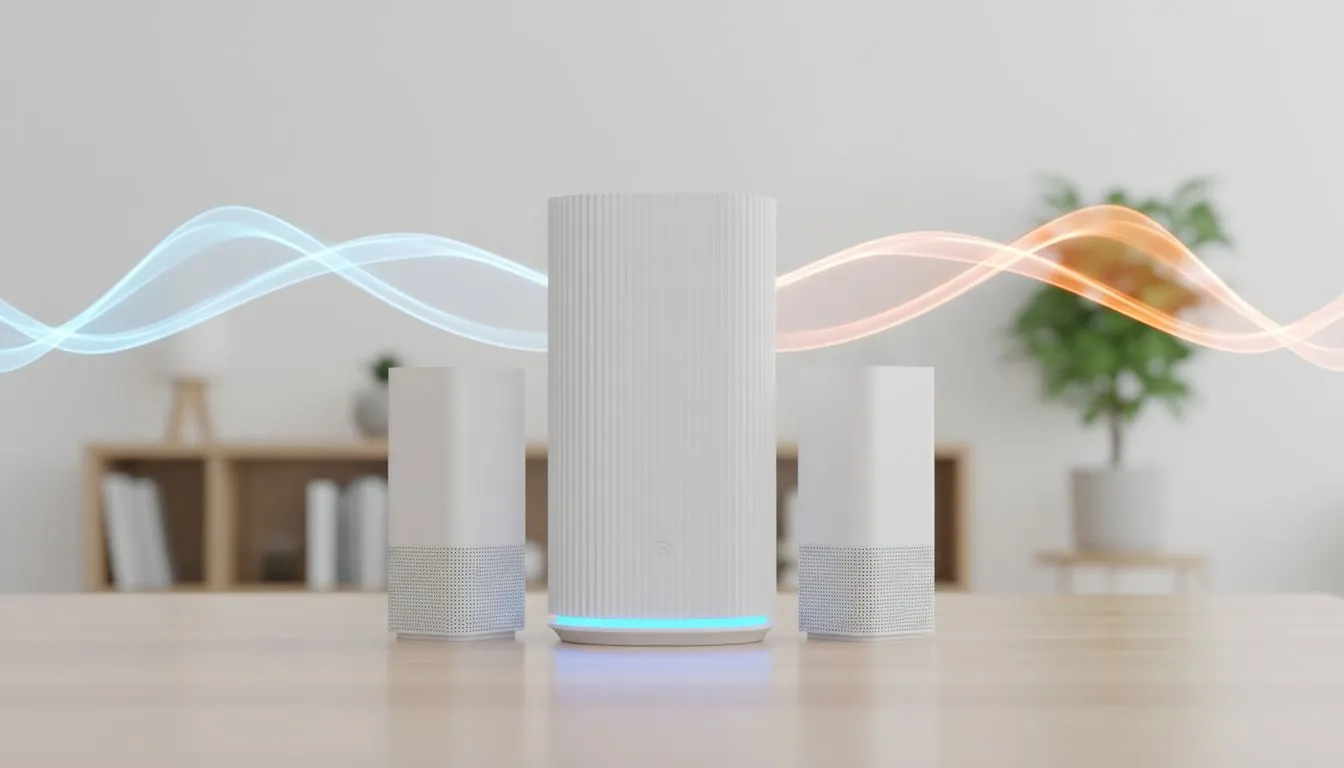
Dual-Band technology works by broadcasting two separate signals... one at 2.4GHz and another at 5GHz. Think of it as adding a dedicated fast lane to a congested highway. The 5GHz band offers significantly more non-overlapping channels and much higher data rates.
By upgrading to modern wireless routers, you can effectively separate your devices. You can keep low-priority gadgets like smart lightbulbs on the 2.4GHz band while reserving the high-speed 5GHz band for your gaming PC and streaming console. This logical separation is exactly how dual-band technology: how it reduces network congestion becomes the primary fix for a laggy home.
Frequency Management Tip ⚡
Always connect your gaming rig or primary workstation to the 5GHz band. While the signal doesn't travel through thick walls as easily as 2.4GHz, the massive increase in bandwidth and decrease in interference makes it the only choice for competitive play.
Optimising Your Setup for Peak Performance
Even with a great router, your PC needs the right hardware to "see" these faster lanes. If you are still using an old internal card, consider switching to high-performance wireless adapters that support the latest Wi-Fi standards. This ensures your desktop can actually utilise the 5GHz band effectively. 🔧
If you find that the 5GHz signal drops off in your bedroom or study, don't revert to the slow lane. Instead, use wireless range extenders to push that high-speed coverage further into your home. With prices for entry-level networking gear starting well under R1,000 in South Africa, there is no reason to suffer through a congested connection. 🚀
Ready to Kill the Lag for Good? Don't let a crowded network ruin your K/D ratio or interrupt your workflow. From high-speed routers to the latest Wi-Fi 6 cards, we have the gear to keep you connected. Explore our wireless networking specials and reclaim your bandwidth today.











