

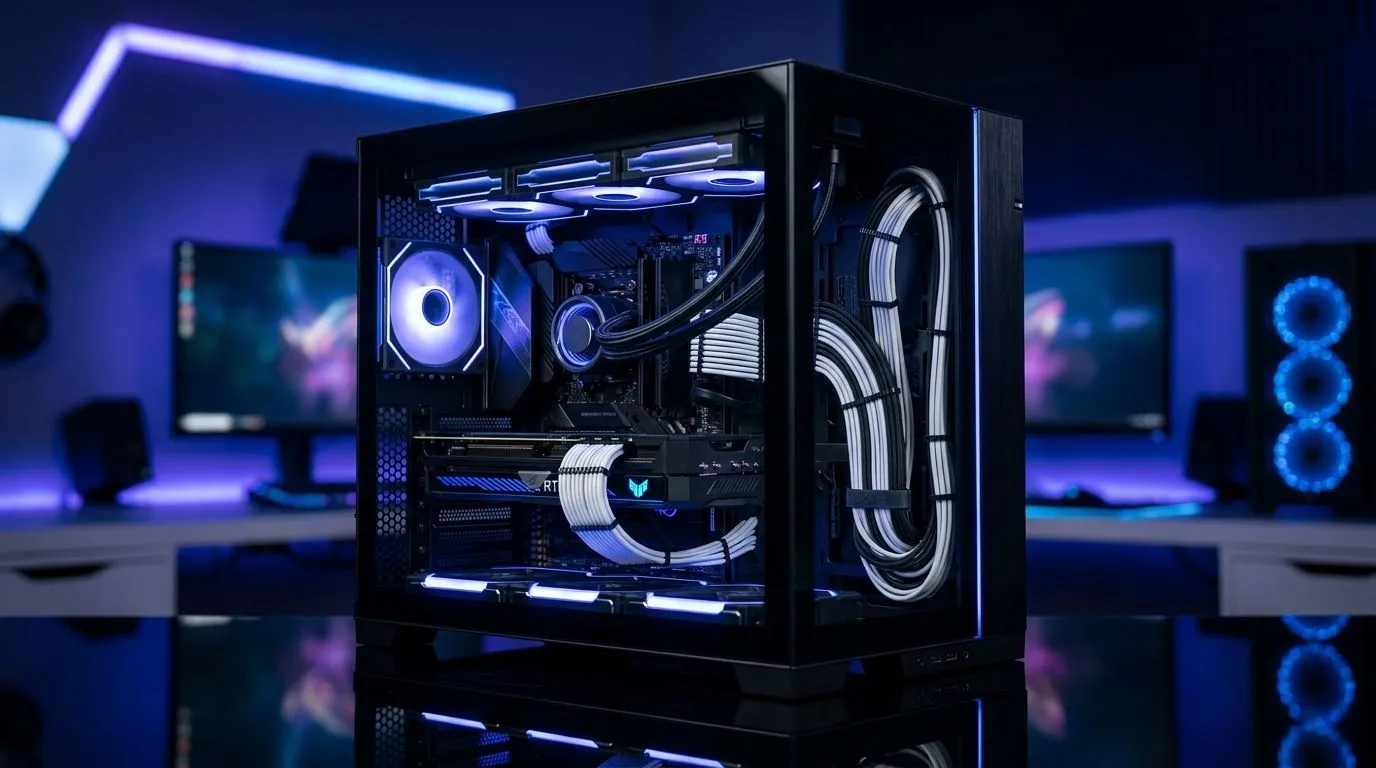
The Secret to a Pro-Level Aesthetic
We have all been there. You spend thousands of Rands on the latest GPU and a high-refresh-rate monitor, only to have your build ruined by a tangled mess of cables. Achieving a clean setup isn't just about vanity; it is about airflow and sanity. If you are tired of looking at a rat's nest, it is time to look at the latest computer cases that feature a dual-chamber design. 🔧
Why Dual-Chamber is the Gold Standard
The primary benefit of dual-chamber cases is the physical separation of components. By tucking your power supply unit (PSU) and hard drive cages behind the motherboard tray, you leave the main chamber wide open for your core hardware. This layout is perfect for showcasing your custom water-cooling loops or the vibrant RGB of your RAM.
Brands like Fractal Design have mastered this internal architecture. You can browse their premium Fractal Design PC cases to see how they prioritise both aesthetics and airflow. By removing the PSU clutter from the main airflow path, your intake fans can push cool air directly over your GPU and CPU, keeping temperatures lower during intense gaming sessions.
Master Your Cable Management
Once you have your chassis, the real work begins. Start by routing your 24-pin motherboard cable and PCIe power cables through the dedicated grommets. Don't just pull them through; use Velcro ties to bundle them tightly in the rear chamber.
Pro Cable Routing ⚡
Use the rear chamber as your dedicated "hidden" zone. If a cable doesn't need to be visible, don't force it through a grommet near the motherboard. Keep your main chamber strictly for essential connections to ensure an unobstructed look.
If you are working on a tighter budget but still want that clean look, there are excellent options available. Check out the Gamdias gaming cases for high-quality builds that don't break the bank. For those really watching their wallet, we have Gamdias cases under R1500 that still offer great cable management features to keep your setup looking sharp. ✨
Final Thoughts on Dual-Chamber Builds
A clean build is a long-term investment in your PC's health. Better airflow means less dust accumulation and more efficient cooling for your components. Taking the time to route your cables properly today will save you hours of frustration when you decide to upgrade your hardware in the future. 🚀
Ready to Find Your Perfect Match? The build process is only as good as the hardware you start with. Whether you are aiming for a high-end showcase or a budget-friendly powerhouse, we have the components you need to build a masterpiece. Explore our massive range of PC components and find the perfect chassis to conquer your world.











