

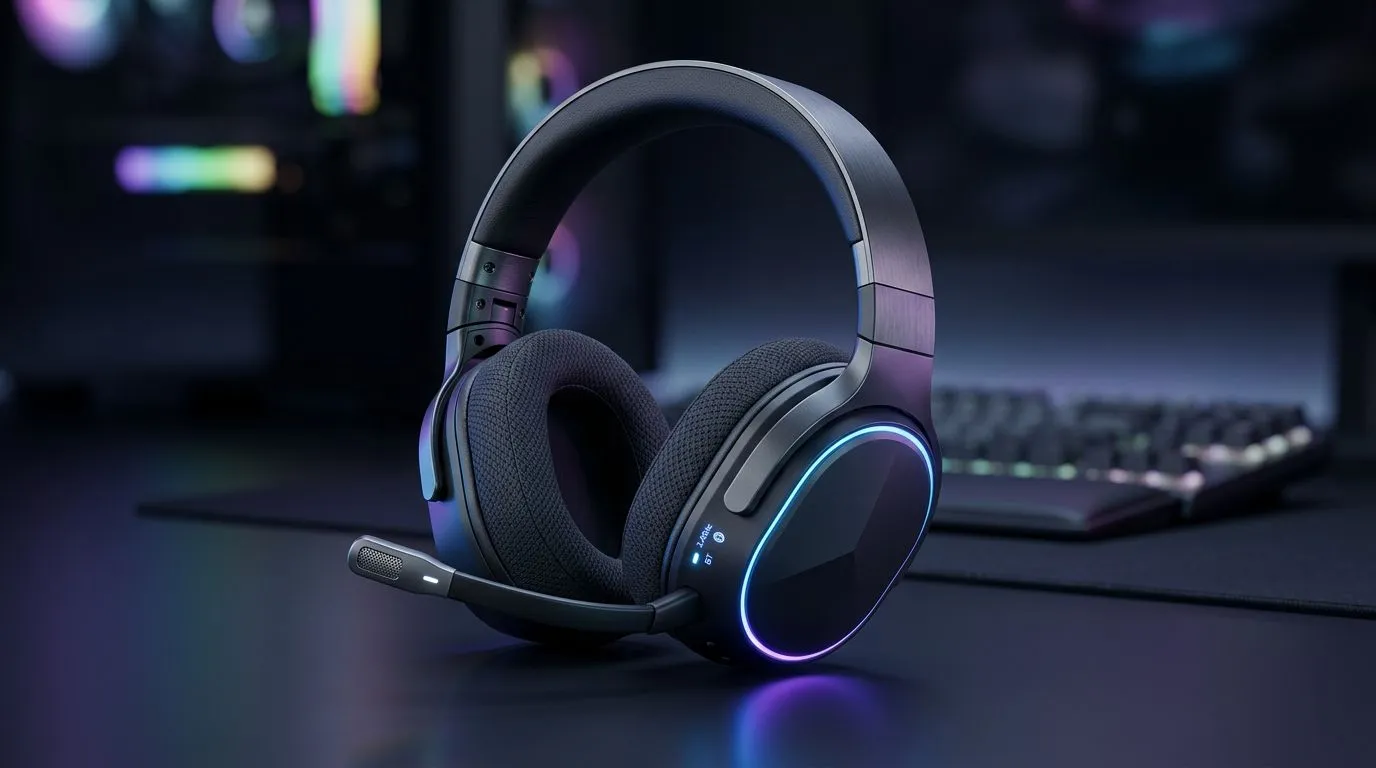
Dual Connectivity Gaming Headphones — A quick SA hook 🎧✨
South African gamers: tired of unplugging, re-pairing or juggling adapters between your PC, PlayStation and phone? Dual Connectivity Gaming Headphones promise seamless switching so you can squad up, answer a WhatsApp, then jump back into a ranked match — without missing a beat. Here’s how this tech actually helps local players, what to look for, and where to shop smart in ZAR.
Dual Connectivity Gaming Headphones — How they work and why it matters
Dual connectivity means a headset can maintain multiple active connections at once — for example a low-latency 2.4GHz wireless link to a PC or console plus Bluetooth to your phone. That lets you hear party chat and phone calls simultaneously, or switch audio sources with a button press. For real-world testing and product details, check the Razer Barracuda X Chroma listing on Evetech which outlines wireless and multi-platform support. (See the product page for compatibility specifics: https://www.evetech.co.za/razer-barracuda-x-chroma-wireless-headset-phantom-white/best-deal/24367)
Dual Connectivity Gaming Headphones — Sound tech and features to prioritise 🔧
When comparing headsets, prioritise these features:
- Multi-device pairing and easy switching.
- Low-latency modes or 2.4GHz dongles for competitive play.
- Comfortable clamping force and breathable ear cups for long LANs.
- Decent mic quality with noise suppression for clear comms.
If you want a quick browse of compatible Razer models and alternatives, Evetech’s Razer headsets range is a solid place to start: https://www.evetech.co.za/PC-Components/razer-headphones-headsets-105. For a wider selection across brands and price points, see Evetech’s headphones and headsets category: https://www.evetech.co.za/components/headphone-headsets-100.
Quick Setup Tip ⚡
Want the lowest audio lag on PC or console? Use the supplied 2.4GHz USB dongle when gaming competitively, and keep Bluetooth for phone calls and music. It’s the fastest way to enjoy both worlds without digging through settings.
Dual Connectivity Gaming Headphones — Buying advice for South Africans
Budgeting in ZAR helps. Look at total value: warranty, local support, and compatibility with gear you already own. If you stream or produce content, a detachable mic with a pop filter is worth the extra rand. Many Evetech listings include local warranty details so you can buy with confidence.
A short micro-story: a Cape Town streamer I know switched to a dual-connect headset so she could monitor chat on her phone without dropping from party chat mid-stream. The result: fewer awkward pauses, more engagement, and less tech fiddling. Small QoL wins like that compound.
Dual Connectivity Gaming Headphones — Final checklist before you buy
- Confirm platform compatibility (PC, PS5, Xbox, Switch, mobile).
- Test comfort for 2+ hour sessions.
- Verify whether the headset supports both simultaneous audio streams or simple quick-switching.
- Check local stock and return policy on Evetech to avoid shipping delays or customs surprises.
Dual Connectivity Gaming Headphones — Beyond the specs 🚀
Dual connectivity is about convenience and maintaining focus. For competitive players it’s the low-latency link that matters. For content creators it’s the ability to monitor multiple sources. Either way, the right headset reduces friction and keeps you in the moment.
Ready to Find Your Perfect Match? The Mac vs Windows debate is complex, but for maximum power, choice, and value in South Africa, Windows is hard to beat. Explore our massive range of laptop specials and find the perfect machine to conquer your world.











