

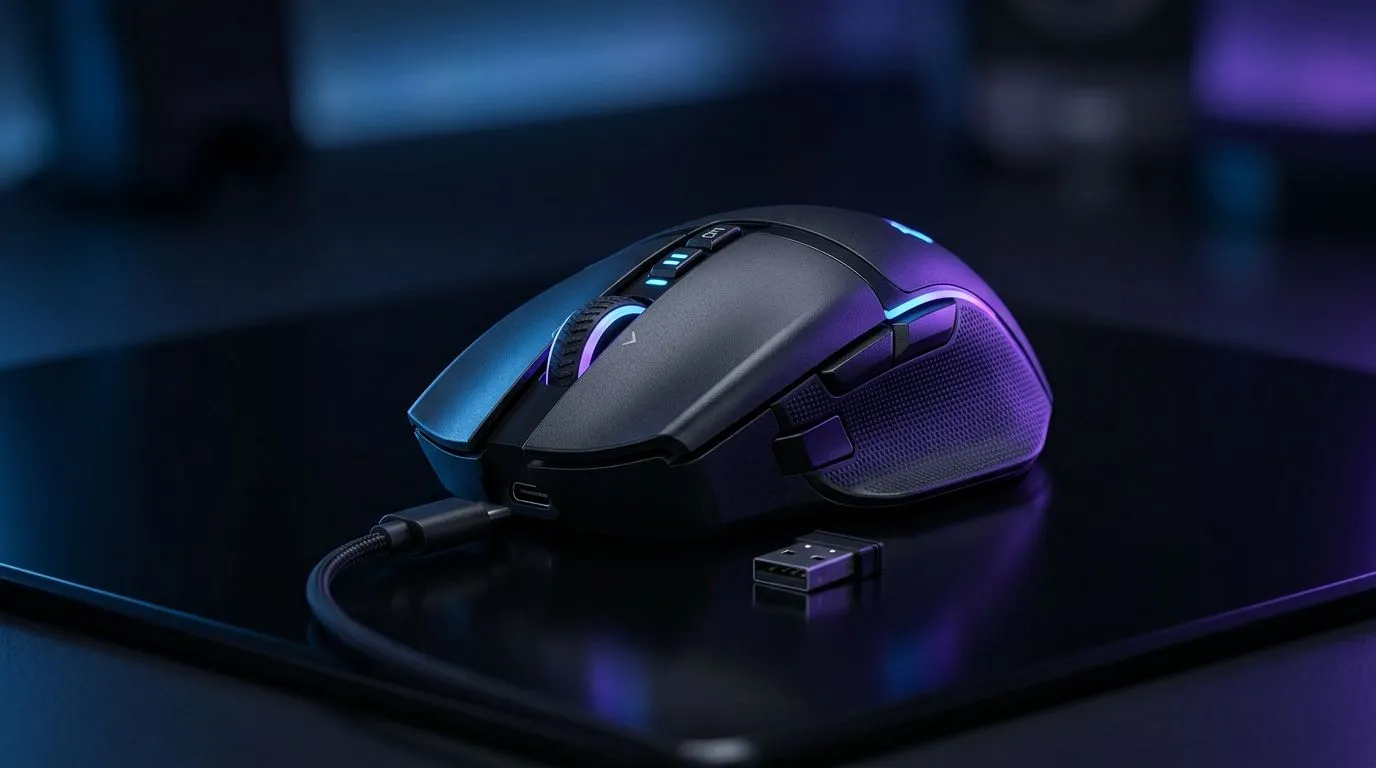
Dual Connectivity Gaming Mouse Setup: Key Features That Matter for South African Gamers
If you play on PC after work, then switch to a console session at the weekend, your mouse should keep up… not fight you. A dual connectivity gaming mouse setup lets you bounce between wired reliability and wireless convenience with less hassle. That means fewer connection fails, faster reaction times when it counts, and a desk that stays tidy. ⚡
The trick is knowing which features actually matter when you’re buying in South Africa, not just reading flashy marketing.
Dual Connectivity Gaming Mouse Setup: Key Features That Matter for a Smooth Switch
Wired mode: consistency when every millimetre counts
Wired still wins for “set it and forget it” stability. There’s no battery to think about and no wireless signal to compete with your router. If you want to optimise for competitive aim, start here, then layer in wireless once your settings feel right. 🔧
Browse our wired options here: wired gaming mice and accessories at Evetech.
Wireless mode: freedom without the cable drag
Wireless is great for couch play, portable LAN nights, and clean cable management. But don’t treat it like magic. You still need consistent connection and solid battery life. When you’re setting up a dual mouse, test wireless at the same distance you actually game at, not across the room.
If you’re shopping wireless now, start with: wireless gaming mice at Evetech.
Dual setup reality: you need both modes working flawlessly
A true dual connectivity gaming mouse setup should let you switch without losing your core settings. That usually means on-board profiles and reliable DPI steps, not just a “pair once” promise.
For the wider ecosystem of mouse accessories, have a look here: mouse accessories at Evetech.
Dual Connectivity Gaming Mouse Setup: Key Features That Matter for Better Aim & Less Frustration
DPI control and sensor tracking you can trust
Higher DPI isn’t automatically better. What matters is how smooth the sensor feels at your real sensitivity. For most players, stable tracking and predictable movement at medium DPI wins.
Also, check whether the mouse supports the DPI + polling settings you’ll actually use during matches. A mouse that can do 2,000 DPI but only “feels” right on one connection mode is a compromise.
Polling rate and responsiveness
If you play fast FPS titles, polling rate is the difference between “fine” and “snappy”. Dual connectivity only helps if both modes offer comparable responsiveness. When comparing models, use the specs on the product page and decide based on what the mouse delivers on wired and wireless.
If you want deal-fuelled options in one place, check: best gaming mouse deals at Evetech.
On-board profiles: your settings travel with you ✨
Switching computers should not mean remapping everything. Look for on-board memory so your bindings and sensitivity persist across devices. This is especially important if you game on both a desktop and a laptop.
Dual Connectivity Gaming Mouse Setup: Key Features That Matter in Your Real Desk Setup
Cable management and USB ports
Try this before you buy more gear: plug the wireless receiver into a USB port that is close and unobstructed. Avoid front-panel ports on dusty cases if your signal is unstable.
Productivity Pro Tip ⚡
On Windows, use the PowerToys FancyZones utility to create custom snap layouts for your windows. It's a lifesaver for managing multiple apps on an ultrawide monitor, letting you organise your timeline, preview window, and asset folders perfectly for video editing.
Test like you actually game
Do a quick 10-minute routine:
- Run your aim practice on wired first.
- Switch to wireless.
- Keep the same DPI and sensitivity in-game.
- Note any “float” or overshoot.
If wireless feels different, adjust the CPI/DPI and check receiver placement rather than blaming your rank instantly.
Dual Connectivity Gaming Mouse Setup: Key Features That Matter for Choosing Your Next Mouse (Not Just the Specs)
A dual mouse should serve your lifestyle: wired for competitive sessions, wireless for everything else. Start by deciding your primary game and movement style, then pick the connectivity mode that matches it… and verify the feature set on the product listings.
For a broad view of models and sensor/connectivity variations, start with: Evetech’s gaming mouse selection.
Ready to Find Your Perfect Match? The Mac vs Windows debate is complex, but for maximum power, choice, and value in South Africa, Windows is hard to beat. Explore our massive range of laptop specials and find the perfect machine to conquer your world.











