

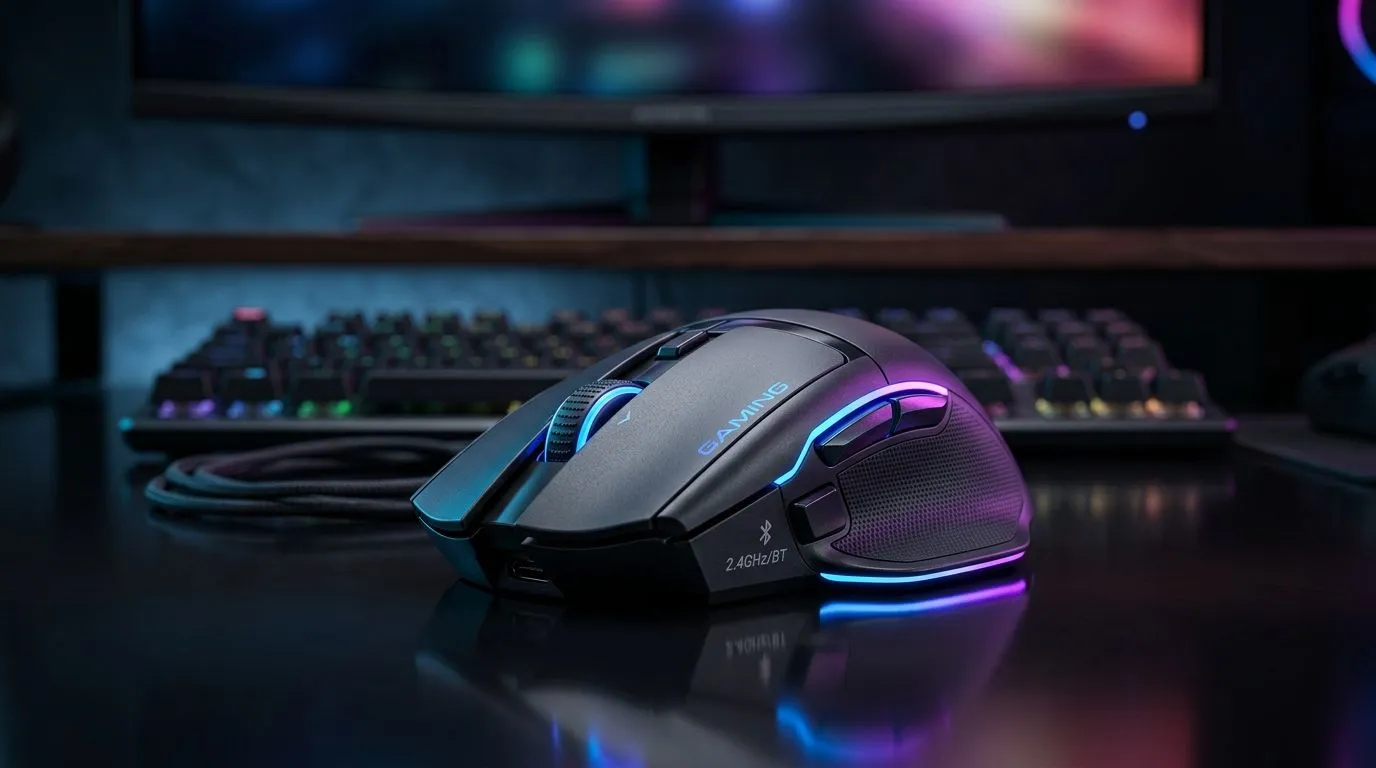
Why Choose a Dual-Mode Wireless Gaming Mouse?
South African gamers and tech enthusiasts are always hunting for gear that fits every scenario — whether it’s intense LAN sessions or casual browsing. The dual-mode wireless gaming mouse setup for 2.4GHz and Bluetooth offers unbeatable freedom. Switch seamlessly between ultra-low latency 2.4GHz for precision gaming and Bluetooth to conserve battery and connect to multiple devices. That adaptability could be exactly what your gaming setup needs ⚡.
Wireless mice give you clutter-free convenience, but knowing when to toggle modes optimises both performance and battery life. As you explore gaming mouse options, consider the range of wired mice available at Evetech too — wired still delivers zero-lag for those ultra-competitive moments.
Setting Up Your Dual-Mode Gaming Mouse on 2.4GHz and Bluetooth
Start by pairing your mouse in 2.4GHz mode using the supplied USB dongle — this gives you fast, stable connections with minimal input lag. This mode is ideal for focused gaming sessions where every millisecond counts.
When you’re switching devices or want to save power, activate Bluetooth mode. It’s perfect for casual browsing, quick office work, or connecting to tablets and laptops without USB ports. Most dual-mode mice can remember multiple paired devices, making toggling a breeze 🚀.
For detailed gaming mouse specs and compatibility, check out Evetech’s comprehensive gaming mouse components catalogue. This helps you pick mice that support both modes robustly.
Extend Your Gaming Sessions
Battery life varies, but switching to Bluetooth when not gaming can double your mouse’s uptime. Use 2.4GHz only when you need ultra-sensitive responses.
Comparing Wireless Gaming Mouse Deals in South Africa
South African buyers get the best value from Evetech’s gaming mouse deals, often priced competitively under R1000. Many include dual-mode support, ergonomic designs, and programmable buttons — essentials for modern gaming.
If you prefer pure wireless without dongles, browse the wireless mouse category at Evetech. These models typically rely on Bluetooth or proprietary connections, suited for productivity or casual gaming.
If you’re curious about accessories, don’t miss the great selection of mouse accessories. From grips to rechargeable batteries, these extras can elevate your mouse game.
Pro Tips for Optimising Your Dual-Mode Wireless Gaming Mouse Experience
- Position the 2.4GHz dongle close to your mouse to prevent signal interference 🔧.
- Use software profiles that automatically switch DPI or lighting per connection mode.
- Keep your mouse firmware updated via manufacturer tools to avoid connectivity issues.
- Regularly clean your mouse sensor and feet to maintain tracking accuracy.
Gaming is more than gear… it’s about mastering control. A dual-mode wireless gaming mouse setup gives you that edge — adaptability, performance, and convenience all rolled into one device.
Upgrade Your Setup Today Ready to experience flawless dual-mode control? Shop now at Evetech for performance that leaves lag in the dust.











