

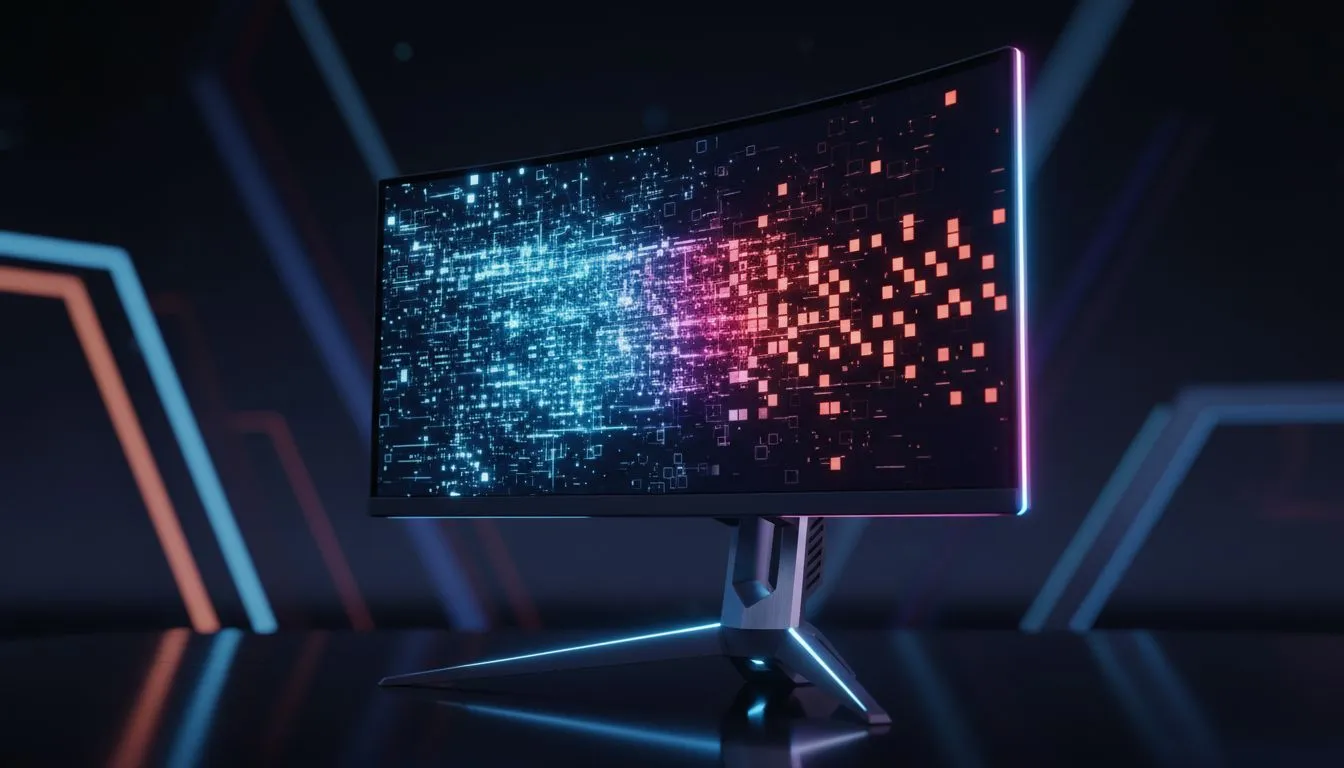
The Magic Behind a Dual-Resolution Gaming Monitor
Ever felt torn between the crisp visuals of 4K and the blistering speed of 1080p? South African gamers often have to choose between cinematic beauty or competitive frames. But with a Dual-Resolution Gaming Monitor, you do not have to pick just one. This tech allows you to switch between high resolution and ultra-fast refresh rates instantly. It is the perfect hybrid for your desk... 🚀
How Pixel Binning Powers the Switch
The secret to this tech lies in how the monitor handles pixels. In 4K mode, every pixel works independently to show fine detail. When you switch to the high-speed 1080p mode, the monitor uses a process called pixel binning. It groups four pixels together to act as one. This allows the hardware to push much higher frame rates without overheating or lagging.
If you are looking for the best clarity, browsing the full selection of PC monitors is a great starting point. Most of these high-end displays use vibrant IPS panels to ensure colours stay accurate even when you are switching between different resolution modes.
Refresh Rate Tip ⚡
When switching to high-refresh 1080p mode, ensure your DisplayPort cable is version 1.4 or higher. This ensures you have enough bandwidth to handle those insane frame rates without any signal dropouts during your matches.
Choosing Your Viewing Experience
Not every gamer wants the same setup. Some prefer the traditional look of standard flat screens for photo editing and work. Others want the wrap-around feeling of immersive curved monitors to get lost in an RPG.
A Dual-Resolution Gaming Monitor fits into both worlds. You can optimise your settings for a 4K RPG session on a Saturday morning... then switch to 480Hz for a Sunday night tournament. It is about having the right tool for every specific job. ✨
Syncing for Smooth Gameplay
Running at high refresh rates is only half the battle. You need your GPU and display to talk to each other perfectly. If you use a modern GPU, you will want to look for NVIDIA G-Sync compatibility to stop screen tearing.
Team Red fans should ensure their screen supports AMD FreeSync for the same smooth experience. Even if you are on a budget, most dual-mode screens include standard Adaptive Sync to keep your gameplay fluid. This technology ensures that whether you are at 60Hz or 480Hz, the image remains stable and tear-free. 🔧
Ready to Find Your Perfect Match? Choosing between speed and resolution used to be a compromise, but dual-resolution tech changes everything for South African gamers. Explore our massive range of gaming monitors and find the perfect display to dominate your favourite titles.











