

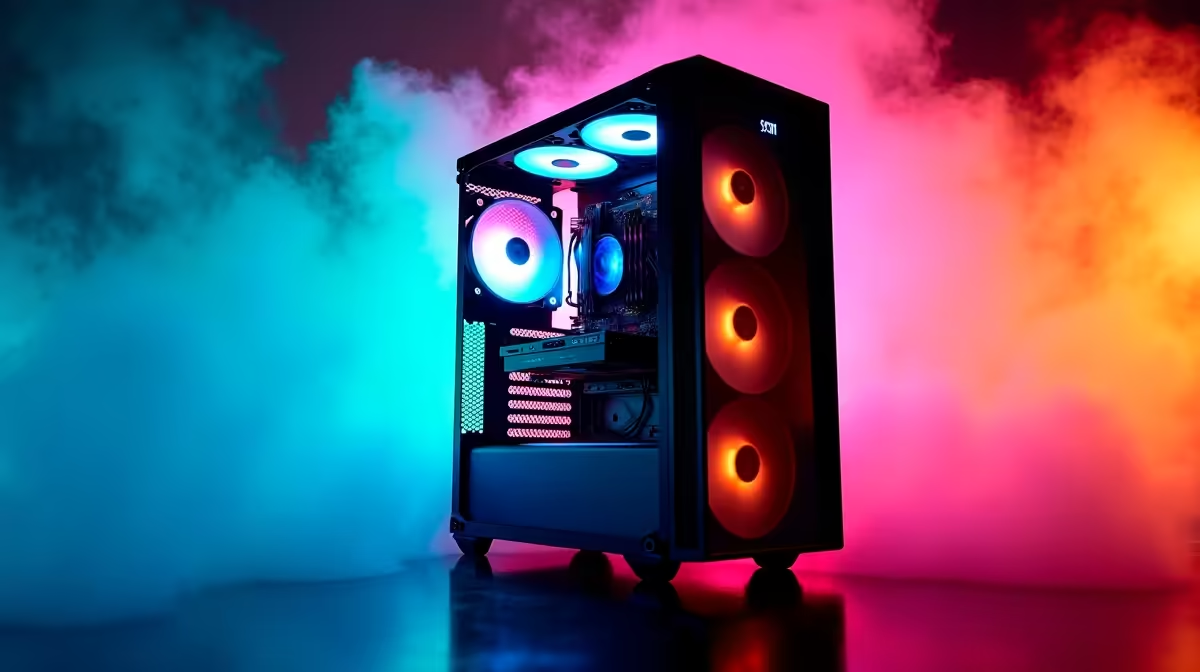
Dust is one of the most common causes of overheating and component failure in South African gaming PCs, where open windows, sandy environments, and dry Highveld conditions accelerate buildup significantly. A consistent dust management routine extends hardware lifespan, keeps thermals in check, and prevents the slow performance degradation that most gamers attribute to aging parts.
Quick Answer
What is the best dust management strategy for SA gamers? Clean your PC every 1–2 months using compressed air, replace or clean case filters regularly, and position your rig away from carpeted floors and open windows. This simple routine prevents thermal throttling and extends component life by years.
🔧 Cleaning Your PC: Tools and Technique
The most effective tool for cleaning a gaming PC is a can of compressed air or a purpose-built electric air duster. Never use a household vacuum directly on components - static discharge can kill a GPU or motherboard instantly. Instead, hold fans in place with a finger or toothpick while blasting air through them, preventing spin damage to bearings.
For a thorough clean:
- Remove side panels and use short, controlled bursts of air
- Target heatsink fins, GPU fans, CPU cooler, and case filters
- Wipe case surfaces with a slightly damp microfibre cloth after blowing dust loose
- Clean PSU vents from the outside (never open the PSU)
In dusty environments like Gauteng or coastal KZN, monthly cleaning may be necessary. In more temperate regions, every 6–8 weeks is typically sufficient.
📊 Dust Filters and Airflow Setup
Positive pressure airflow - more intake fans than exhaust - is the single most effective passive dust management strategy. When more air is pushed in than pulled out, dust is forced through filtered intake vents rather than seeping through every gap in the case.
Most mid-tower cases include magnetic or mesh filters on front and bottom intakes. Clean these filters every 2–3 weeks by rinsing under water and allowing them to fully dry before reinstalling. If your case lacks filters, aftermarket magnetic mesh filters are inexpensive and universally sized.
Case placement matters too:
- Keep the PC at least 10cm off the floor
- Avoid carpet placement - carpet fibres are notorious dust accelerators
- Position away from open windows and high-traffic areas
- If possible, use a closed cabinet with ventilation rather than open shelf placement
💡 Long-Term Maintenance Tips for SA Conditions
South African conditions present unique challenges. Dry winter air in Johannesburg creates static buildup. Coastal humidity in Cape Town and Durban promotes dust adhesion. Consider these region-specific tips:
- Dry inland areas: Anti-static sprays on carpet near your desk reduce static-related dust attraction to components
- Coastal areas: Silica gel packs inside the case (not touching components) help manage humidity that makes dust stick more aggressively to heatsinks
- All regions: Thermal paste degrades over time - if your CPU temperatures are rising even after cleaning, a repaste every 2–3 years restores full cooling performance
Monitor your temperatures using free tools like HWMonitor or MSI Afterburner. If your GPU idles above 45°C or CPU above 40°C at rest, it’s time to clean regardless of your schedule.
❓ Frequently Asked Questions
How often should I clean my gaming PC in South Africa? Every 4–6 weeks is a good baseline for most SA homes. If you have pets, live near construction sites, or keep windows open frequently, increase cleaning frequency to every 3–4 weeks.
Can I use a normal vacuum cleaner on my PC? No - standard vacuums generate static electricity that can instantly destroy sensitive components. Use compressed air cans or an electric air duster designed for electronics. A soft brush can help dislodge stubborn buildup before blowing.
Does dust cause permanent damage to PC components? Unmanaged dust buildup causes thermal throttling first, then sustained high temperatures that shorten component lifespan significantly. GPU and CPU lifespans can be halved by consistently running 20–30°C above their optimal temperature range.
Evetech stocks Graphics Card Deals and Evetech Best Sellers — shop online with fast delivery across South Africa.
Ready to Find Your Perfect Match? Shop at Evetech











