

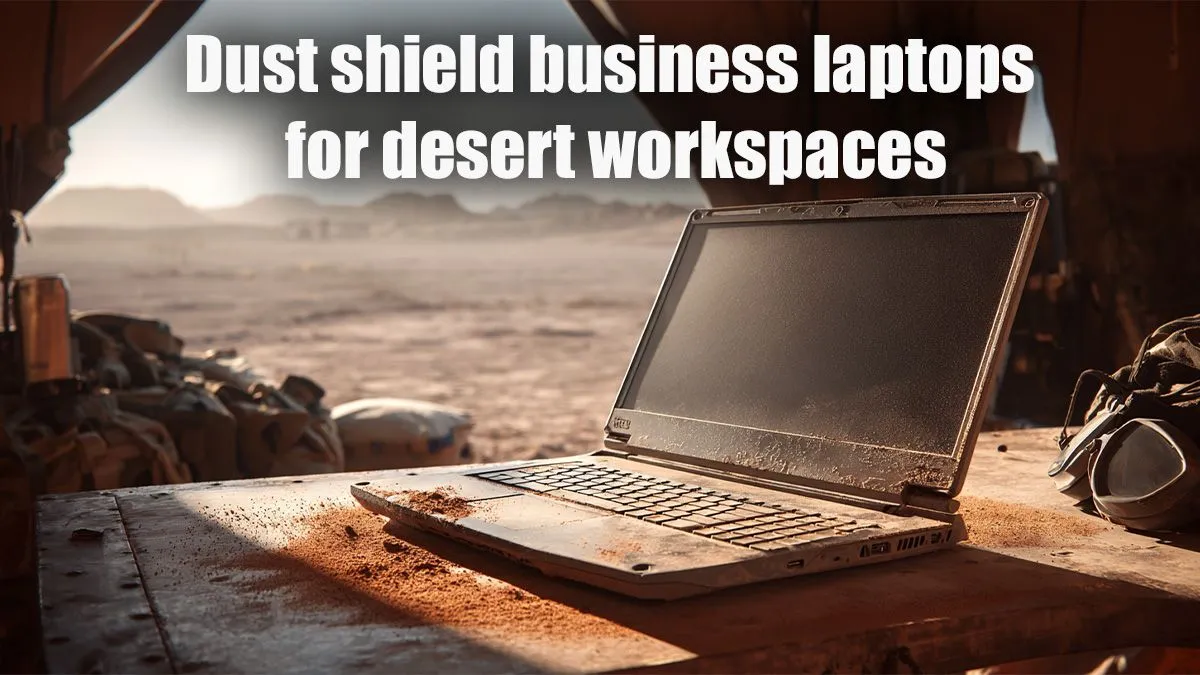
South Africa’s vast landscapes are breathtaking, but for businesses operating in dusty environments—think mining, agriculture, or remote construction sites—they pose a real threat to essential tech. Your business laptop isn't just a tool; it's your lifeline. Without proper protection, fine dust particles can quickly turn a productive workday into a costly repair. Let's explore how to safeguard your investment and find the best dust shields for business laptops in desert workspaces.
Why Dust is the Silent Killer for Your Business Laptop 🏜️
Imagine microscopic grains of sand, propelled by a dry Karoo wind, infiltrating every crevice of your laptop. Dust isn't merely a nuisance; it's an insidious destroyer. It clogs cooling fans, causing overheating and throttling, which reduces performance and shortens component lifespan. It can short-circuit delicate electronics, wear down moving parts like hinges, and even obscure your screen or jam your keyboard. For businesses reliant on uninterrupted operation in challenging conditions, understanding this threat is the first step towards effective protection. Investing in the right defence is paramount for any company deploying tech in South Africa's arid or high-dust zones.
Choosing the Best Dust Shields for Business Laptops
When selecting dust protection for your workhorse laptop, it's not a one-size-fits-all solution. You need shields designed to withstand the unique rigours of a desert workspace.
Key Considerations for Effective Dust Protection:
- Material Durability: Look for robust, tear-resistant materials like high-grade silicone, neoprene, or durable plastic. They should be easy to clean and able to withstand daily wear and tear.
- Precision Fit: A loose cover is as good as no cover. The best dust shields for business laptops offer a snug, custom fit, sealing off ports, keyboards, and vents without hindering functionality or access to essential connections.
- Accessibility: Can you still use your laptop effectively with the shield in place? Some solutions are for transport only, while others, like keyboard covers, allow for continued use.
- Portability: If your team is constantly on the move, the shield needs to be lightweight and easy to apply and remove.
Solutions range from full-body covers that encase the entire laptop during transport to dedicated keyboard protectors and port plugs. For those needing to work directly in the dustiest conditions, a robust, transparent keyboard skin can prevent ingress while maintaining typing functionality.
Pro Tip: Airflow is Key
Even with a dust shield, ensure your laptop has proper ventilation. Avoid placing it directly on soft surfaces like blankets or carpets, which can restrict airflow and trap heat, accelerating dust build-up inside.
Beyond the Shield: Laptops Built for Tough Environments
While external shields are crucial, the laptop itself plays a role. Many modern business laptops, and even some robust gaming machines, are designed with better internal dust resistance. Look for features like:
- Sealed Keyboards: These prevent dust and spills from entering the chassis.
- Enhanced Cooling Systems: Laptops with larger fans and more efficient heat sinks can better cope with dust-clogged environments, though regular cleaning is still essential.
- Ruggedised Chassis: While not strictly dust shields, a durable build quality means components are less likely to be dislodged or damaged by environmental factors.
When considering a new machine for your field team, think about models that offer a blend of performance and resilience. Many powerful machines, often found in our gaming laptop deals, are built with superior cooling and durable chassis that can handle demanding work in less-than-ideal conditions. For a wide selection, explore Evetech’s latest laptop specials, offering options from various brands.
Daily Habits for Dust-Free Performance ✨
Even the best dust shields for business laptops need support from good practices.
- Regular Cleaning: Use compressed air (carefully, in short bursts) to clear vents and ports. A microfibre cloth can wipe down surfaces.
- Strategic Placement: Wherever possible, keep laptops off the ground and away from direct wind or high-traffic areas where dust is constantly stirred up.
- Proper Storage: When not in use, always store your laptop in its protective shield or a dedicated bag, especially overnight or during transport.
- Consider an Air Blower: For persistent dust, a small, electric air blower can be more effective and environmentally friendly than canned air.
Whether you prefer the raw processing power of an AMD-powered laptop or the proven reliability of an Intel-based system, consistent maintenance ensures your investment goes further.
Invest in Longevity: Protect Your Business Laptop
In South Africa's challenging operational environments, neglecting laptop protection isn't just a risk; it's a guaranteed path to premature hardware failure and productivity loss. By choosing the right dust shields and adopting smart maintenance routines, you empower your business to thrive, ensuring your critical technology remains reliable, day in and day out. Don't let dust dictate your downtime.
Equip Your Business for Success Safeguard your operations and extend the life of your essential tech. Browse our extensive range of durable laptops and protective accessories today. Shop now at Evetech for performance that leaves dust in the past.











