

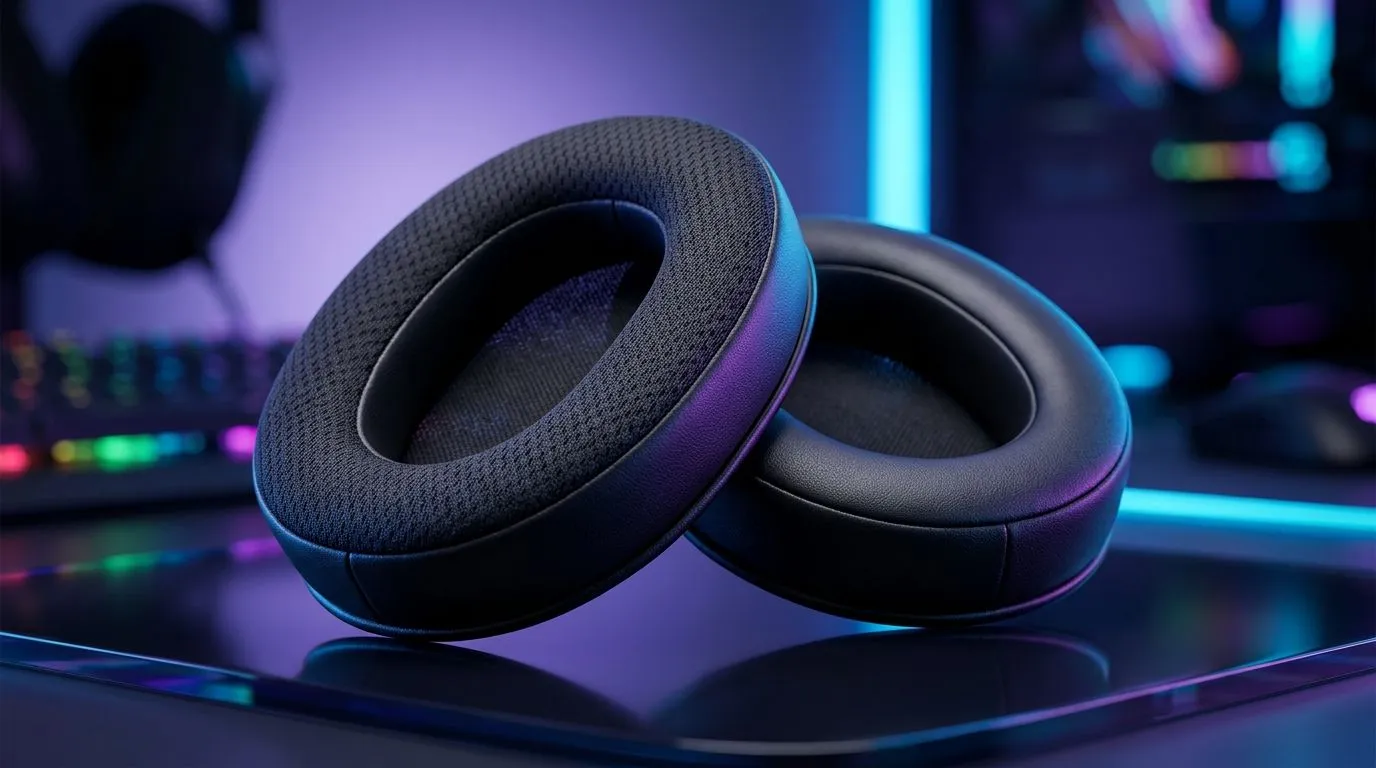
How to Stop Ear Sweat During Long Gaming Sessions (and Keep Comfort All Match) 🎧
Ever finish a raid, headshot run, or ranked grind… only to peel off sweaty ear pads? In South Africa’s warmer months, it’s even more common. And once your headset gets damp, it starts to feel “itchy”, muffled, and downright distracting. The good news? Ear sweat is manageable. With the right headset choice, cleaning rhythm, and a few setup tweaks, you can stay comfortable for long sessions and protect your hearing too.
How to Stop Ear Sweat During Long Gaming Sessions: Start With the Right Headset Choice ✨
Not every headset is built for hours of heat. Look for designs that reduce trapping warmth: breathable pad materials, airflow-friendly construction, and a lightweight clamp that doesn’t force extra heat to build up. If you’re considering an upgrade, Evetech carries Razer headsets you can explore here:
- Check out the Razer Barracuda X Chroma Wireless Headset (Phantom White) deals on Evetech: Razer Barracuda X Chroma Wireless Headset deal
- Browse options across Razer headphones and headsets at Evetech: Razer headphones & headsets range
- Compare across headphone headsets categories and styles: Headphone & headset collection
A practical fit test (takes 30 seconds) 🔧
Before you buy or after you adjust your current headset, do this: wear it for 5 minutes, then remove it. If your ears feel hot immediately or you see heavy sweat marks on the pads, you’ll likely struggle during longer sessions. Aim for secure, not tight. Tightness increases heat and friction.
How to Stop Ear Sweat During Long Gaming Sessions: Clean, Dry, Repeat ⚡
Even the best headset can trap moisture if you never reset it. Sweat contains salt and oils that build up on pads and can affect comfort and sound clarity over time.
Simple maintenance routine:
- After each session: remove the headset and let the pads air out for 10–15 minutes.
- Weekly: wipe pads with a lightly damp cloth (never soak). Use a dry cloth right after.
- Deep clean monthly: follow the manufacturer’s guidance for your model. If you’re unsure, avoid harsh chemicals. Residue can irritate skin.
If your pads are removable, washing them (only if the manual allows it) can make a noticeable difference.
Comfort Pro Tip ⚡
On longer sessions, keep a small microfibre cloth nearby and do a quick pad wipe every 60–90 minutes. It prevents sweat from soaking into the material and helps your pads stay fresh, which is especially helpful during warm SA gaming nights.
How to Stop Ear Sweat During Long Gaming Sessions: Fix Your Setup (Not Just Your Headset) 🚀
Your room and your airflow matter. Even small changes can cut sweat buildup.
- Reduce heat near the desk: if possible, aim a fan at your workspace (not directly into your microphone).
- Take micro-breaks: a 60-second break every hour helps your skin cool down and reduces moisture transfer.
- Wear the right under-layer: skip heavy beanies and thick headbands in summer. If you use one, choose breathable fabric.
Micro-story: the “silent change” that worked
One friend I play with swapped from a tight, foam-heavy fit to a more breathable pad style. No flashy FPS settings… just comfort. Within a week, he stopped “rubbing” his ears during matches, and his focus improved because he wasn’t constantly adjusting the headset.
How to Stop Ear Sweat During Long Gaming Sessions: Know When It’s Not Normal
If you notice ongoing irritation, redness, or a persistent itch, it may be a skin reaction to materials, detergent residue (if pads were cleaned incorrectly), or a hygiene issue. In that case, stop using the headset until the area calms down and consider replacing worn pads.
If your headset pads are old, compressed, or peeling, replacing them often helps more than any trick.
Ready to Find Your Perfect Match? When comfort matters as much as performance, the right headset helps you game longer, sweat less, and stay focused. Explore our massive range of Razer and gaming headsets on Evetech and pick a model that fits your sessions. Shop the latest laptop and gaming tech deals today.











